The Next New Thing
Own your stack.
Free is nice.
Making money with it is better.
Timestamps and links below.
1 of 10
Mixpanel vs PostHog
01 / 10MixpanelvsPostHog
Mixpanel
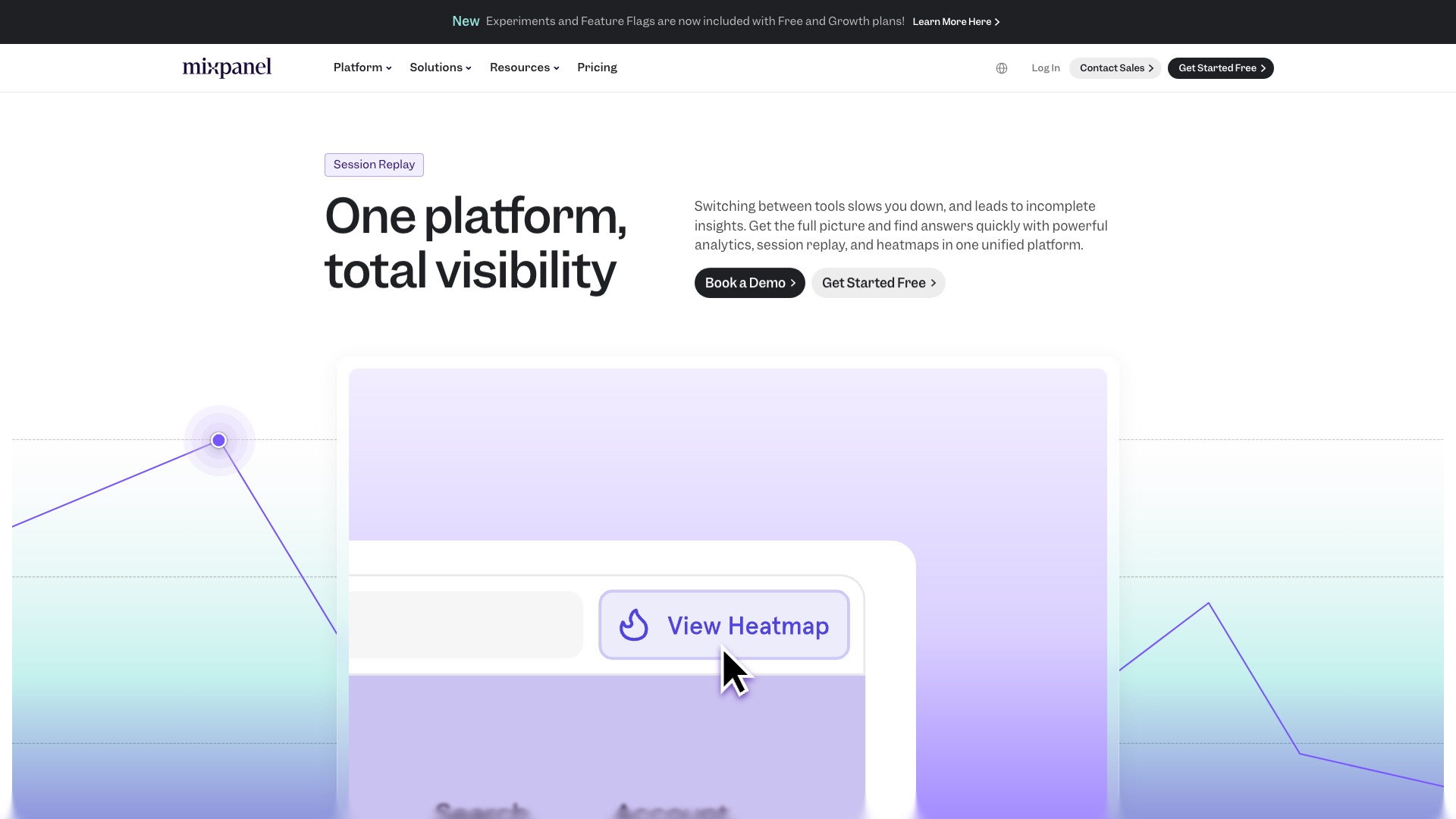
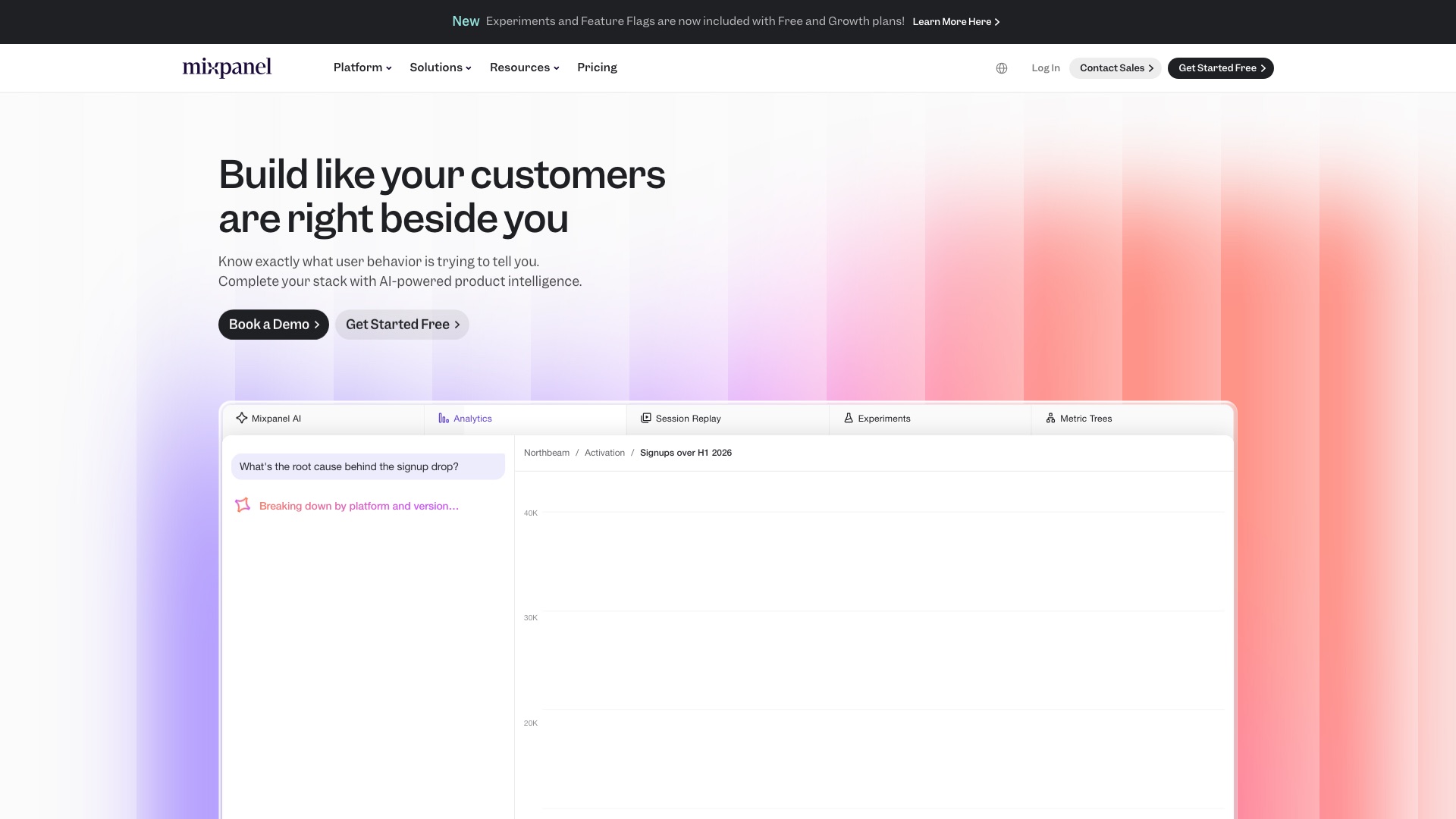
Mixpanel is a hugely popular product analytics tool.
01 / 10MixpanelvsPostHog
Mixpanel
But:
Mixpanel holds every click your customers make. Every signup. Every drop-off.
Your funnels, your cohorts, your years of history all live on their servers.
And the bill grows every time your product gets more popular.
01 / 10MixpanelvsPostHog
Mixpanel
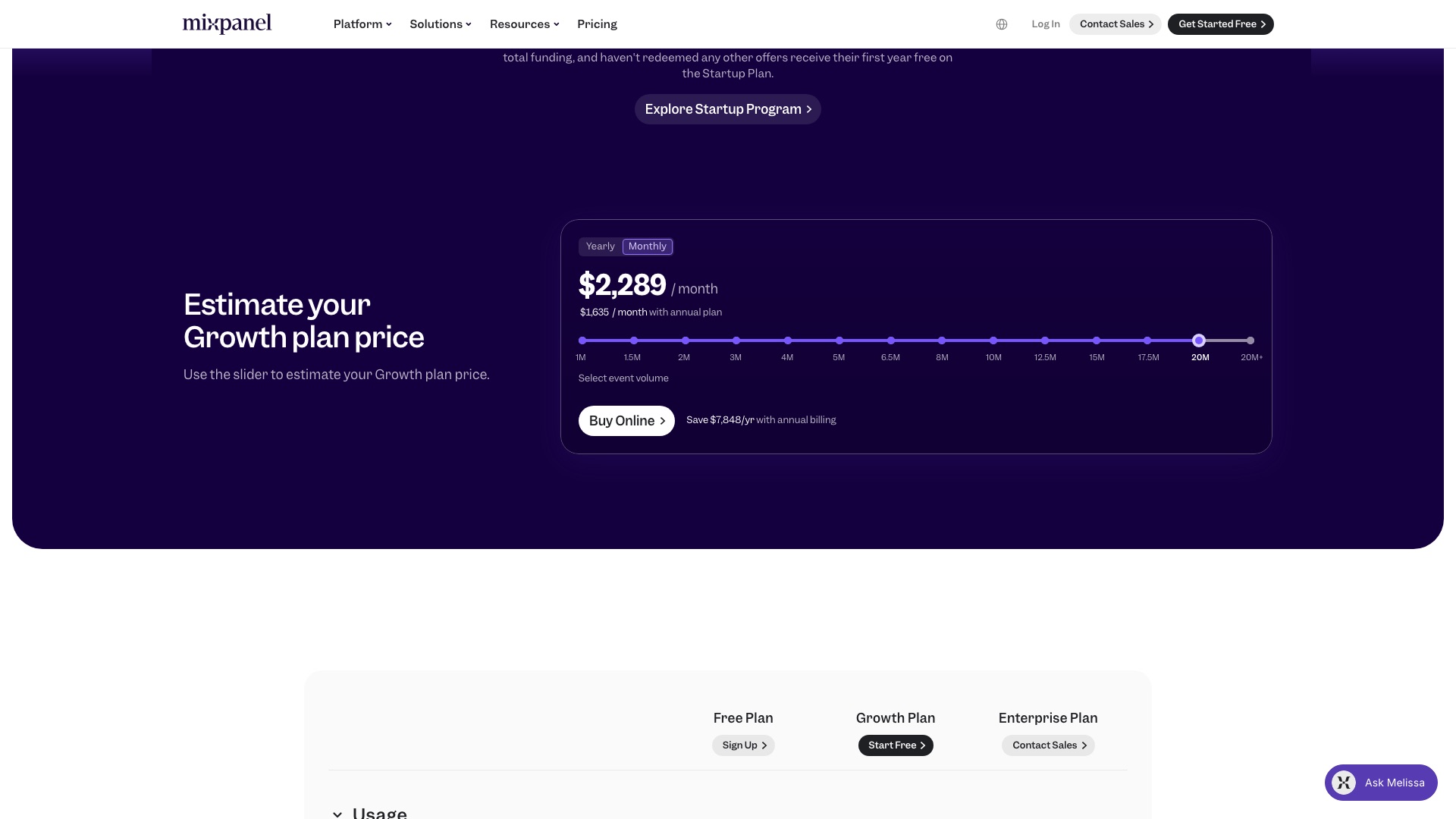
Mixpanel Growth at 20 million events a month is $1,635 a month, billed annually.
01 / 10MixpanelvsPostHog
PostHog
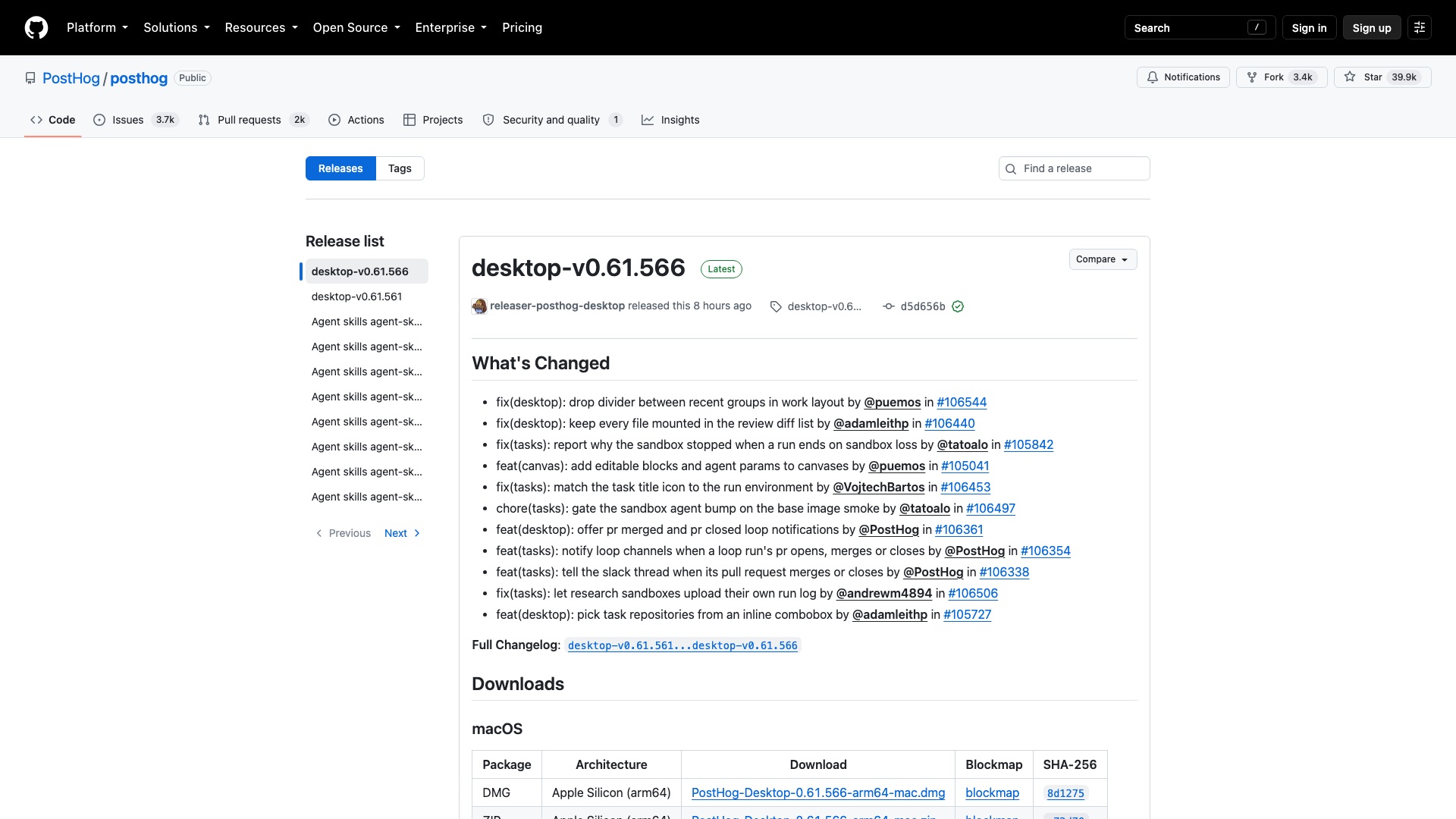
Then a team built the open source version of the whole product toolkit.
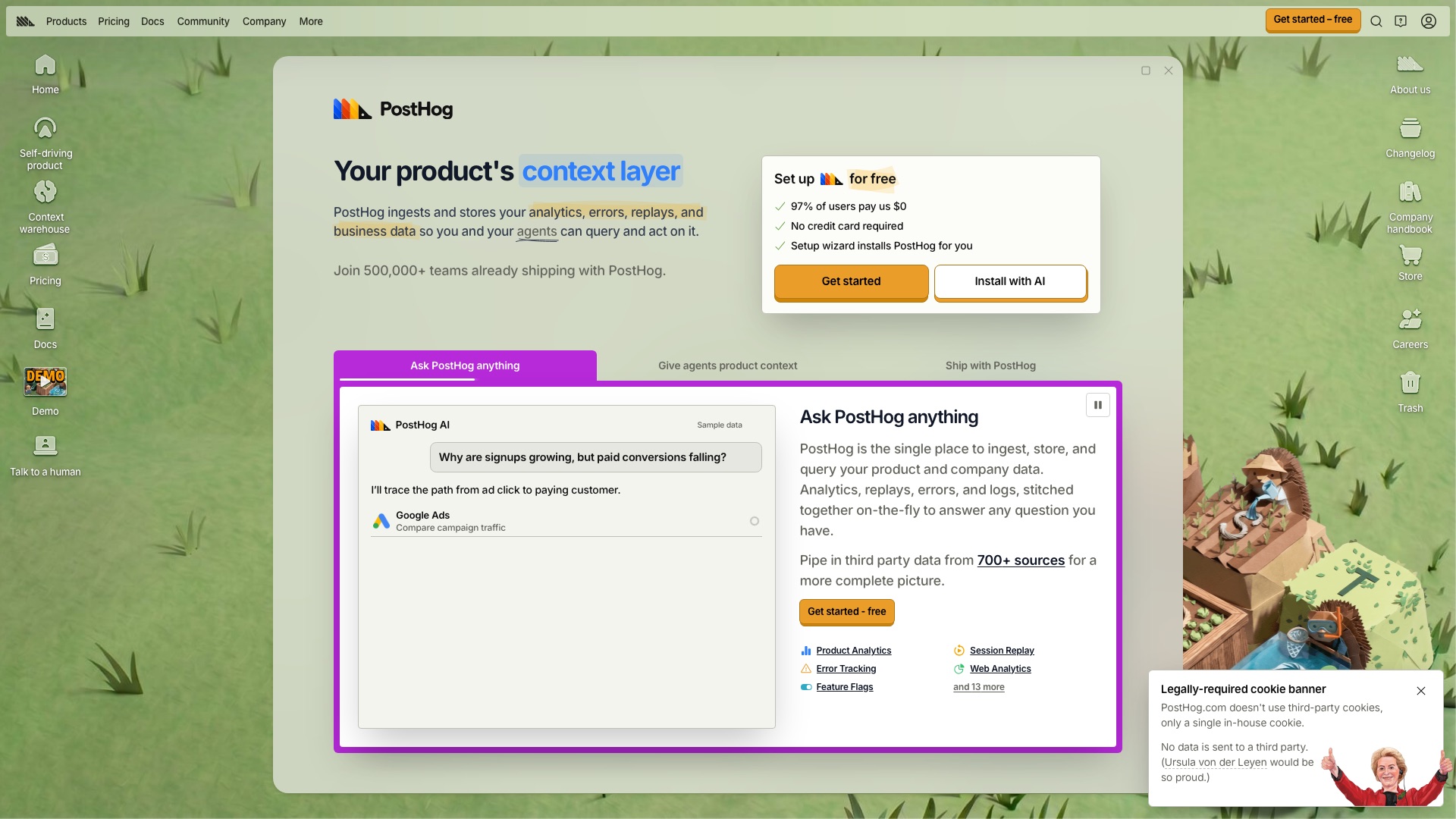
PostHog is the open source product analytics platform you can host yourself.
01 / 10MixpanelvsPostHog
PostHog
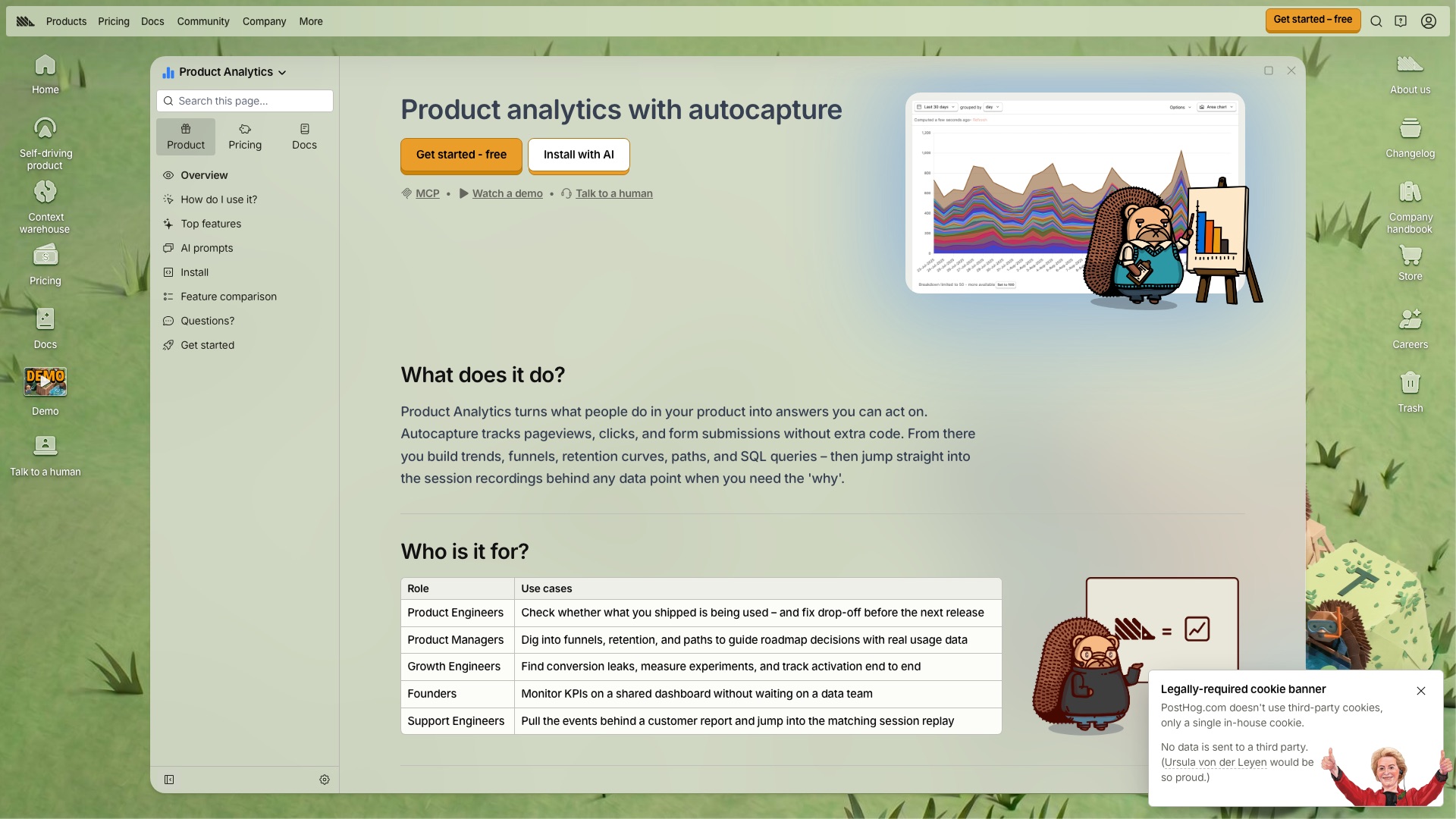
Now here is the part that actually matters. It is not just charts. You see the number drop, then you click and watch the real person's session. Same place. Then you flip a feature on for ten percent of users, or run a test, or ask a survey. Mixpanel now does some of this too. But PostHog was built as one box for all of it, and 97 percent of its users pay nothing.
01 / 10MixpanelvsPostHog
PostHog
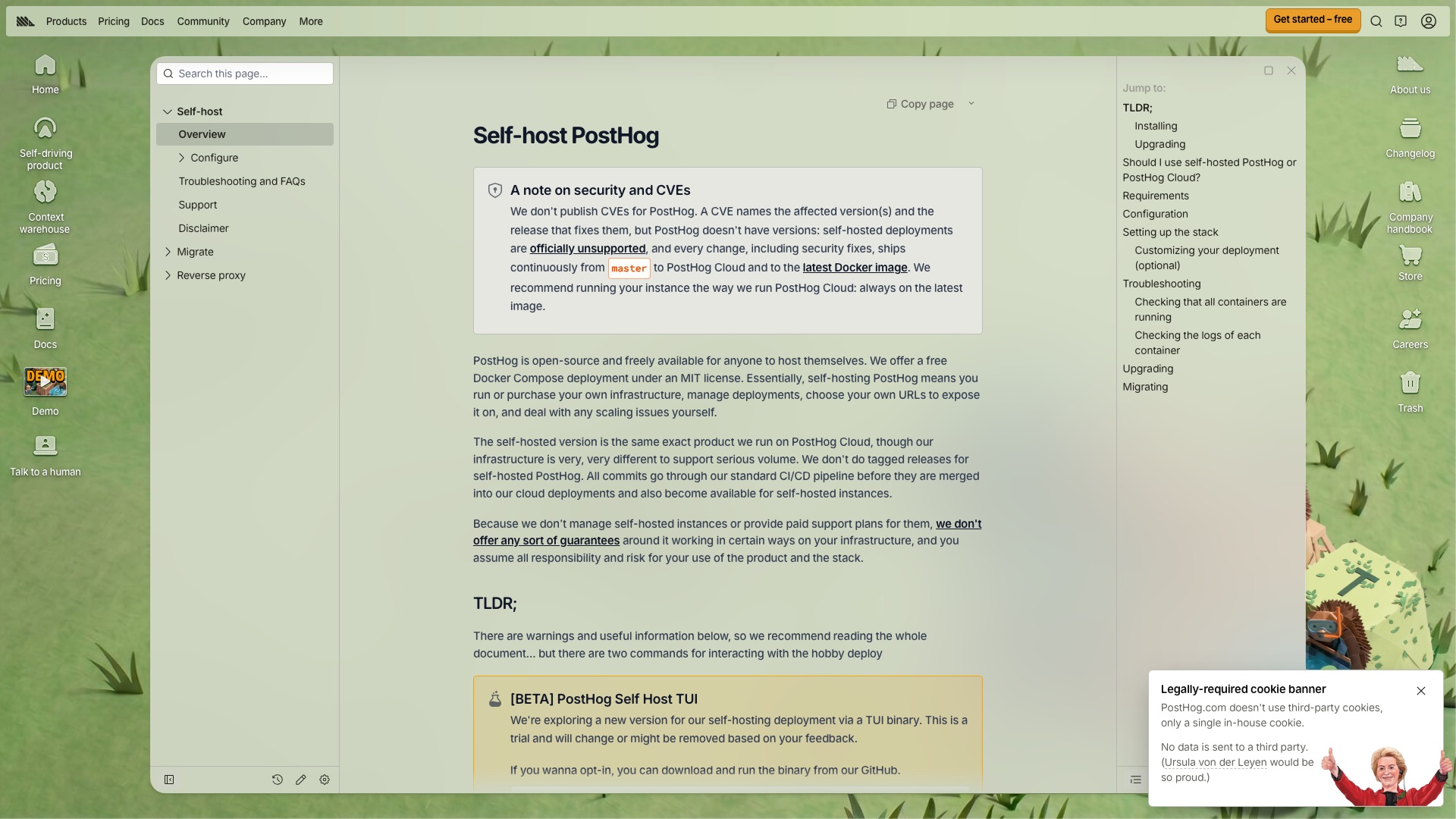
Be honest about self-hosting. PostHog says its free self-hosted version is for roughly 100,000 events a month, with no support. For bigger products, they point you to their cloud. It is free for the first million events a month, then you pay by usage.
01 / 10MixpanelvsPostHog
PostHog
Here is what PostHog ships:
- Charts, funnels, and retention that show where people drop off
- Session replays so you can watch exactly what a real user did
- Feature flags and A/B tests to roll changes out safely
- Surveys and error tracking in the same place
- An AI assistant you can ask questions about your own data
01 / 10MixpanelvsPostHog
PostHog
Worth Noticing:
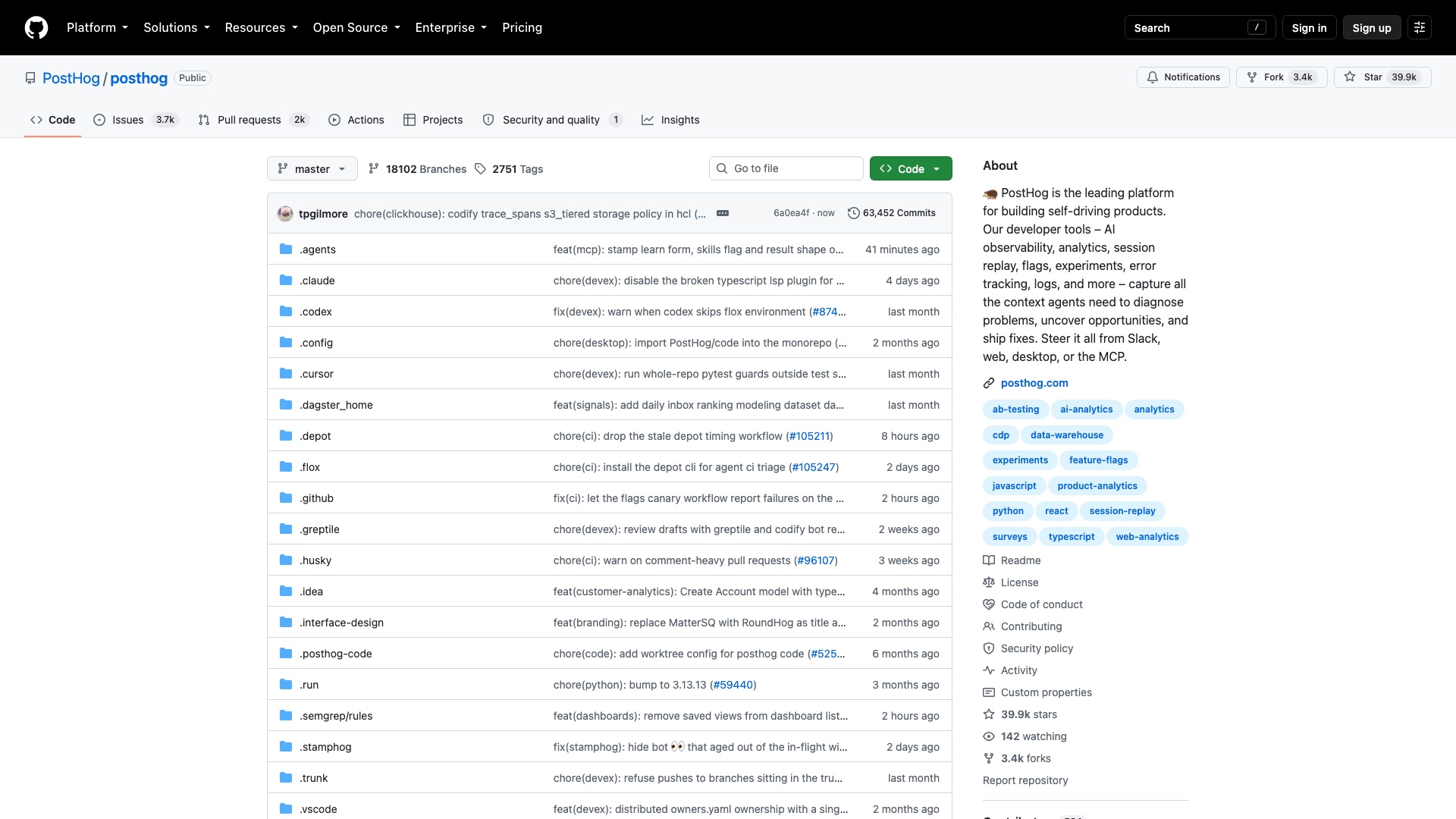
This is open-core. Almost everything is MIT, which means you can do anything with it, including sell it. But one folder, called "ee", is under PostHog's own enterprise license. Using that part in production needs a paid PostHog plan. If you want zero strings, PostHog keeps a separate copy with that folder removed. Self-hosting is for small volume. Big products end up on the cloud bill.
Your users. Your events. Your replays. Your server.
01 / 10MixpanelvsPostHog
PostHog
4 ways to make money with PostHog
01
Analytics setup for Shopify brands
Online stores pay you to wire up PostHog, build a checkout funnel dashboard, and review the session replays of abandoned carts every month. A realistic anchor is $1,500 setup plus $300 a month for the monthly "here is where you lost sales" report.
02
Private analytics for health clinics
Host the fully open source edition of PostHog on your own servers and sell it to small clinics (dental, physio, med spas) that don't want visitor data going to a big ad-tech company. Charge a flat monthly fee per clinic website, for example $99 a month, and keep each site small, since PostHog says self-hosting is meant for low volume.
03
Mixpanel-to-PostHog migrations
Early-stage software companies watching their Mixpanel bill climb pay a fixed fee to move their events, rebuild their key dashboards, and check the numbers match. A fixed project price in the $3,000 to $5,000 range fits a job that takes a week or two.
04
Dashboard and survey kits for course creators
Sell a ready-made pack for people running online courses and memberships: a student progress funnel, a "where students quit" dashboard, and churn and feedback survey templates, with a setup guide. Sell it once as a digital product, for example $149.
The license, in plain English: Everything outside the "ee" folder is MIT, which means you can use it, host it for clients, change it, and sell services on it. The "ee" folder is PostHog's own license and needs a paid PostHog plan in production. If you host it for clients, use the posthog-foss copy, which has that folder removed.
2 of 10
Shopify vs Your Next Store
02 / 10ShopifyvsYour Next Store
Shopify
Shopify is a hugely popular online store builder.
02 / 10ShopifyvsYour Next Store
Shopify
But:
Shopify is the storefront, the checkout, the customer list, and the bill.
Your theme only runs on Shopify. Your apps only run on Shopify. Take payments with anyone else and Shopify takes an extra cut of every sale.
02 / 10ShopifyvsYour Next Store
Shopify
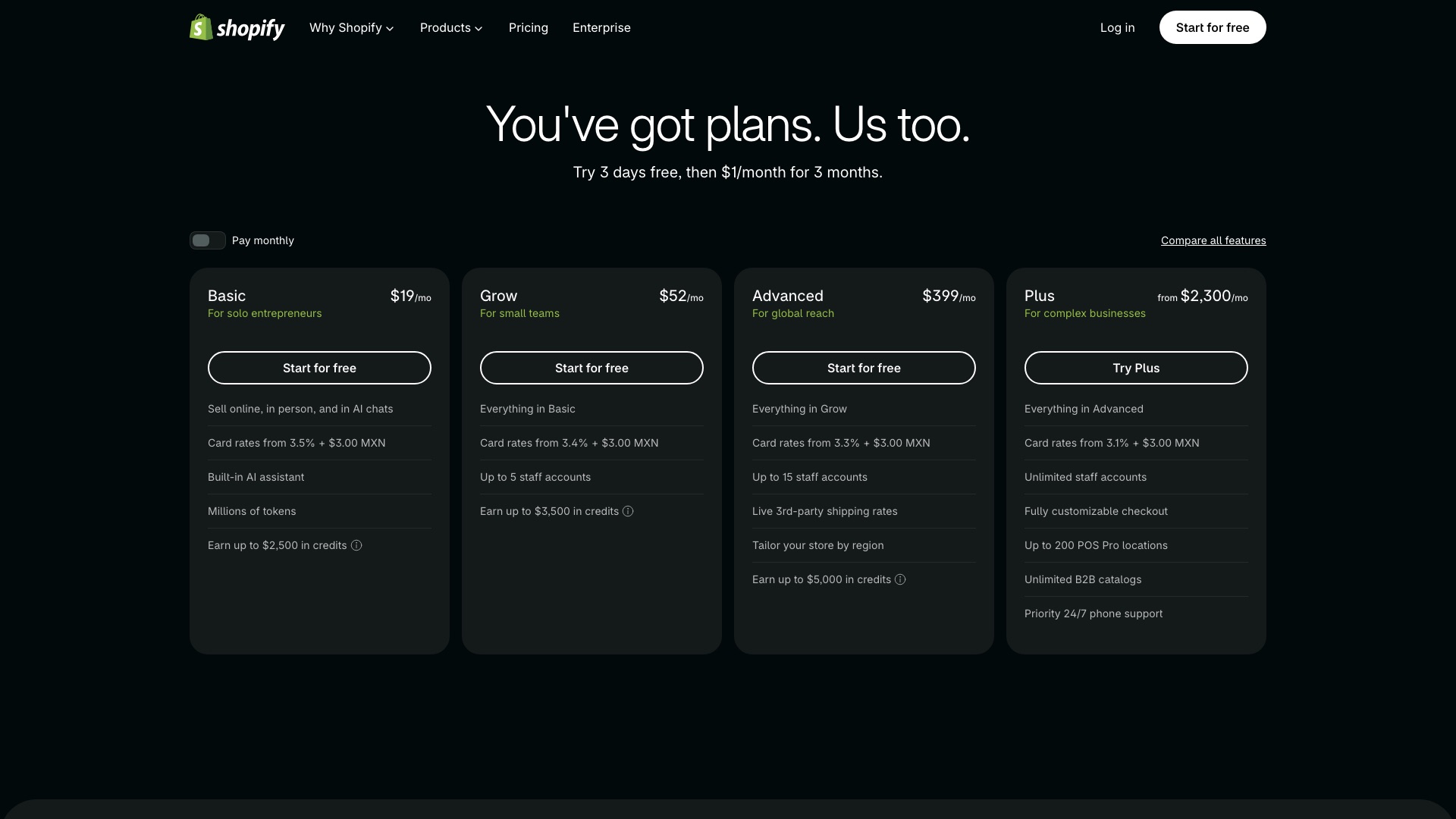
Shopify Advanced is $299 a month, billed yearly.
02 / 10ShopifyvsYour Next Store
Your Next Store
Then a small team built an open source storefront.
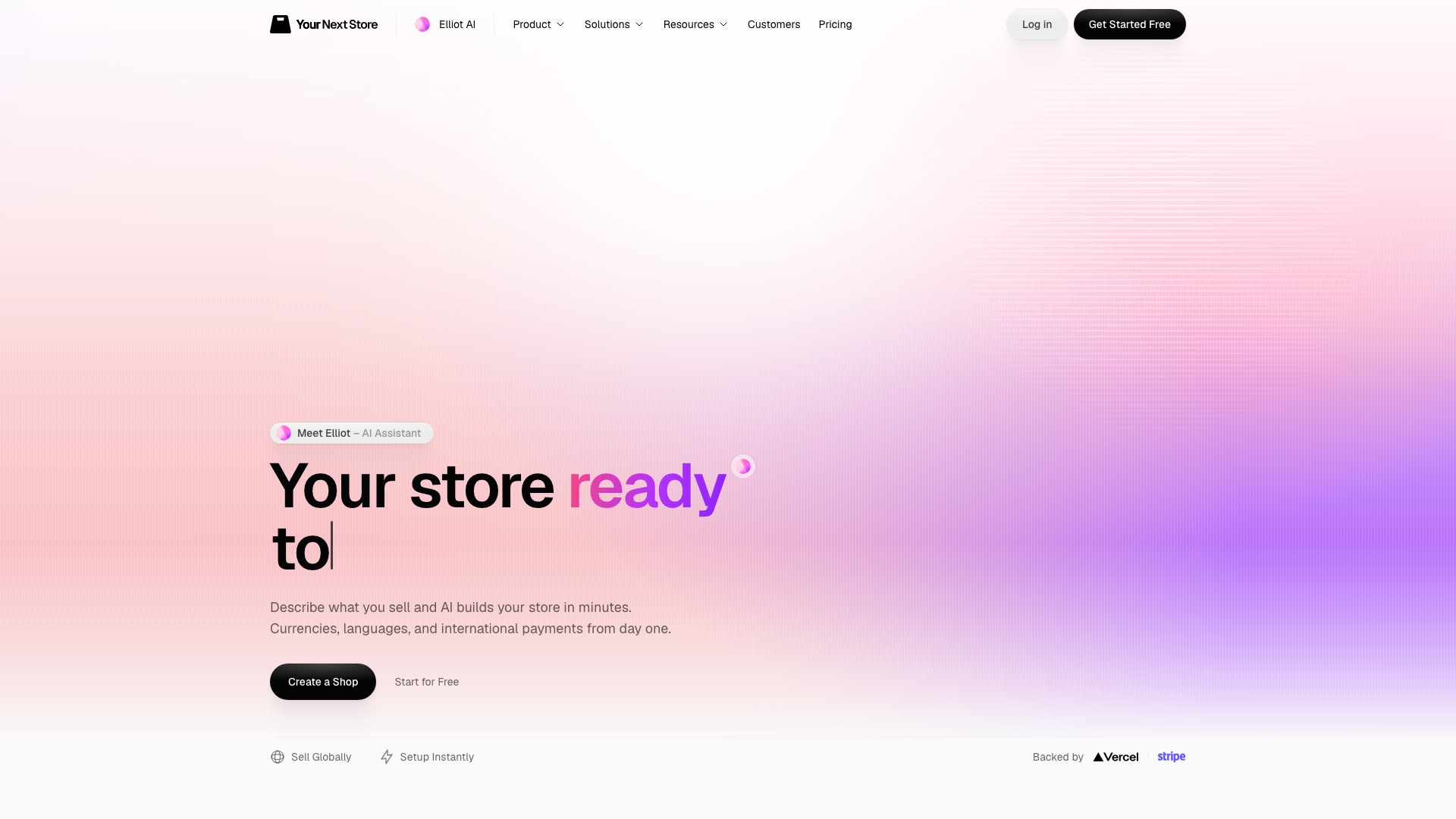
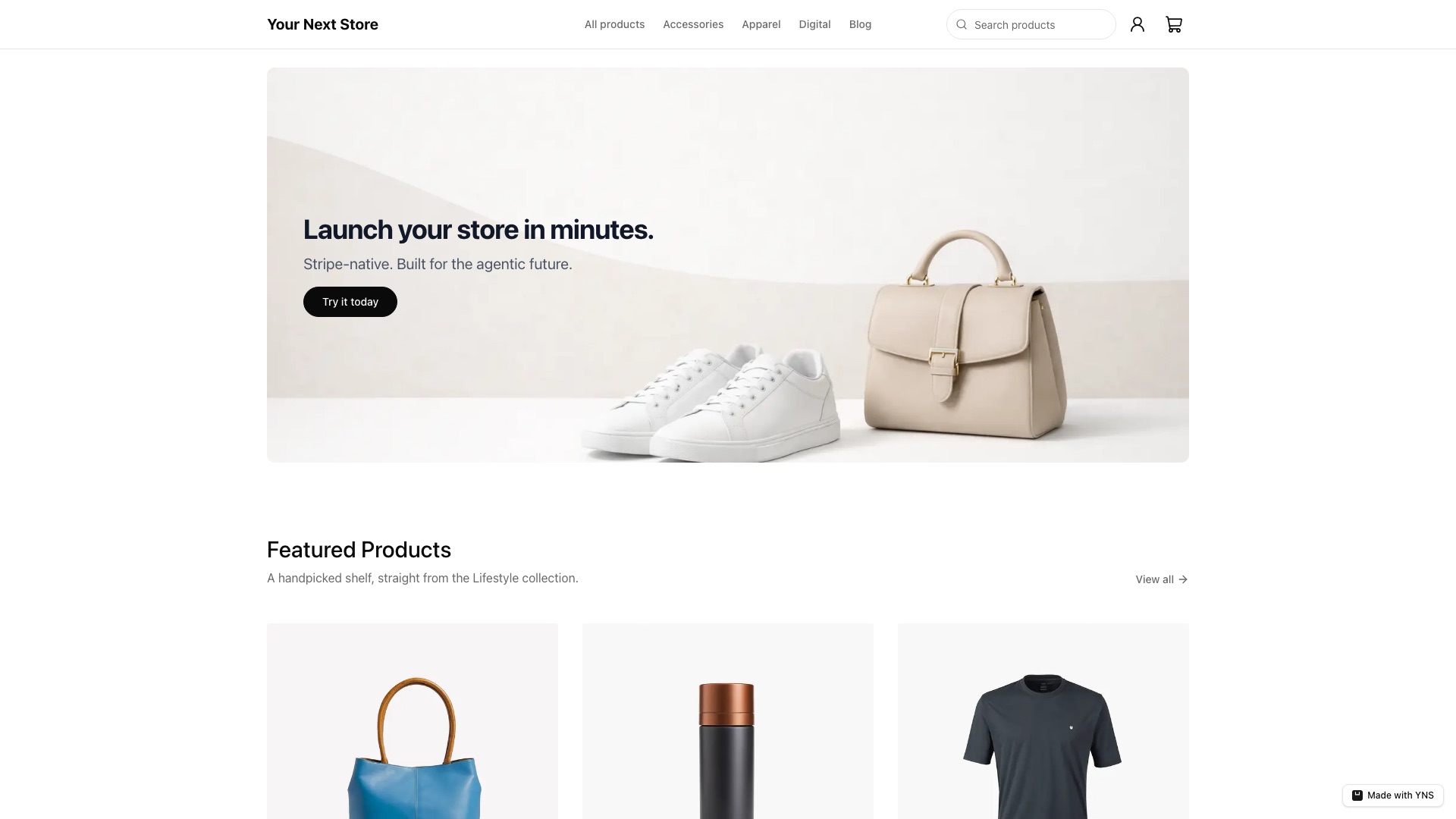
Your Next Store is the open source online store you can change with AI.
02 / 10ShopifyvsYour Next Store
Your Next Store
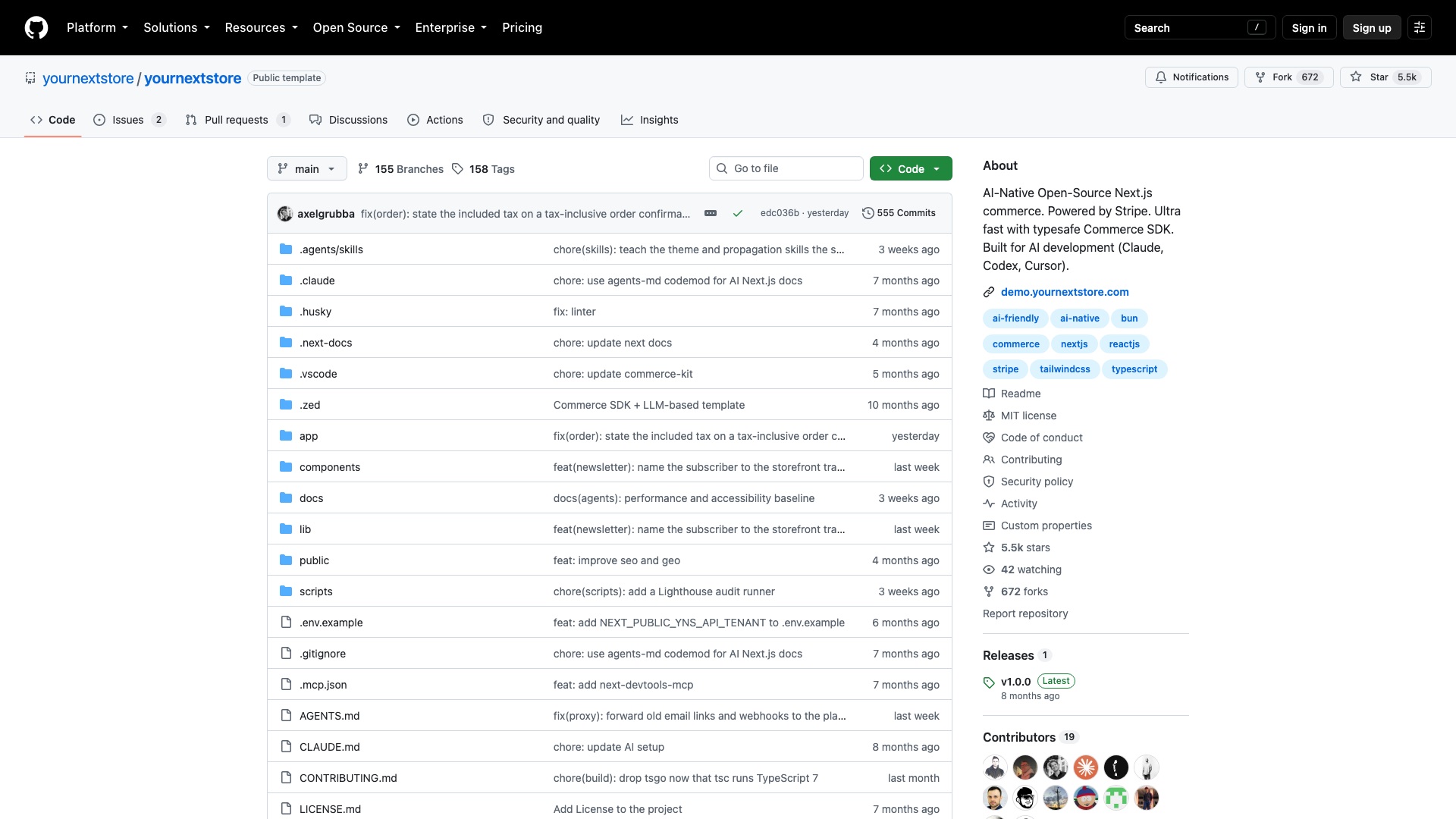
Now here is the part that actually matters. The open source part is the storefront. That is the shop your customers see: the home page, the product pages, search, the cart. That code is yours. But the back office is not open source. Your products, orders, checkout, and customer accounts live on Your Next Store's own hosted platform. You need their account to make it run.
02 / 10ShopifyvsYour Next Store
Your Next Store
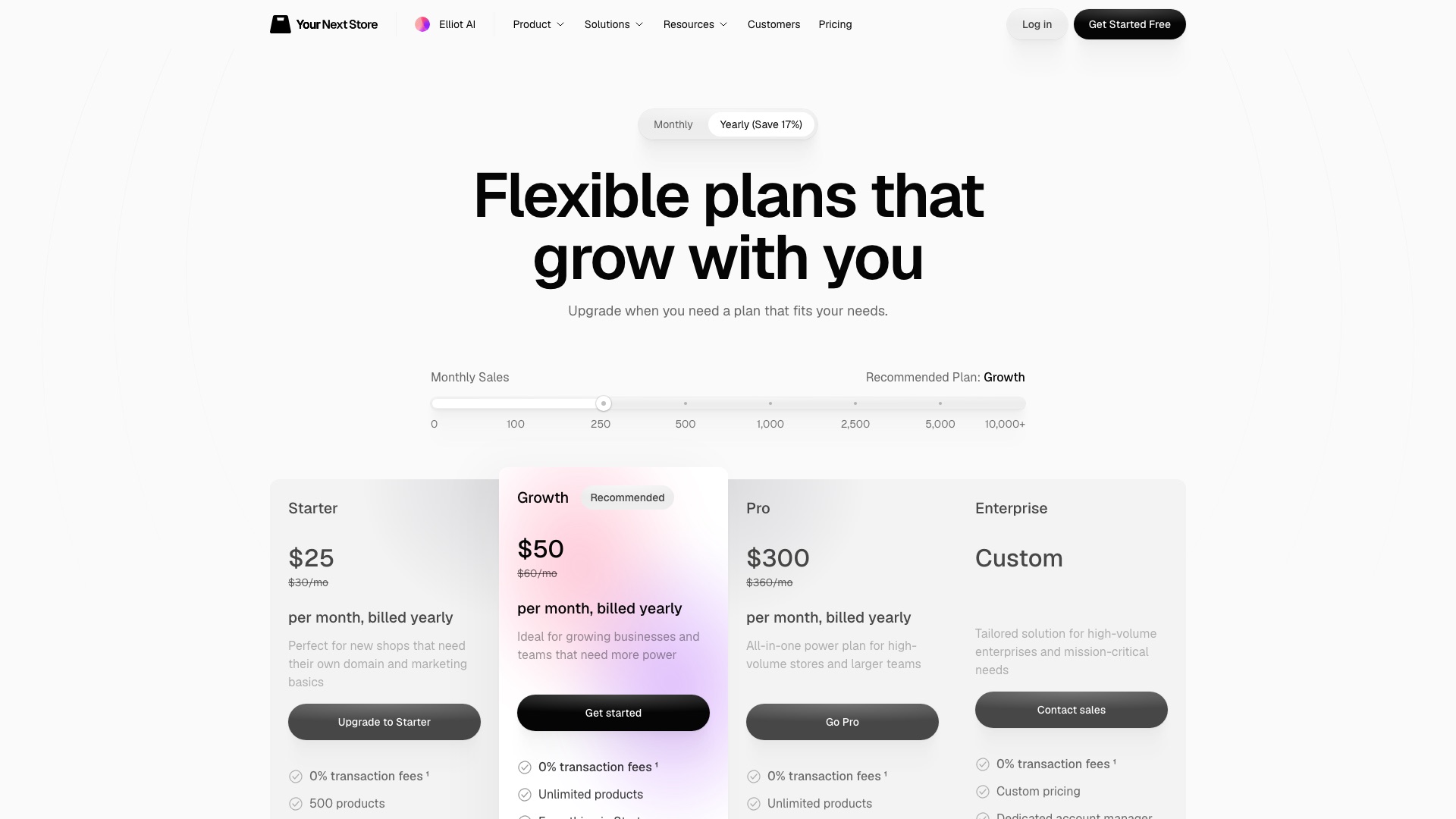
So this is not "own everything." It is "own the front of the store." The platform has its own monthly bill. What it does not take is a cut of your sales. You pay Stripe's normal card fees, and that is it.
02 / 10ShopifyvsYour Next Store
Your Next Store
Here is what Your Next Store ships:
- A complete store front: home page, product pages, categories, collections, search, and cart
- 149 ready-made themes you can switch between
- Checkout that runs on Stripe
- A blog, FAQ, about, contact, and legal pages, built in
- Instructions written for AI coding tools, so Claude Code or Cursor can change your store when you ask in plain English
02 / 10ShopifyvsYour Next Store
Your Next Store
Worth Noticing:
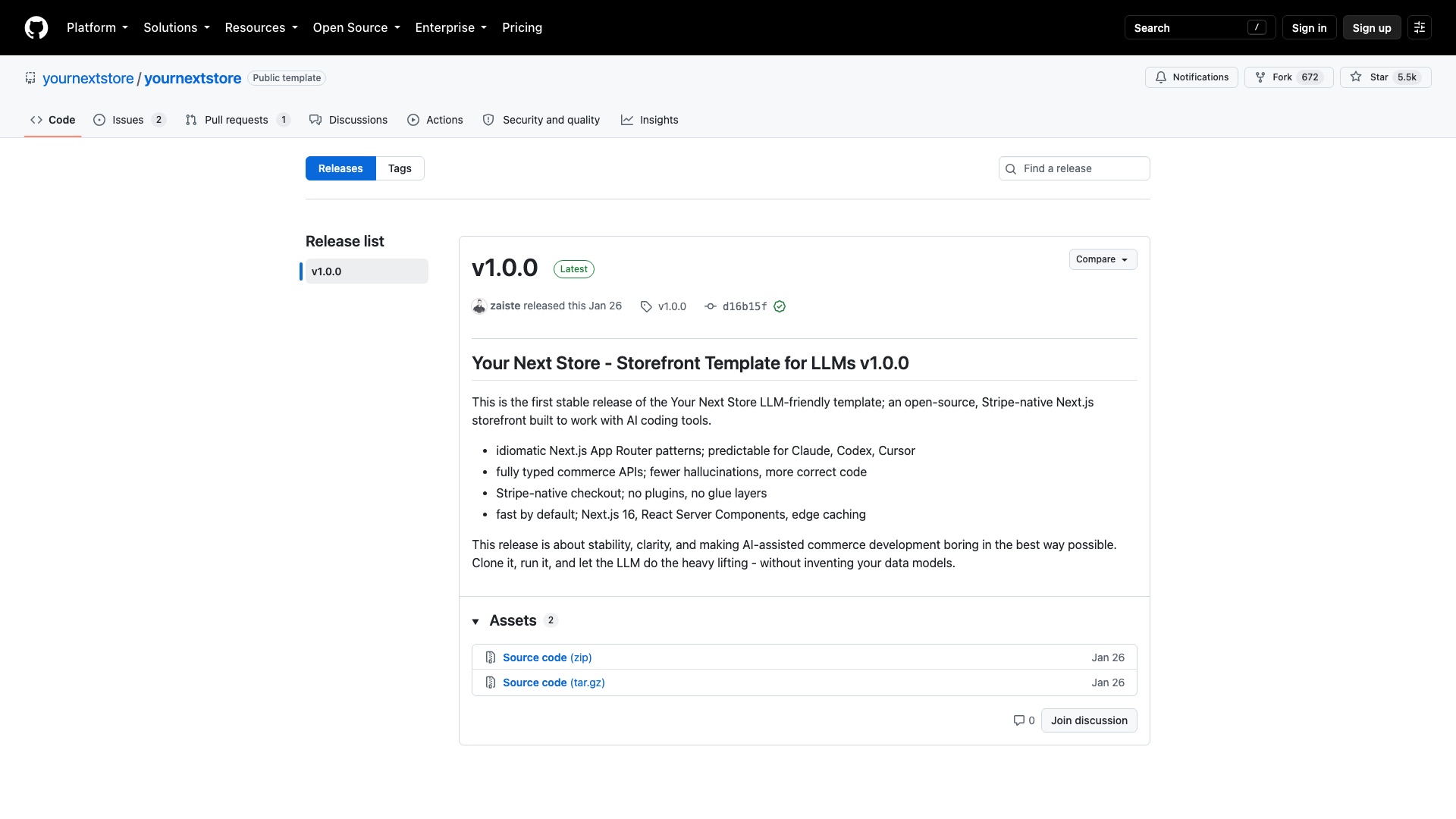
Open front, closed back. Your store's data sits on Your Next Store's servers, not yours. It is young. On GitHub since August 2024, with one official release. Shopify still wins on its app store, in-person selling, and the sheer size of its ecosystem.
Your storefront. Your code. Your Stripe. Your look.
02 / 10ShopifyvsYour Next Store
Your Next Store
4 ways to make money with Your Next Store
01
Store launches for potters
Ceramic studios and independent potters pay you to launch a good-looking shop: theme, photos, products, Stripe hooked up. Something like $2,000 setup + $150/month for changes, with the client paying their own Your Next Store plan.
02
Sell niche storefront themes
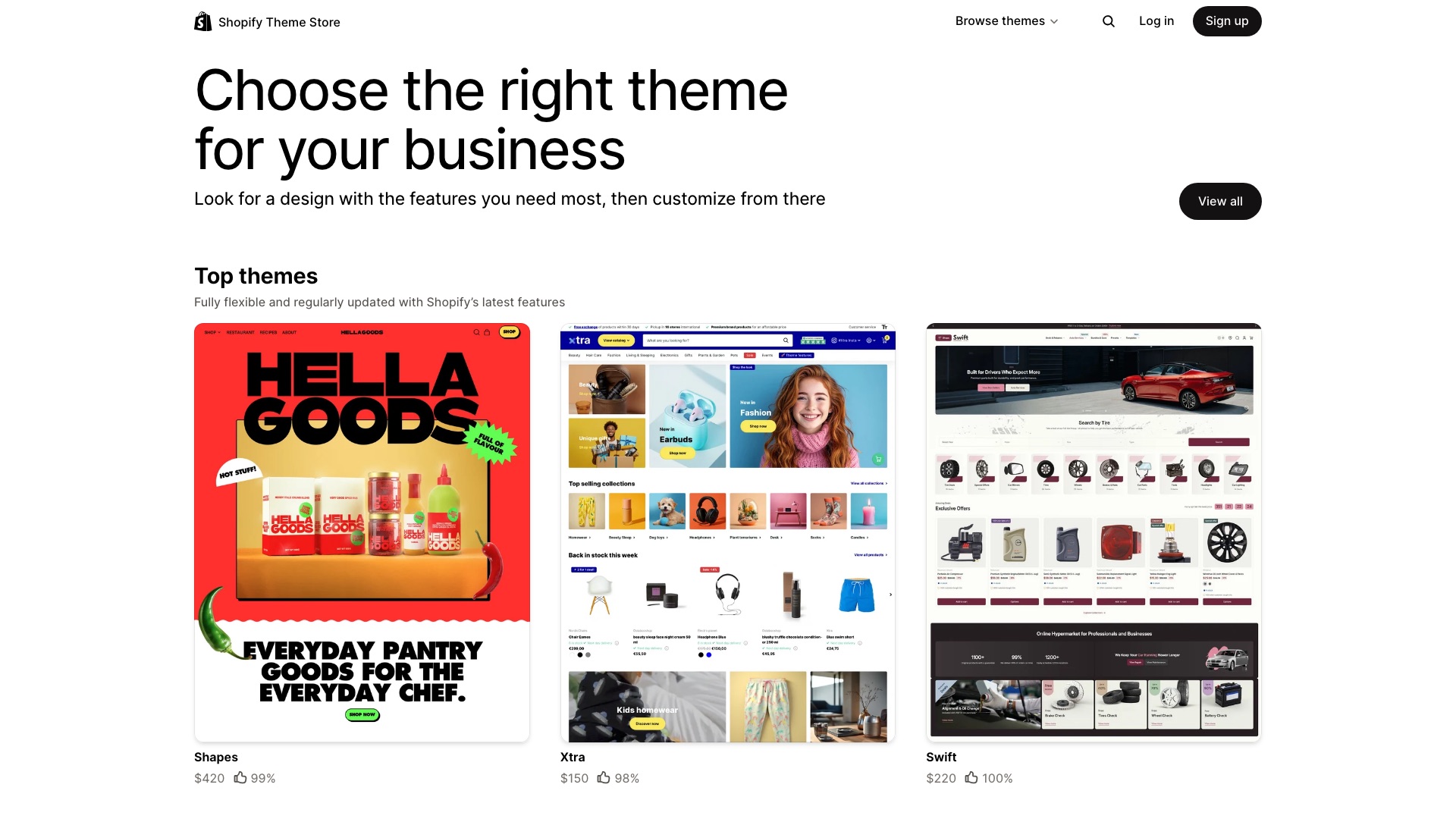
Take the MIT storefront, design a look for one kind of seller, like specialty coffee roasters with subscriptions up front, and sell copies. Store owners pay you once per copy, anchored to premium Shopify themes (the top three on Shopify's theme store today are $150, $220, and $420).
03
Shopify exit plan for small brands
Brands paying for Shopify plus a stack of add-on apps pay you for a flat-fee audit: what they spend, what Your Next Store already covers, what they would lose, and the switch plan. Your Next Store says it moves the store data itself, so your value is the decision and the redesign, not the copy-paste.
04
Run merch shops for podcasters
Pick one niche, like independent podcasters, and run a store for each show: products, drops, and a monthly store update. Each show pays you a flat monthly fee or a share of merch profit, while every store runs on its own Your Next Store plan.
The license, in plain English: The storefront is MIT, which means you can use it, change it, and sell it, including for clients. The watch-out: it only works with Your Next Store's paid hosted back office, and the small connector library it uses (commerce-kit) is AGPL, which means if you change that library itself and run it, you must publish your changes to it.
3 of 10
QuickBooks vs Invoice Ninja
03 / 10QuickBooksvsInvoice Ninja
QuickBooks
QuickBooks is a hugely popular accounting and invoicing app.
03 / 10QuickBooksvsInvoice Ninja
QuickBooks
But:
QuickBooks holds your client list, every invoice you have ever sent, and the record of who paid.
Your customers pay you through their payment screen. Your history lives on their servers. When they change the plans, your whole billing setup changes with them.
03 / 10QuickBooksvsInvoice Ninja
QuickBooks
QuickBooks Online Advanced is $340 a month.
03 / 10QuickBooksvsInvoice Ninja
Invoice Ninja
Then a team built the invoicing app you can own.
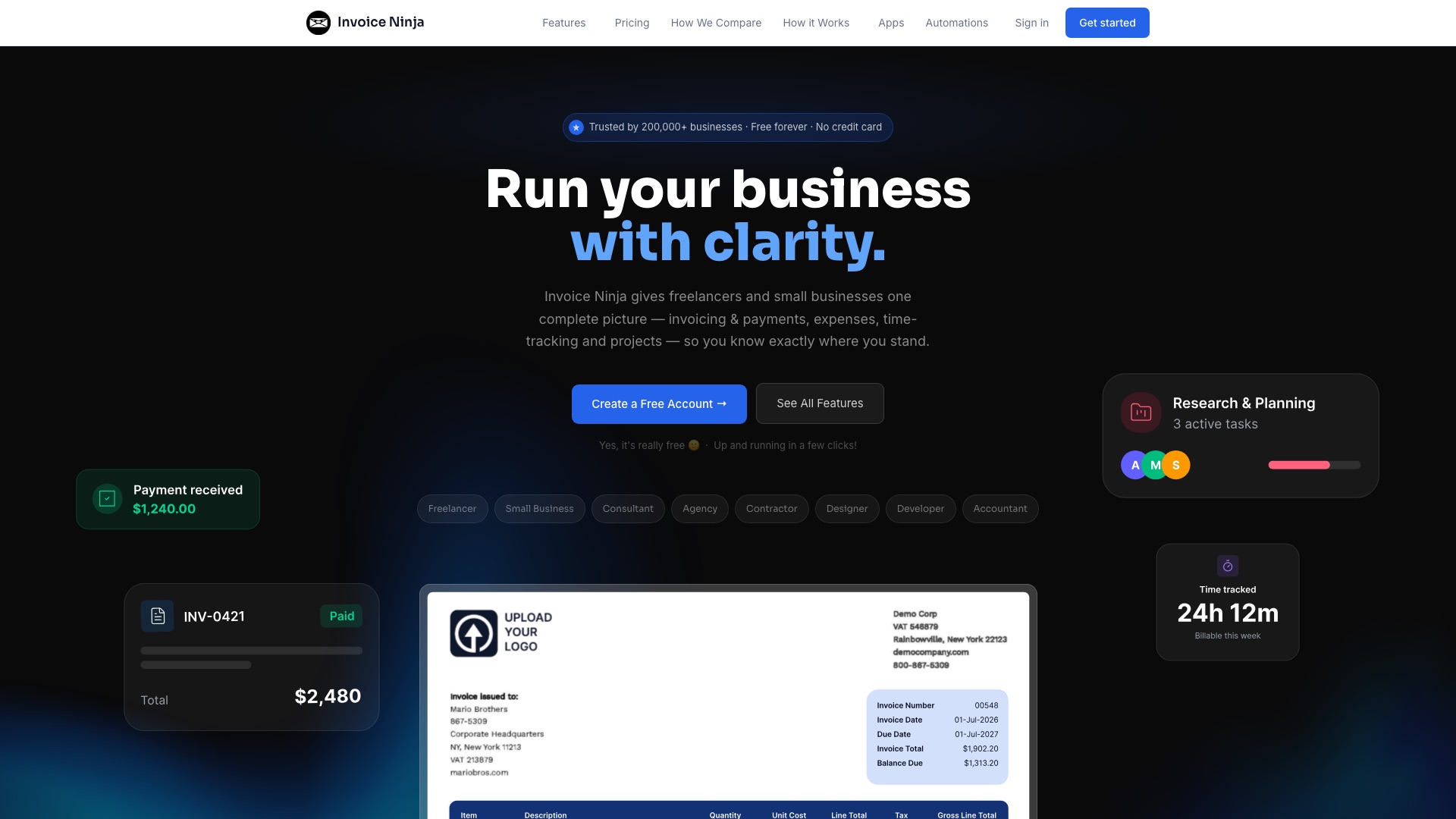
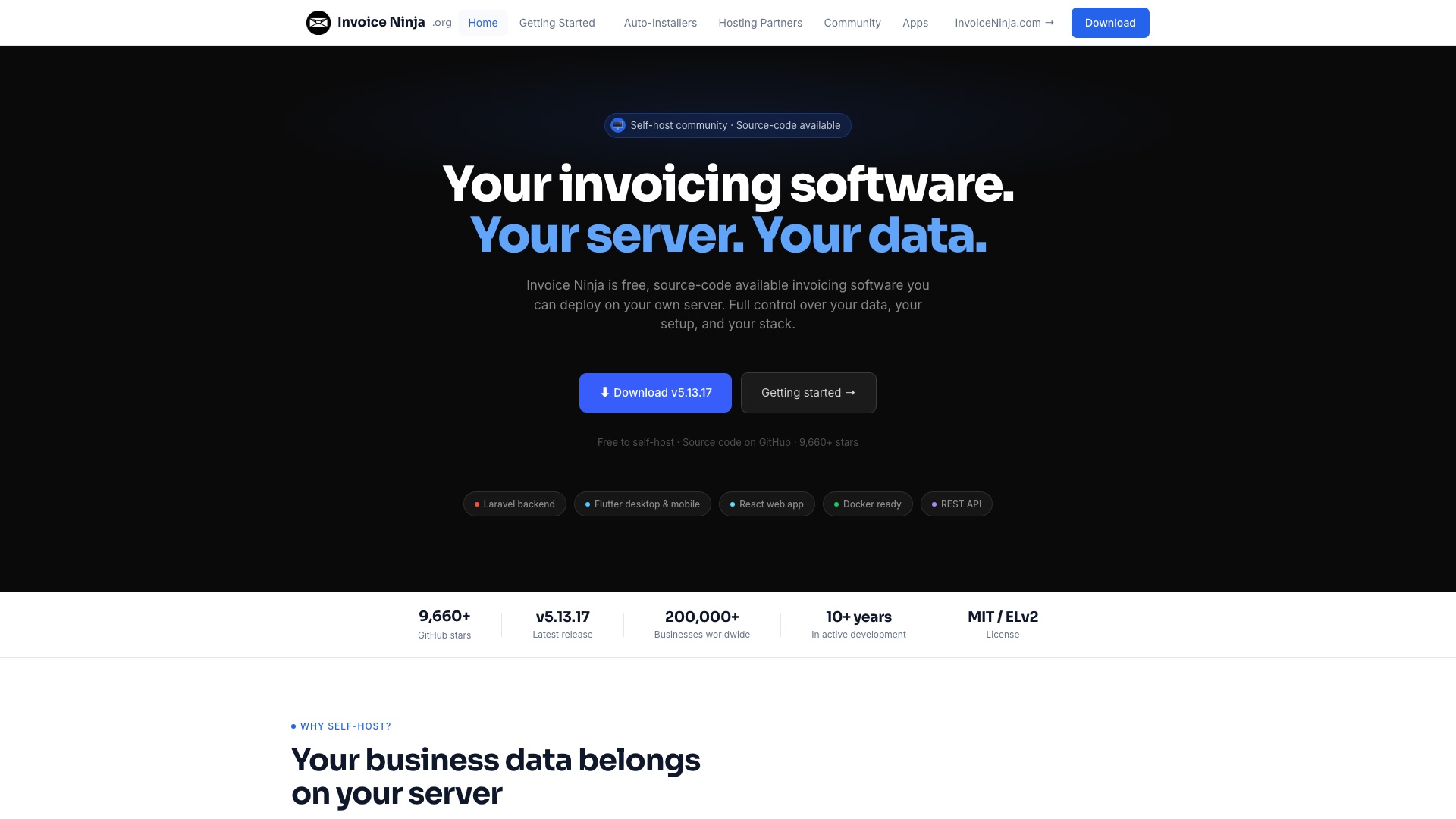
Invoice Ninja is the source-available invoicing and payments app you can host yourself.
03 / 10QuickBooksvsInvoice Ninja
Invoice Ninja
Now here is the part that actually matters. The job most small businesses really need is: send a quote, turn it into an invoice, get paid by card, chase the late ones. Invoice Ninja does that job. Full bookkeeping, payroll, and taxes are a different QuickBooks. Invoice Ninja does not win that fight.
03 / 10QuickBooksvsInvoice Ninja
Invoice Ninja
Your accountant still lives in QuickBooks? Invoice Ninja can push your invoices and payments into it. And if you do not want to run a server, Invoice Ninja sells a hosted version too, with its own monthly bill.
03 / 10QuickBooksvsInvoice Ninja
Invoice Ninja
Here is what Invoice Ninja ships:
- Quotes your clients can approve, then turn into invoices in one click
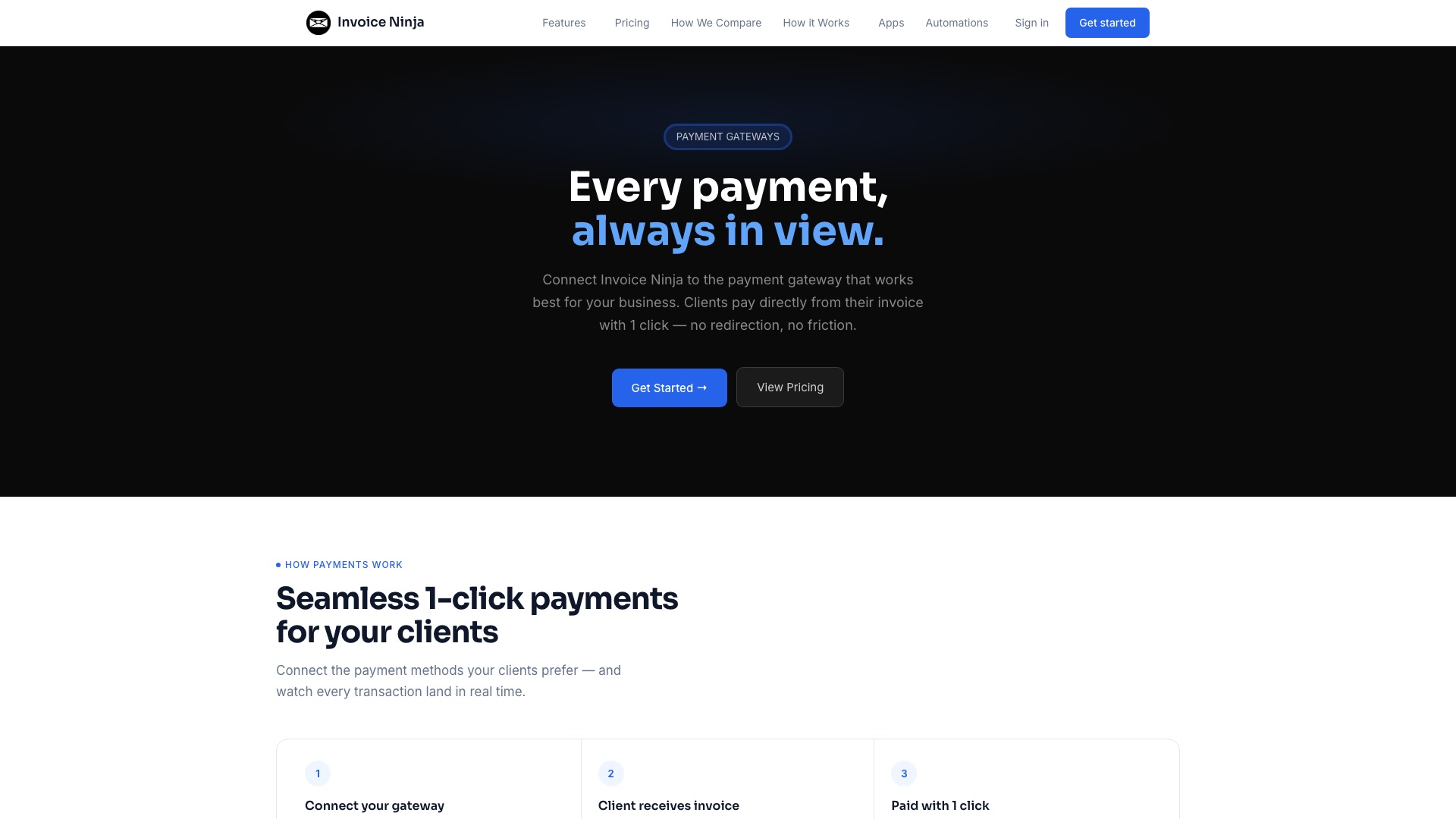
- Online payments by card and bank, through Stripe, PayPal, Square, GoCardless, and more
- Recurring invoices and auto-billing for retainers and subscriptions
- A client portal where customers see, pay, and download everything
- Time tracking, projects, and expenses, so you can bill for your hours
03 / 10QuickBooksvsInvoice Ninja
Invoice Ninja
Worth Noticing:
This is not open source in the strict sense. It uses the Elastic License, which means you can use it, change it, and even install it for paying clients. What you cannot do is turn it into your own invoicing service and resell it. Removing the Invoice Ninja branding from what your clients see costs $40 a year. QuickBooks still wins on bookkeeping and taxes.
Your invoices. Your clients. Your payments. Your server.
03 / 10QuickBooksvsInvoice Ninja
Invoice Ninja
4 ways to make money with Invoice Ninja
01
Billing setup for trades
Plumbers, HVAC and landscaping companies pay you to install Invoice Ninja on their own server, connect Stripe, and set up quotes, maintenance-plan auto-billing, and late-payment reminders. A realistic anchor is $1,500 setup plus $150 a month to keep it updated and backed up.
02
Get off QuickBooks invoicing
Small agencies and consultants pay you a flat fee to import their clients, products, and open invoices from QuickBooks, then keep their accountant happy by pushing new invoices back into QuickBooks. Price it as a one-time project, around $1,000 to $2,500 depending on how messy the data is.
03
Niche invoice and quote designs
Sell ready-made invoice, quote, and proposal designs for one kind of business, like wedding photographers or event DJs, with the right line items, deposit terms, and payment schedules baked in. A design pack can sell for $49 to $99, and you can offer a $300 custom-branding version.
04
E-invoicing setup for Belgian freelancers
Belgium has required electronic B2B invoices over the Peppol network since January 1, 2026, and Invoice Ninja can send them. Freelancers and small firms pay you to set it up correctly and test it, for around $500 each; the Peppol sending credits are a separate cost from Invoice Ninja.
The license, in plain English: Invoice Ninja uses the Elastic License: you can use it, change it, and install and run it for paying clients, each on their own setup. You cannot resell it as your own invoicing service or bundle it into your own SaaS without a reseller deal with Invoice Ninja, and removing their branding needs the $40-a-year white-label license.
4 of 10
Calendly vs Cal.diy
04 / 10CalendlyvsCal.diy
Calendly
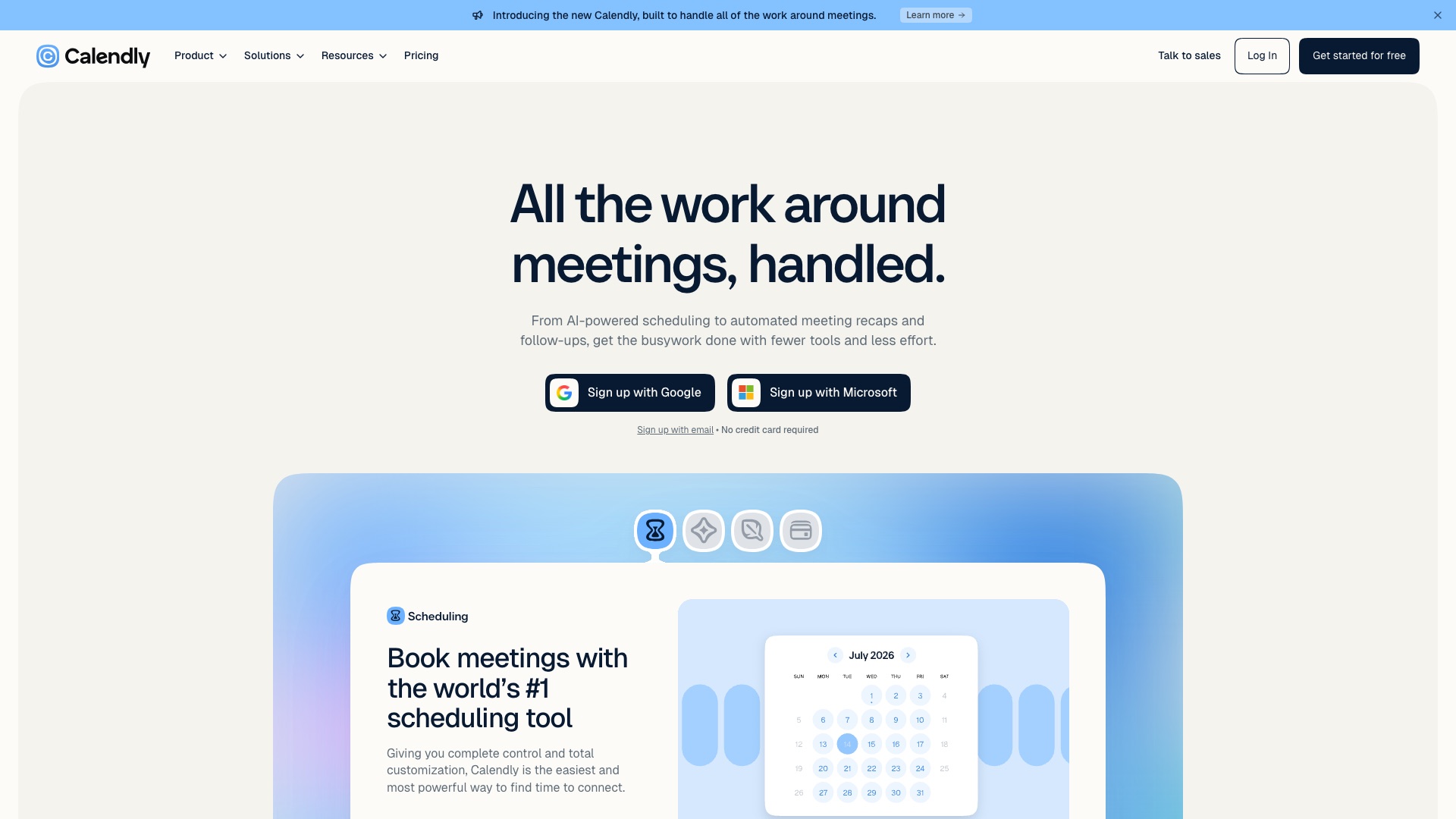
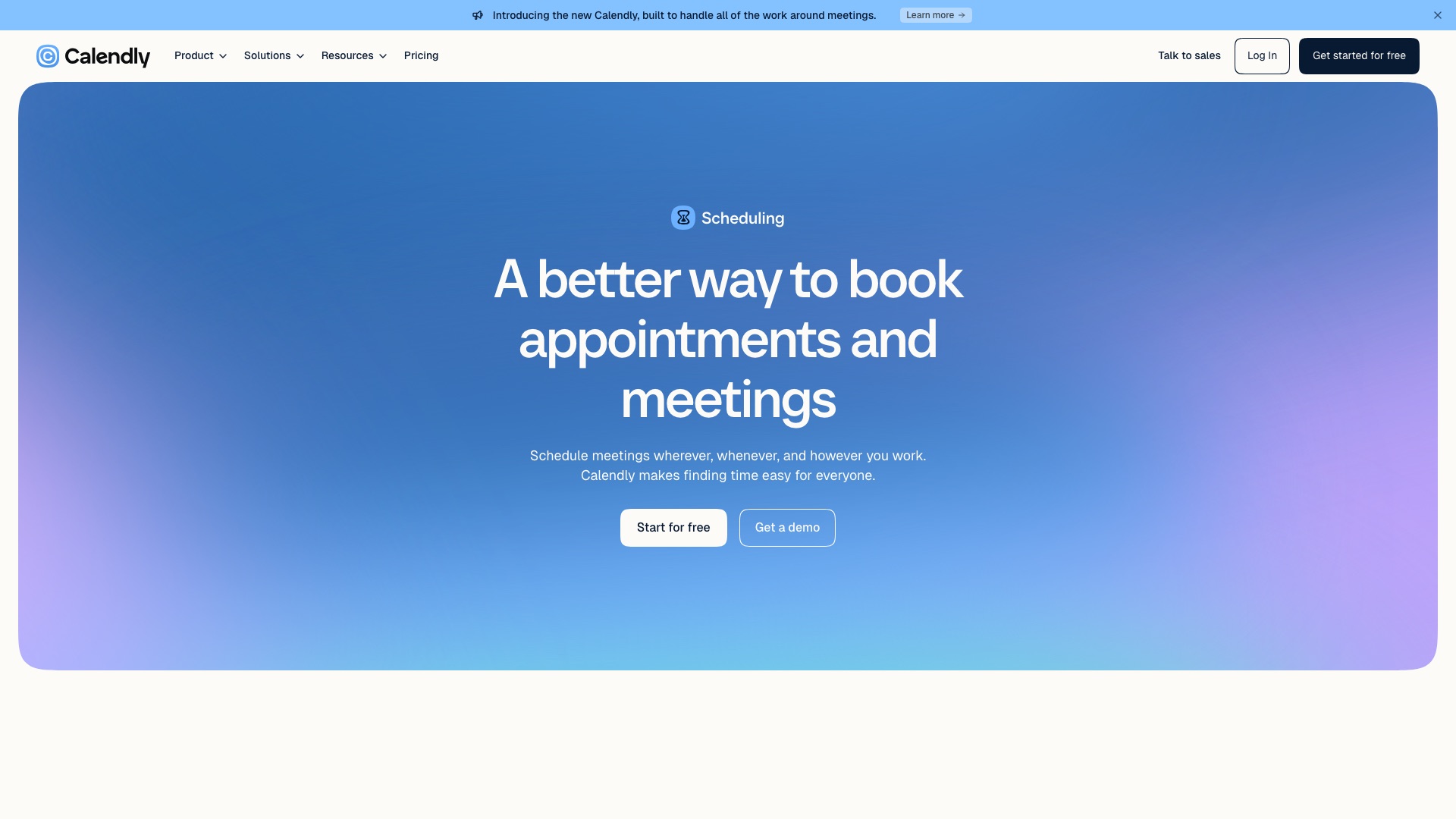
Calendly is a hugely popular booking tool.
04 / 10CalendlyvsCal.diy
Calendly
But:
Calendly is the link in your email signature. It is the page every client sees before they ever talk to you.
It reads your calendar. It holds every name, email, and time slot of everyone who ever booked you. Stop paying, and your booking page stops booking.
04 / 10CalendlyvsCal.diy
Calendly
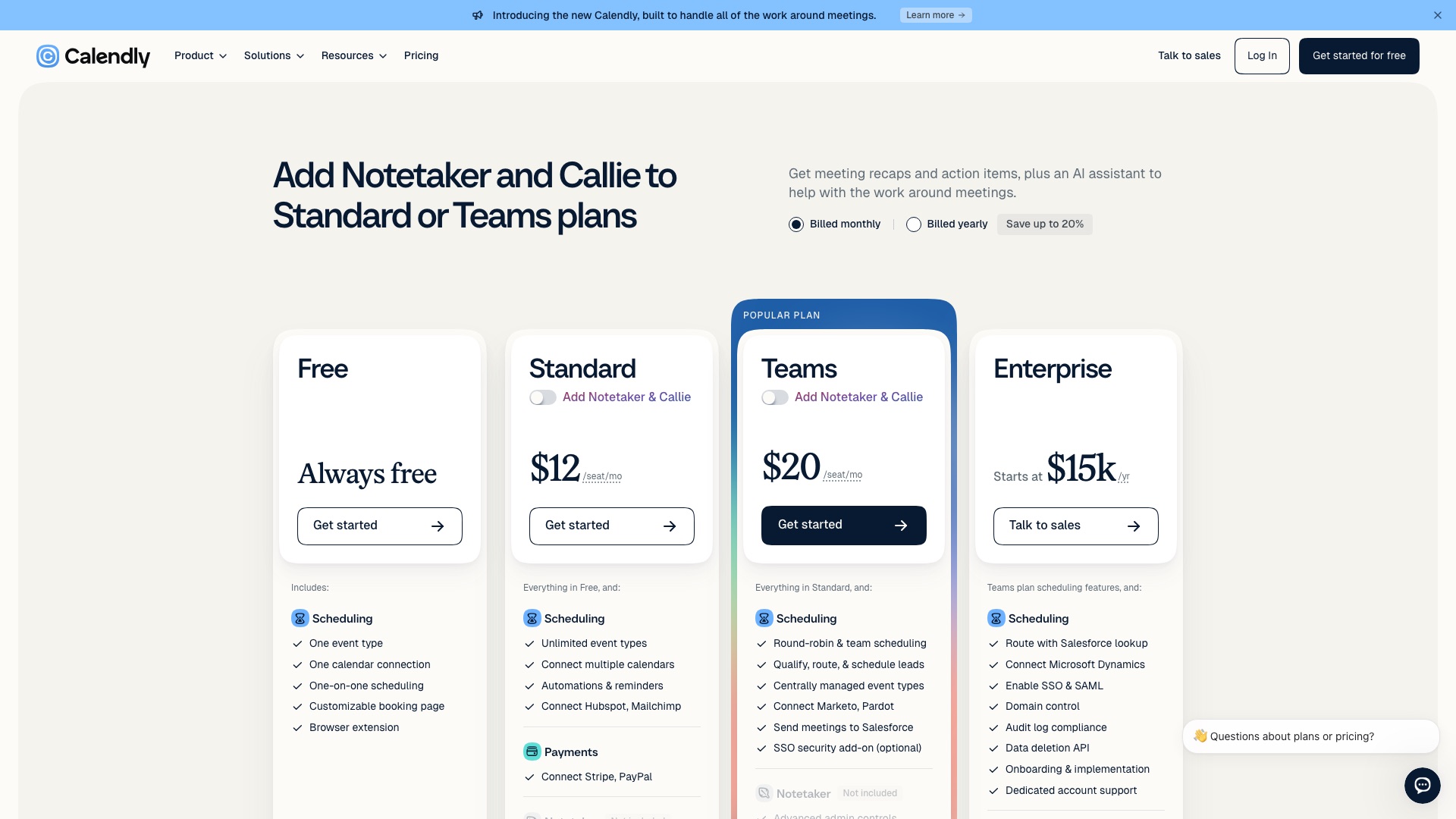
Calendly Standard is $12 a seat a month if you pay monthly.
04 / 10CalendlyvsCal.diy
Cal.diy
Then a team built the open source booking page.
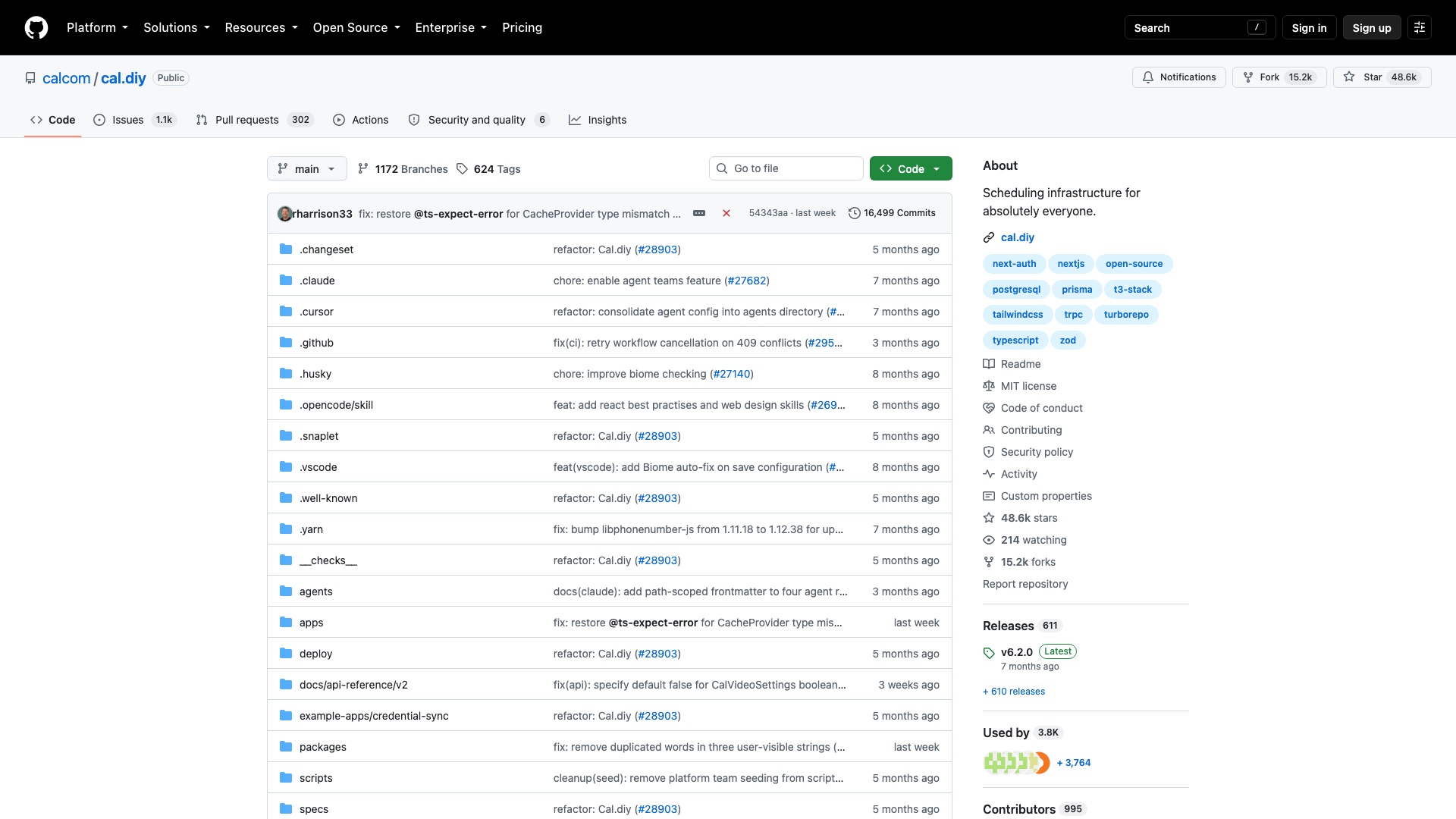
Cal.diy is the open source scheduling tool you host yourself.
04 / 10CalendlyvsCal.diy
Cal.diy
Now here is the part that actually matters. You get the booking link. It checks your Google or Outlook calendar, so nobody books you twice. It drops in a Zoom or Google Meet link. It can charge people before they book. And it is MIT, which means you can do anything with it, including sell it. That is the Calendly job for one person. Round-robin for a sales team, routing forms, and automated reminder workflows are not in here. Calendly still wins that fight.
04 / 10CalendlyvsCal.diy
Cal.diy
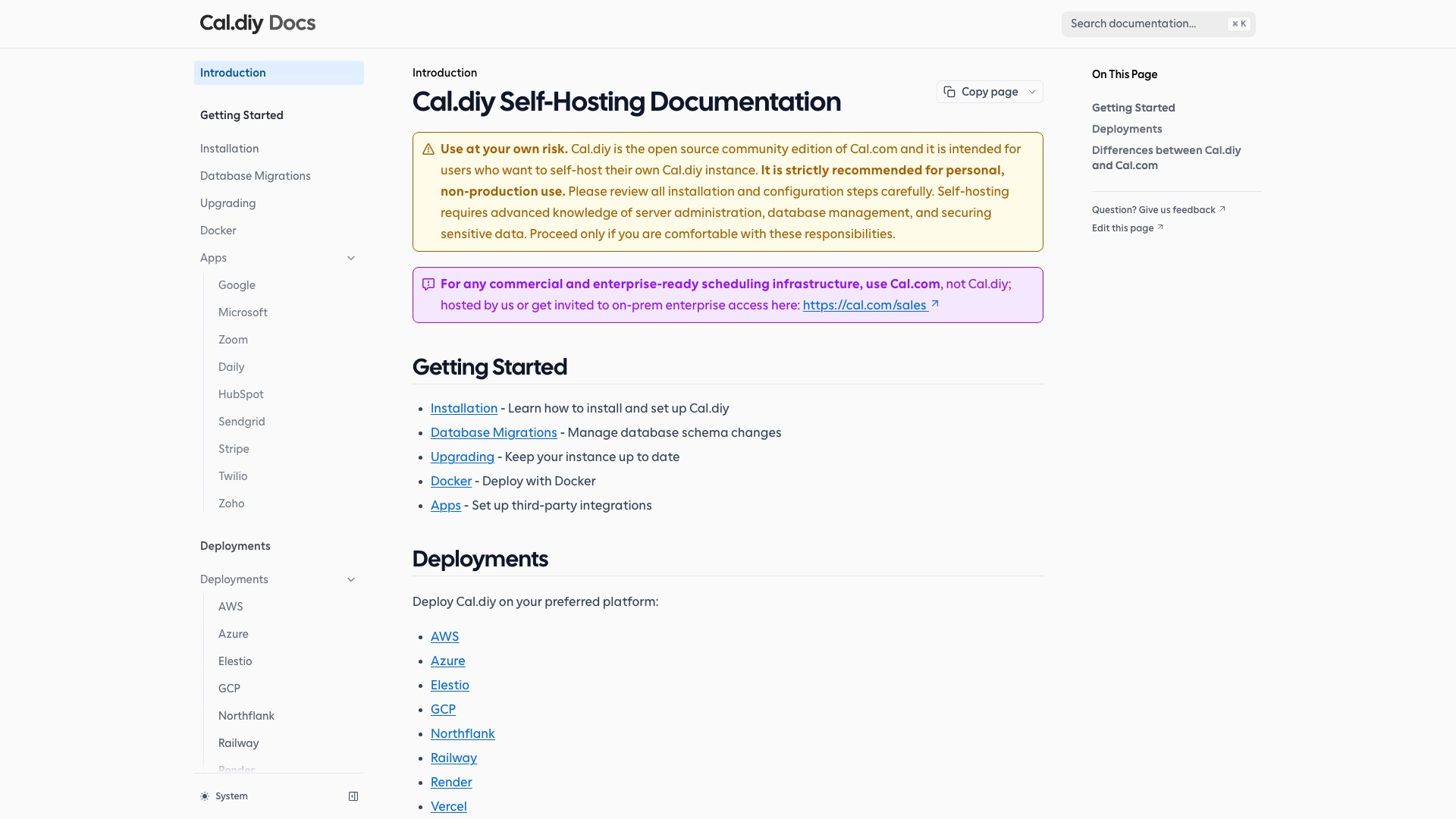
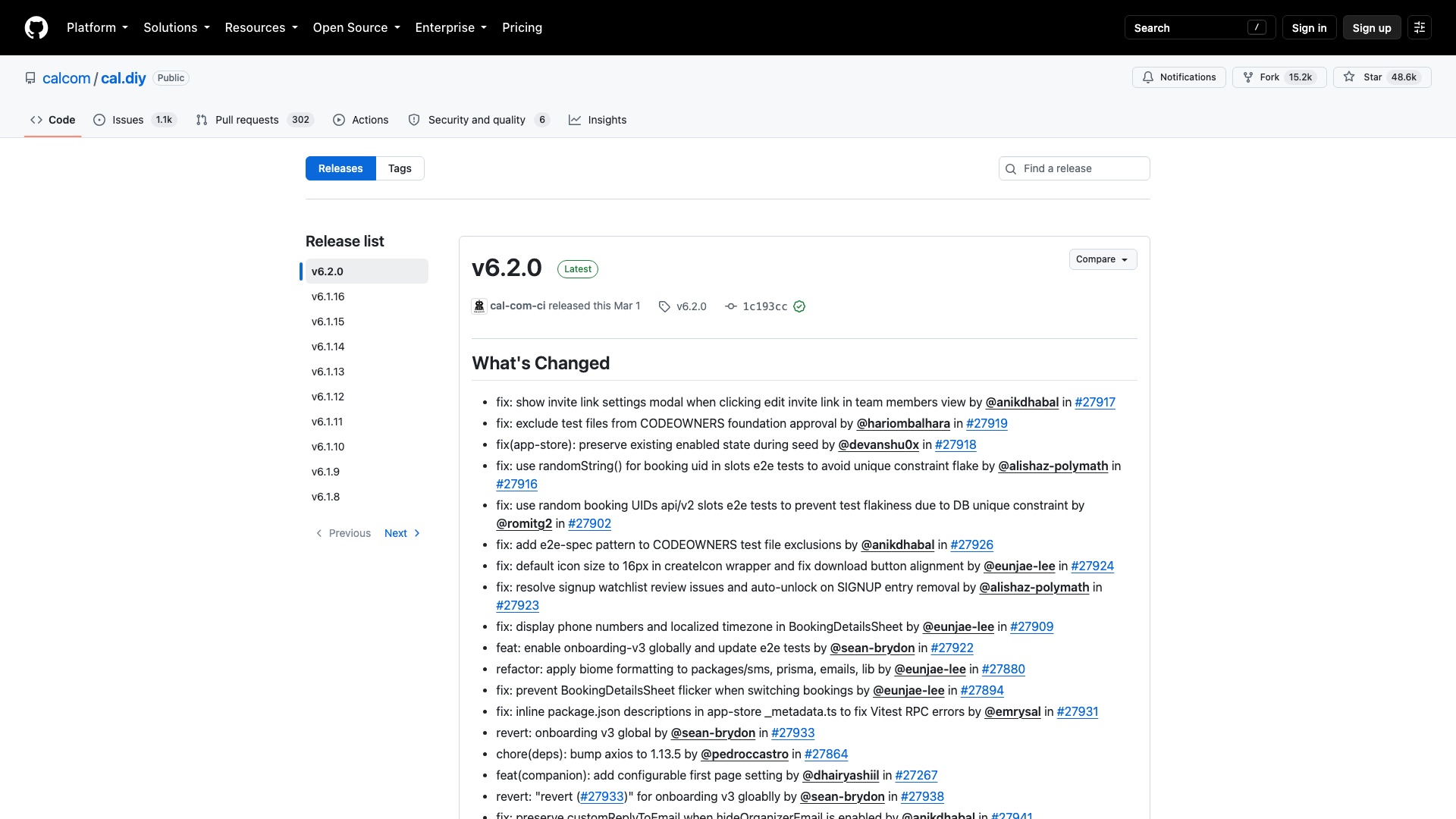
There is no hosted version. You run it on your own server. Its own docs say use it at your own risk and recommend it for personal use. If you want someone else to keep it running, that is Cal.com, the paid version from the same company.
04 / 10CalendlyvsCal.diy
Cal.diy
Here is what Cal.diy ships:
- Your own booking page, on your own domain, with as many meeting types as you want
- Checks Google, Outlook, and Apple calendars so you never get double-booked
- Adds a Zoom, Google Meet, or Teams link to every booking
- Charges people through Stripe or PayPal before they book
- Drops onto your website as a button, a pop-up, or right on the page
04 / 10CalendlyvsCal.diy
Cal.diy
Worth Noticing:
This is the one-person version. No teams, no round-robin, no routing forms, no automated workflows. The last tagged release was in March, though changes still land every week. You are the IT department. Calendly still wins for teams and for hands-off.
Your booking page. Your calendar. Your clients. Your server.
04 / 10CalendlyvsCal.diy
Cal.diy
4 ways to make money with Cal.diy
01
Booking pages for tutors
Set up a branded booking page on a tutor's or music teacher's own domain, with paid lessons through Stripe and their calendar connected. Charge something like $500 setup plus $40 a month to host it and keep it updated.
02
Hosted booking for tattoo artists
Run one server that gives solo tattoo artists their own booking page that takes payment up front before a slot is held. Sell it as a simple niche product, around $15 an artist a month.
03
Sell a niche add-on
Build a Cal.diy app or connector that a specific trade needs, like sending bookings into a salon's client-card spreadsheet or a coach's Notion workspace. Sell it one-time, around $49, or bundle it with your setups.
04
Calendly migration for consultants
Move a solo consultant off Calendly: rebuild their meeting types, connect calendars and video, embed it on their site, and wire their Zapier steps back up. A flat fee around $750 is a reasonable anchor.
The license, in plain English: MIT, which means you can use it, change it, host it for clients, and sell it, as long as you keep the copyright notice. Two things to watch: the Cal.com name and logo are not part of the license, so brand it as your own, and the project's own docs say "use at your own risk" and recommend it for personal use, so security and uptime are on you and your clients.
5 of 10
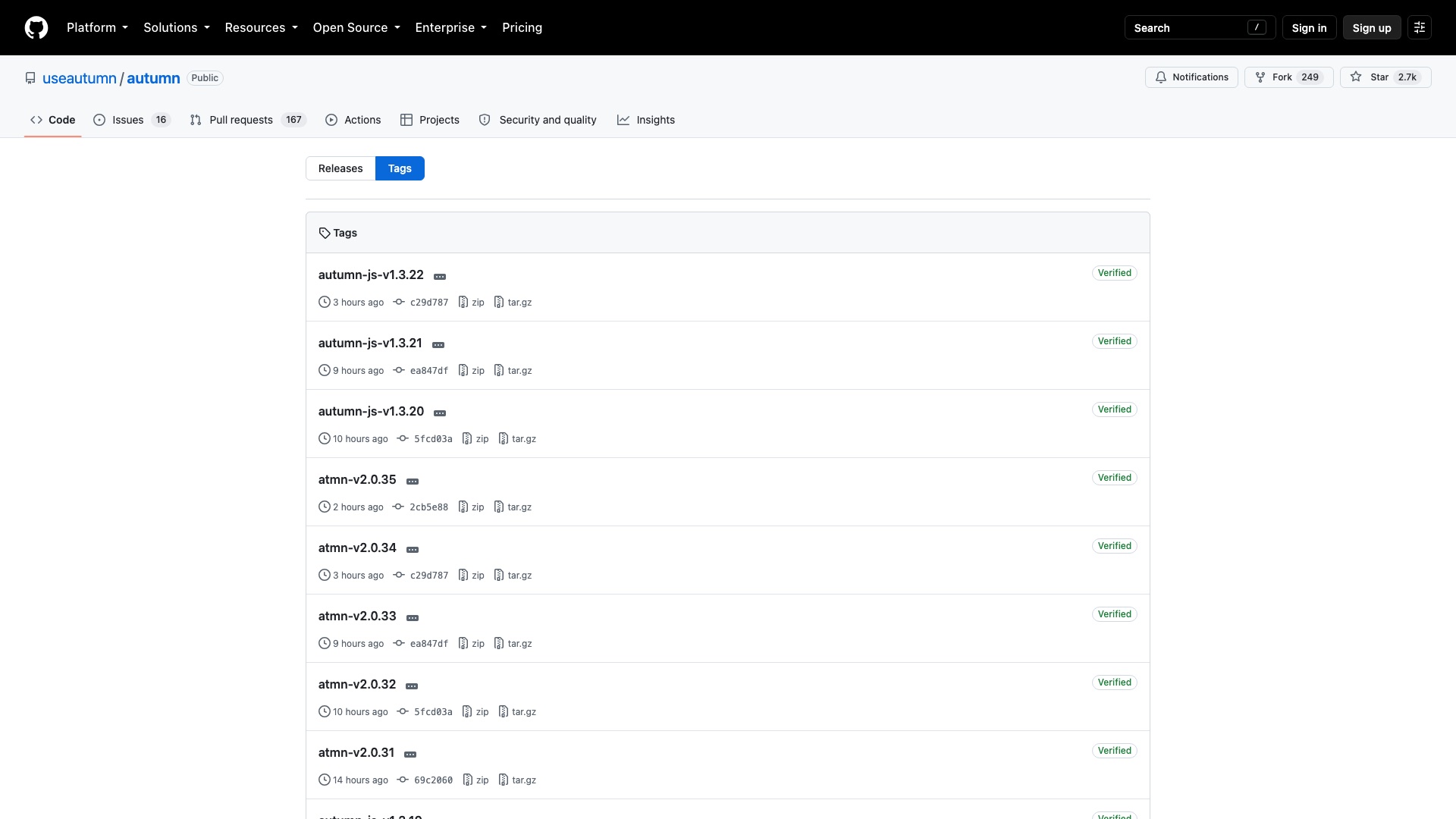
Chargebee vs Autumn
05 / 10ChargebeevsAutumn
Chargebee
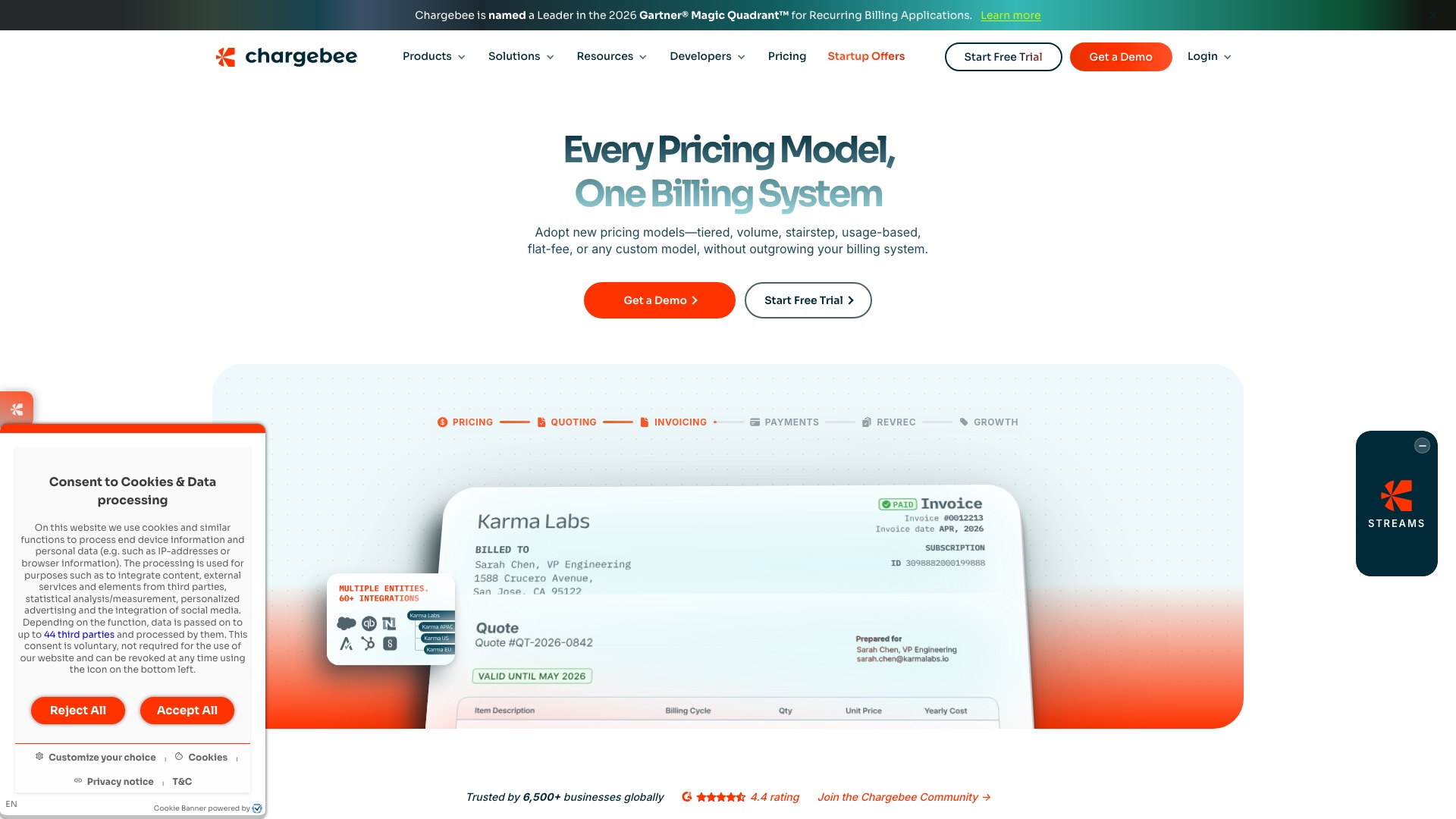
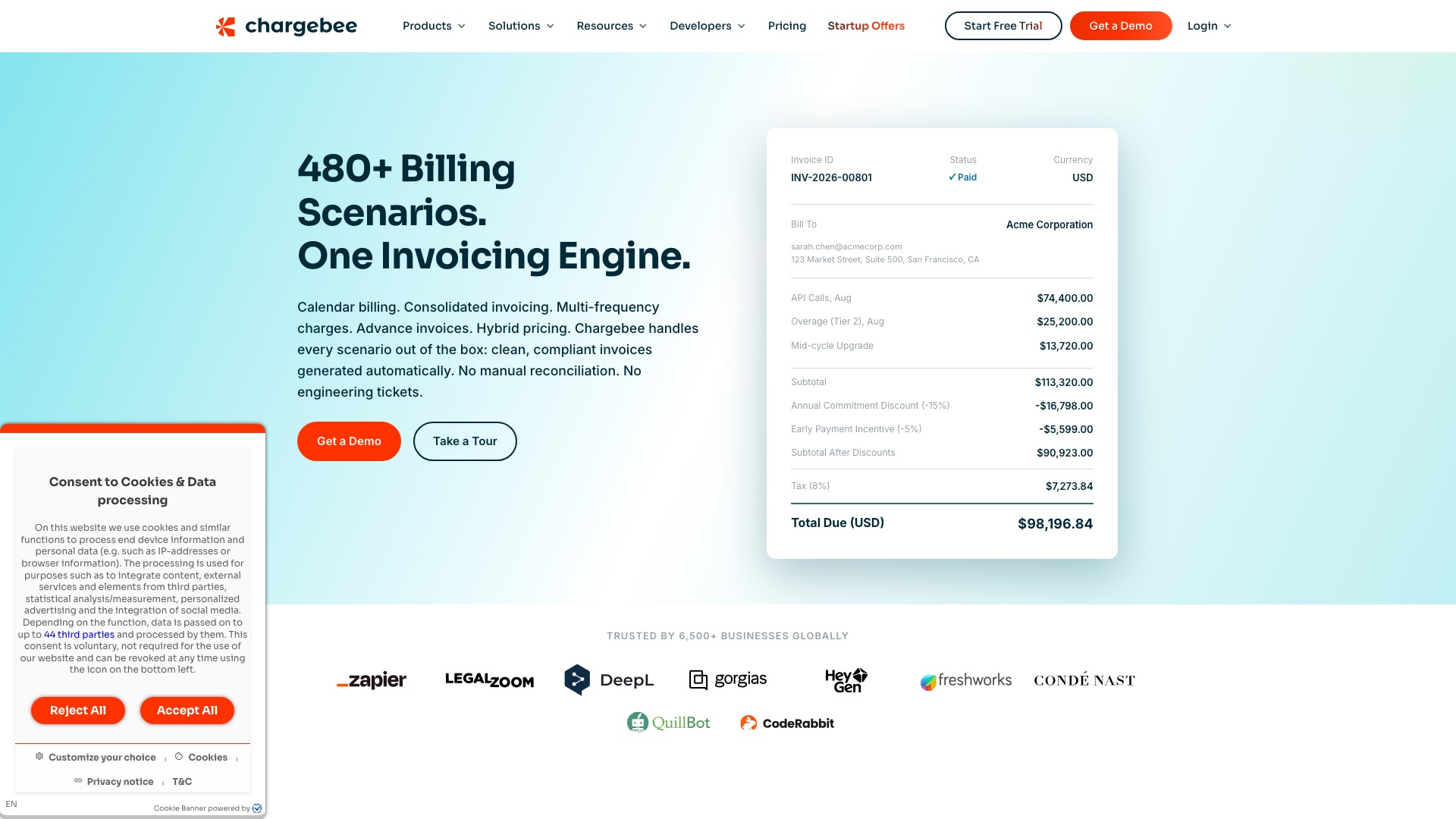
Chargebee is a hugely popular subscription billing platform. More than 6,500 businesses run their plans, invoices, and renewals through it.
05 / 10ChargebeevsAutumn
Chargebee
But:
Your prices live inside Chargebee. So do your plans, your trials, and every customer's renewal date.
Want to raise prices, or add credits for an AI feature? You change it on their system, on their terms.
And the fee grows every time your revenue does.
05 / 10ChargebeevsAutumn
Chargebee
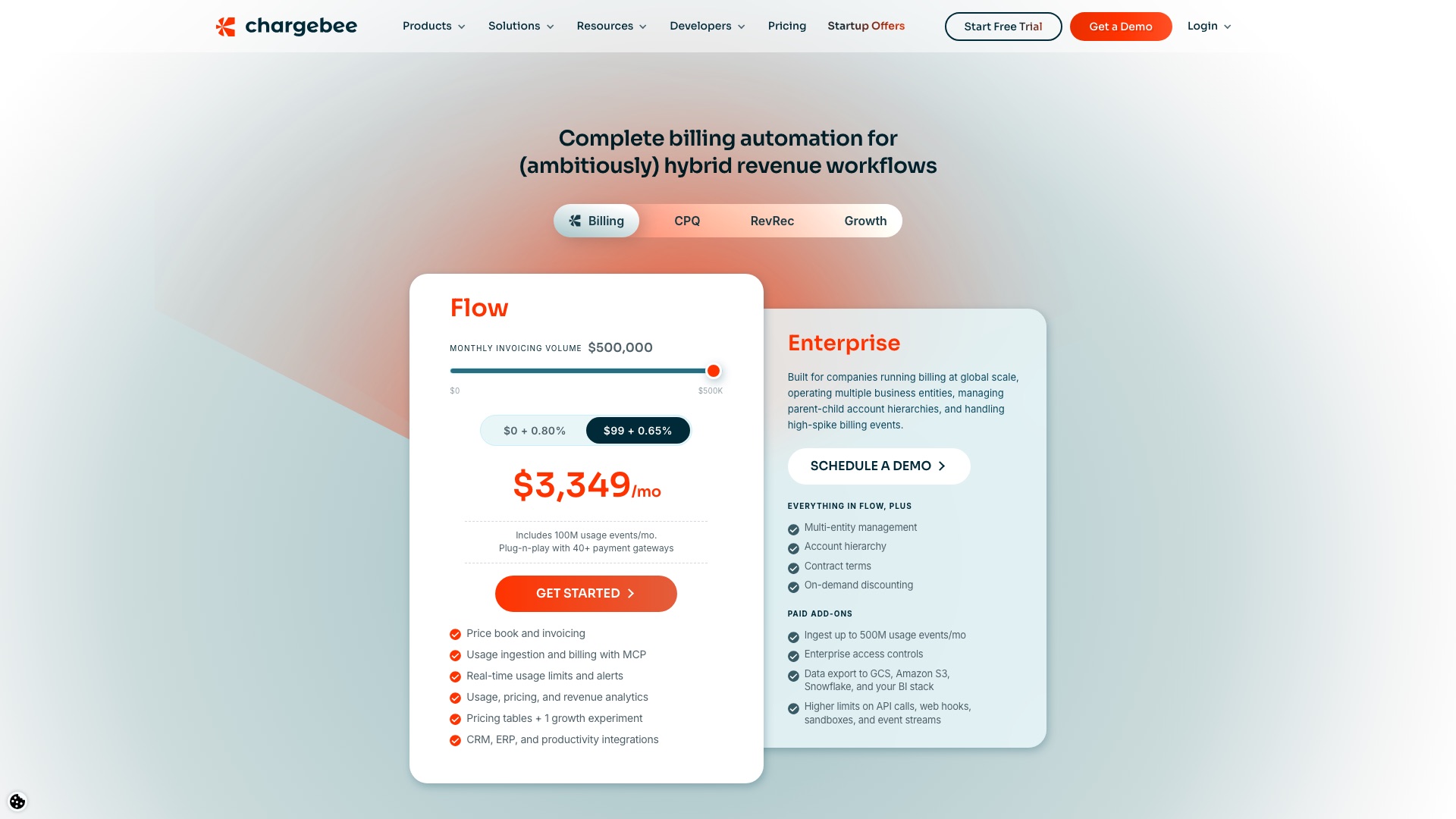
Chargebee's Flow plan is $99 a month plus 0.65 percent of everything you bill, which is $3,349 a month once you bill half a million.
05 / 10ChargebeevsAutumn
Autumn
Then a team built the open source billing layer.
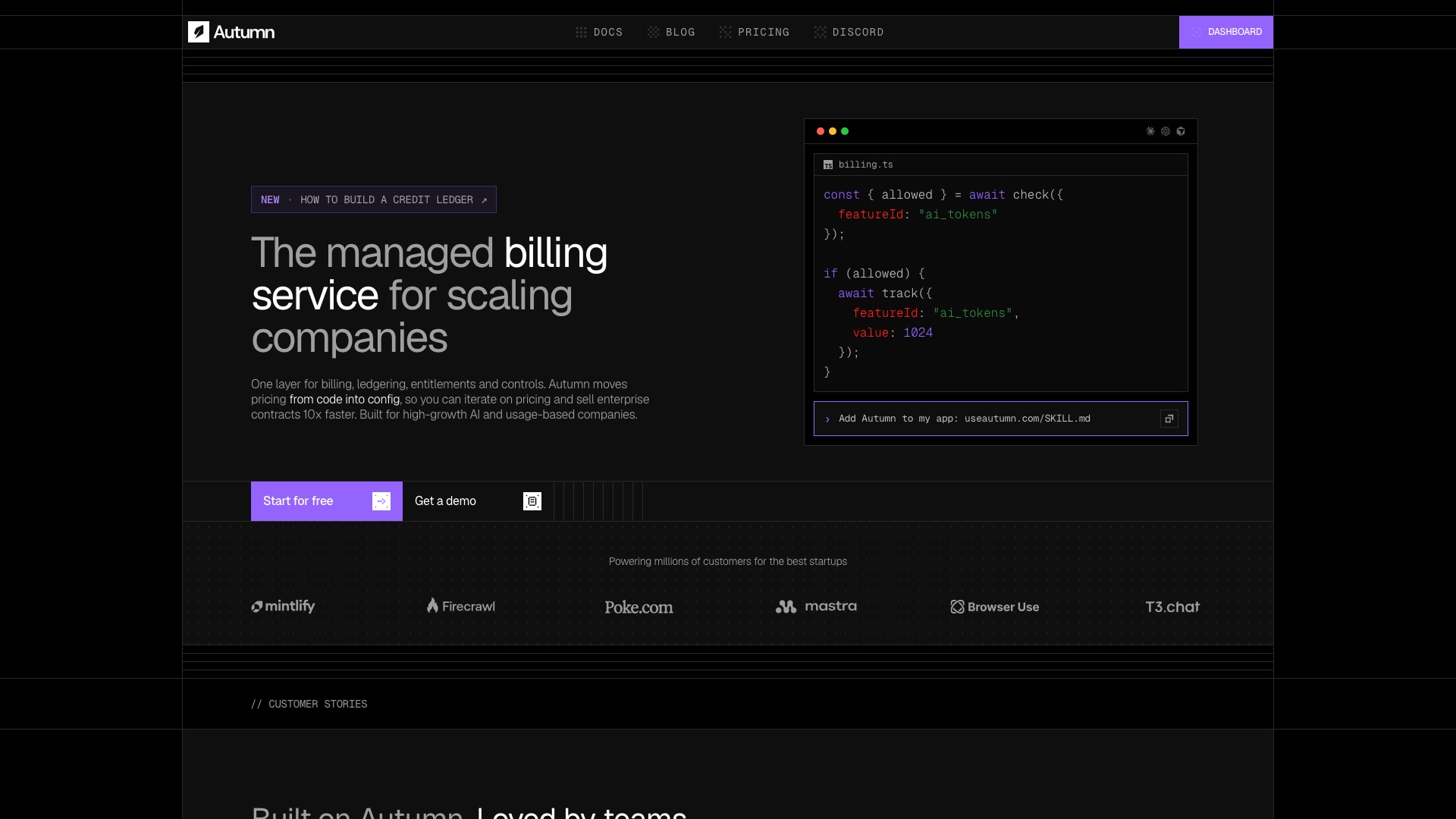
Autumn is the open source pricing and billing platform that sits on top of Stripe.
05 / 10ChargebeevsAutumn
Autumn
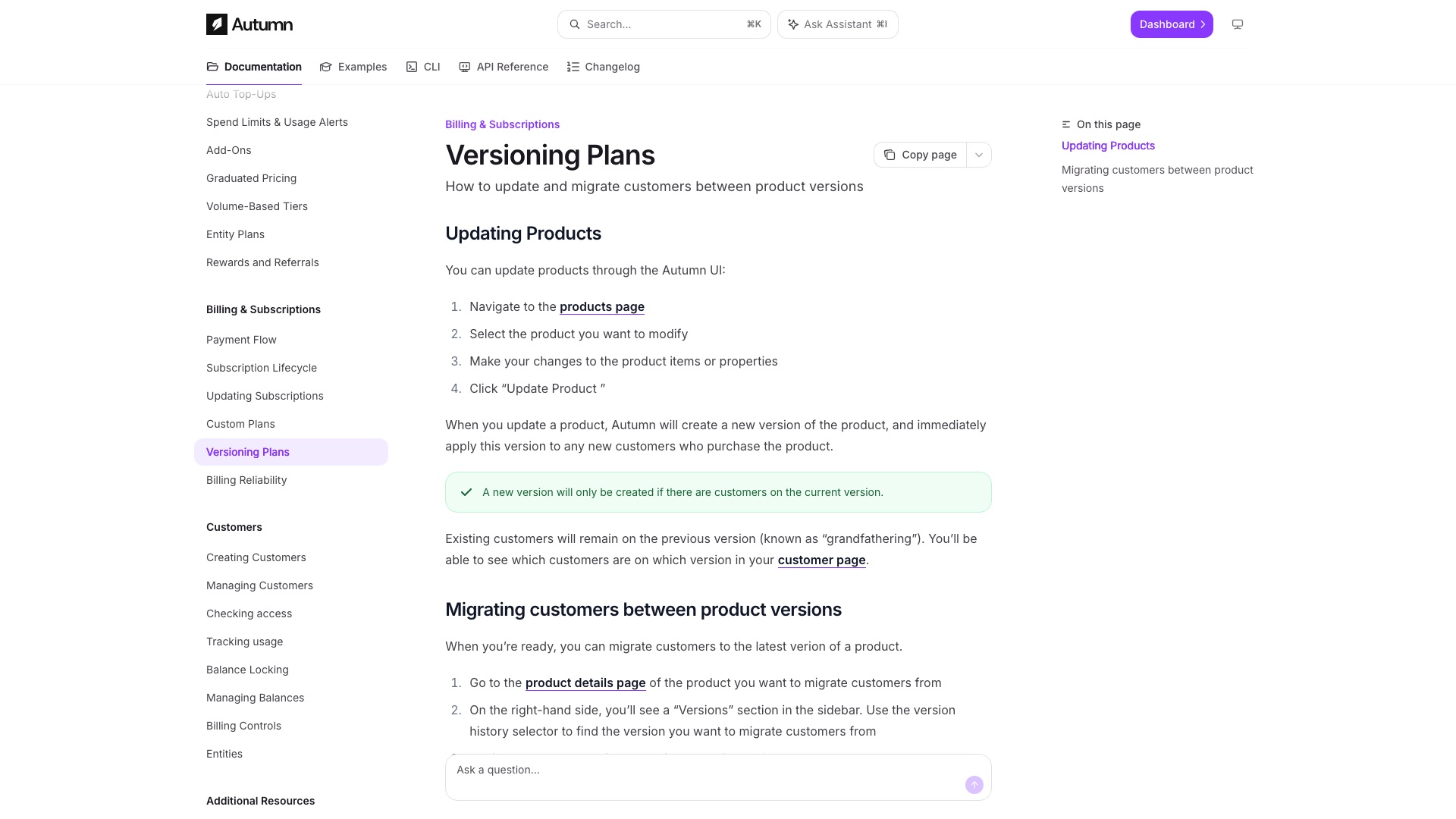
Now here is the part that actually matters. Pricing becomes a setting, not a project. You want to raise the price of Pro? You change it in the dashboard. New customers get the new price. Your existing customers stay on the old one until you decide to move them. Free trials, usage limits, credits, all set the same way. Your developer does not rebuild the app every time you change your mind.
05 / 10ChargebeevsAutumn
Autumn
Autumn does not replace Stripe. Stripe still moves the money, and Stripe still takes its fees. Autumn is the brain on top that decides who gets what.
05 / 10ChargebeevsAutumn
Autumn
Here is what Autumn ships:
- Free trials, with or without a credit card up front
- Usage limits that reset every month, and charges when someone goes over
- Credit systems, where different features cost different amounts from one balance
- Price changes that keep old customers on their old price until you move them
- Spend caps, usage alerts, coupons, and referral rewards
05 / 10ChargebeevsAutumn
Autumn
Worth Noticing:
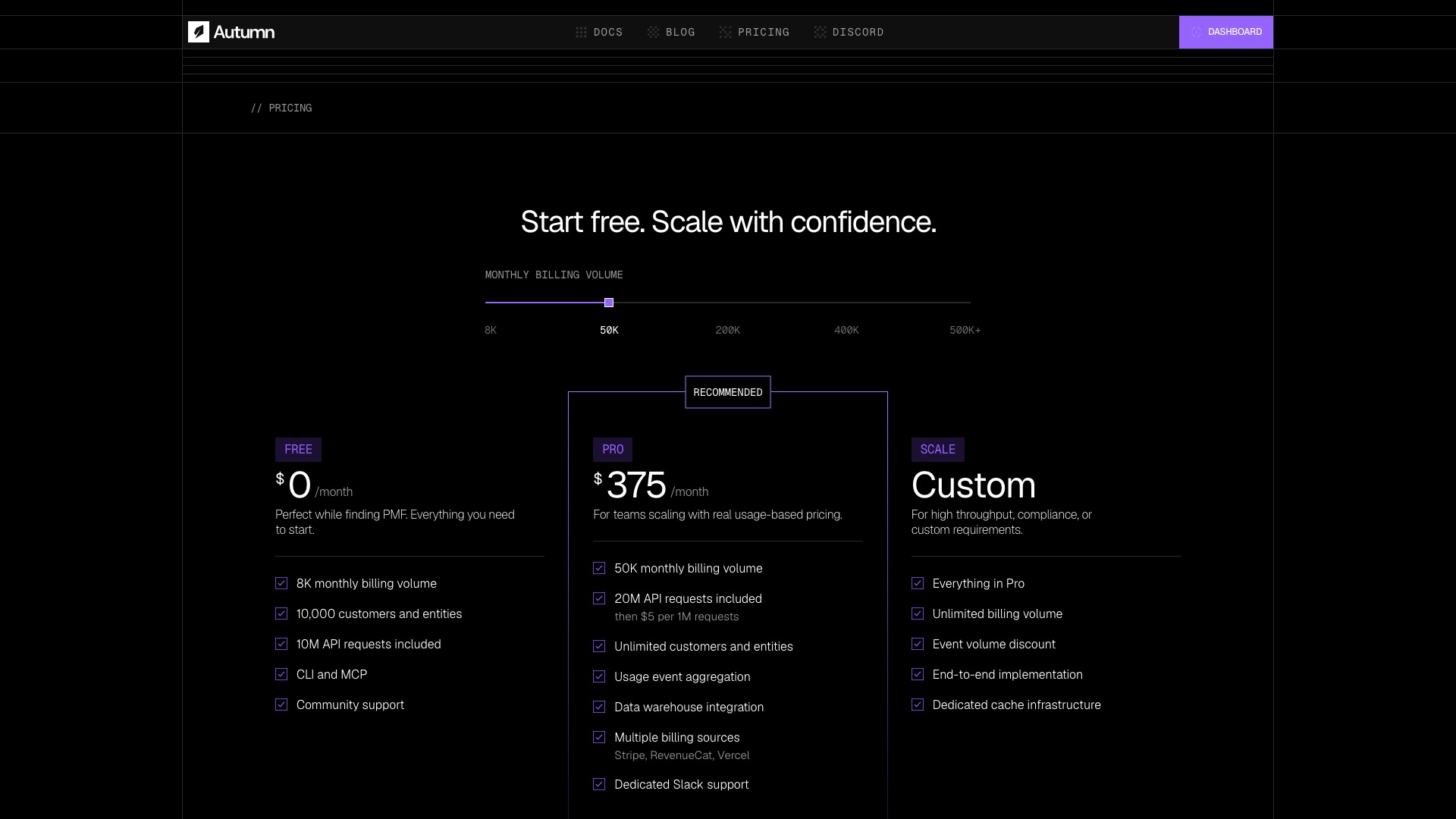
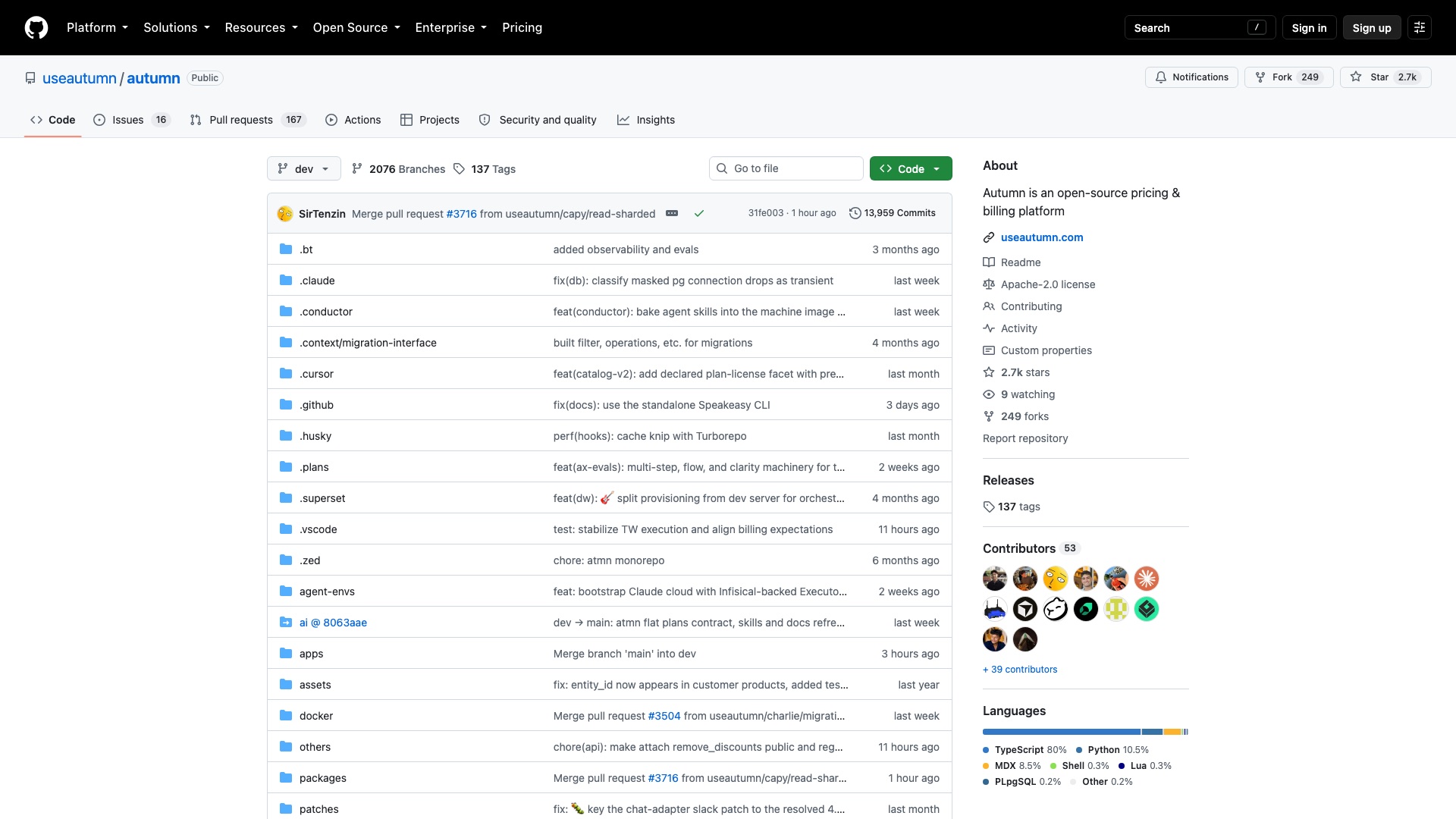
This is young. It went on GitHub in January 2025. Self-hosting is real, but the team itself says it depends on a bunch of other services and to ask them for help. Most people will use their hosted cloud, which is free to start and $375 a month on Pro. Chargebee still wins on finance-team stuff like quotes, revenue recognition, and big multi-company setups.
Your prices. Your plans. Your customers. Your billing.
05 / 10ChargebeevsAutumn
Autumn
4 ways to make money with Autumn
01
Pricing setup for AI startups
Small AI companies pay you to design and wire up their plans: a free tier, a credit balance, top-ups, and overage charges, all running on Autumn and Stripe. A fixed package like $2,500 to set it up plus $300 a month to run pricing changes is an easy sell to a founder who just wants it handled.
02
Hosted billing for no-code app builders
Run your own hosted copy of Autumn, under your own brand, for people shipping apps on tools like Bubble or Lovable who need paywalls and usage limits without a developer. Charge a simple monthly fee, for example $49 a month, below what a developer would cost them for a single afternoon.
03
A paywall-and-pricing template kit
Sell a ready-made starter kit: a pricing page, upgrade buttons, a credits meter, and a "you hit your limit" screen, pre-connected to Autumn. A one-time price like $149 fits what indie builders already pay for app templates.
04
Price-change and migration consulting
Subscription companies stuck on hand-built Stripe billing or on Chargebee hire you to move them over and run their next price increase safely, keeping old customers on old prices. This is fixed-fee project work, for example $5,000 per migration.
The license, in plain English: Autumn is Apache 2.0, which means you can use it, change it, host it for paying customers, and sell services around it, with no enterprise folder held back. The one thing to watch: keep their license and copyright notices, and do not use the Autumn name or logo as your own brand.
6 of 10
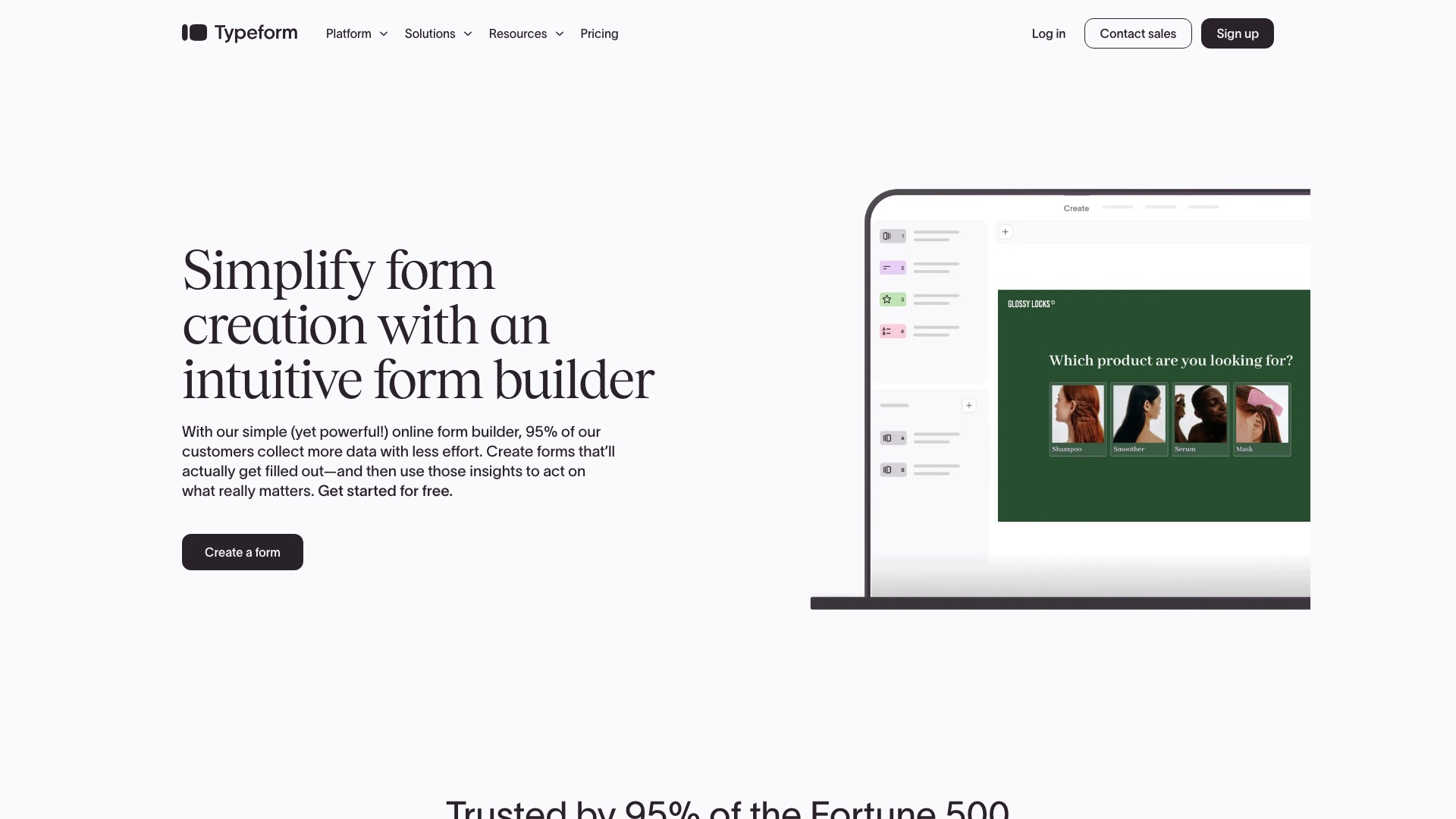
Typeform vs Typebot
06 / 10TypeformvsTypebot
Typeform
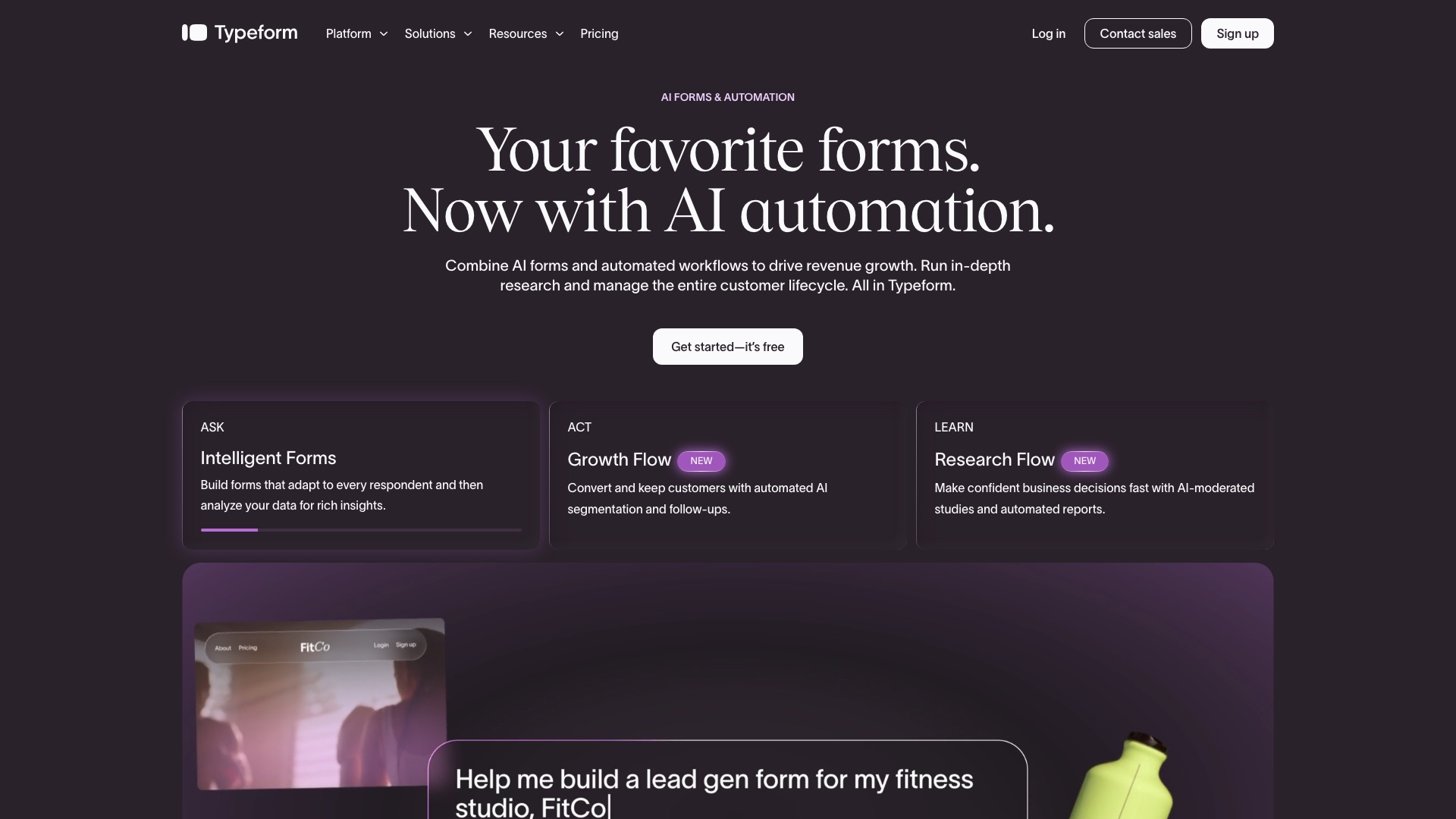
Typeform is a hugely popular form builder. It says 95% of the Fortune 500 use it.
06 / 10TypeformvsTypebot
Typeform
But:
Typeform holds every answer your customers ever typed.
Your lead forms, your quizzes, your signups all live on their servers.
And every self-serve plan counts responses. Hit the cap, and you are shopping for the next plan.
06 / 10TypeformvsTypebot
Typeform
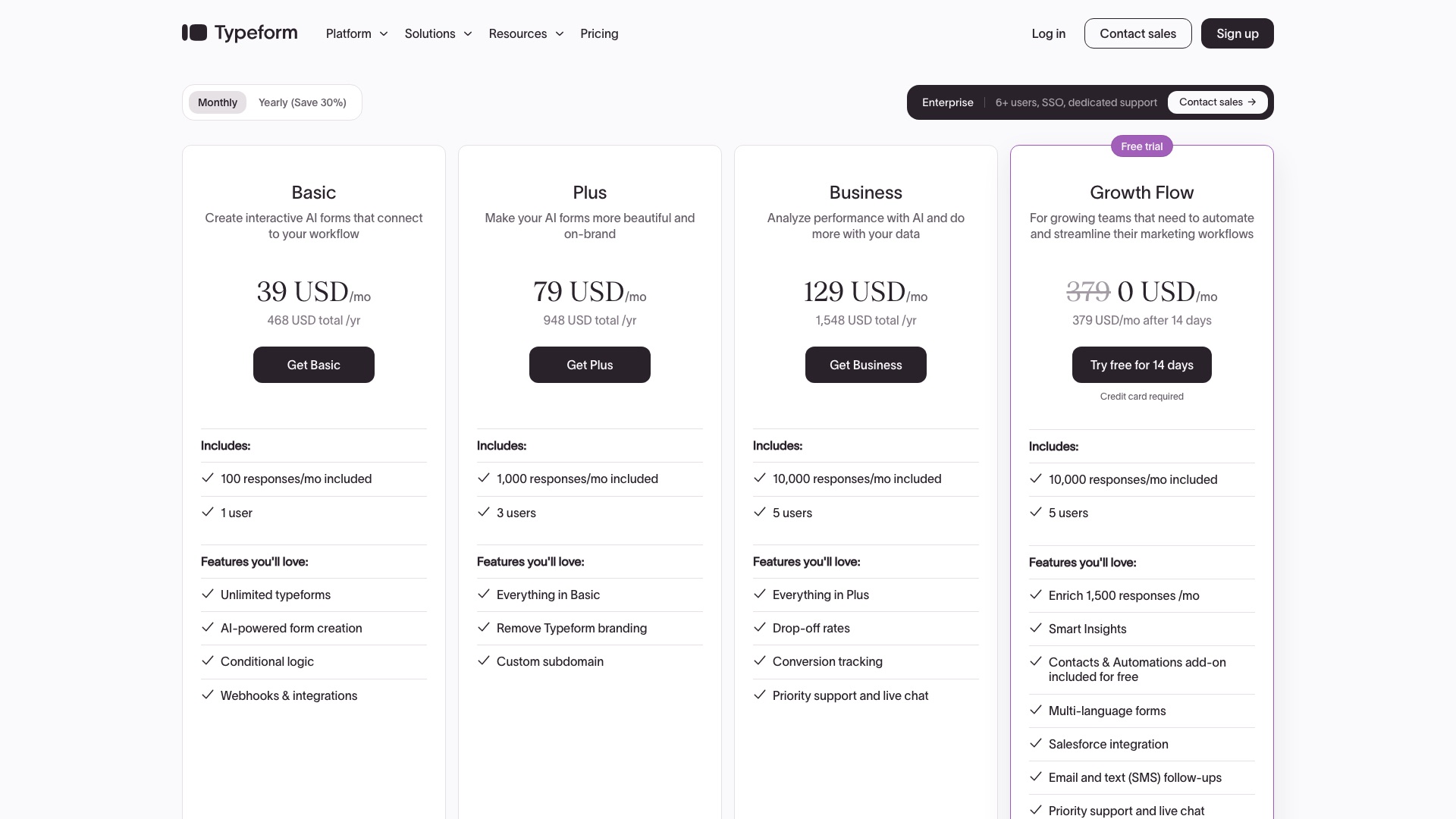
Typeform's top plan, Growth Flow, is $266 a month billed yearly, and it still caps you at 10,000 responses a month.
06 / 10TypeformvsTypebot
Typebot
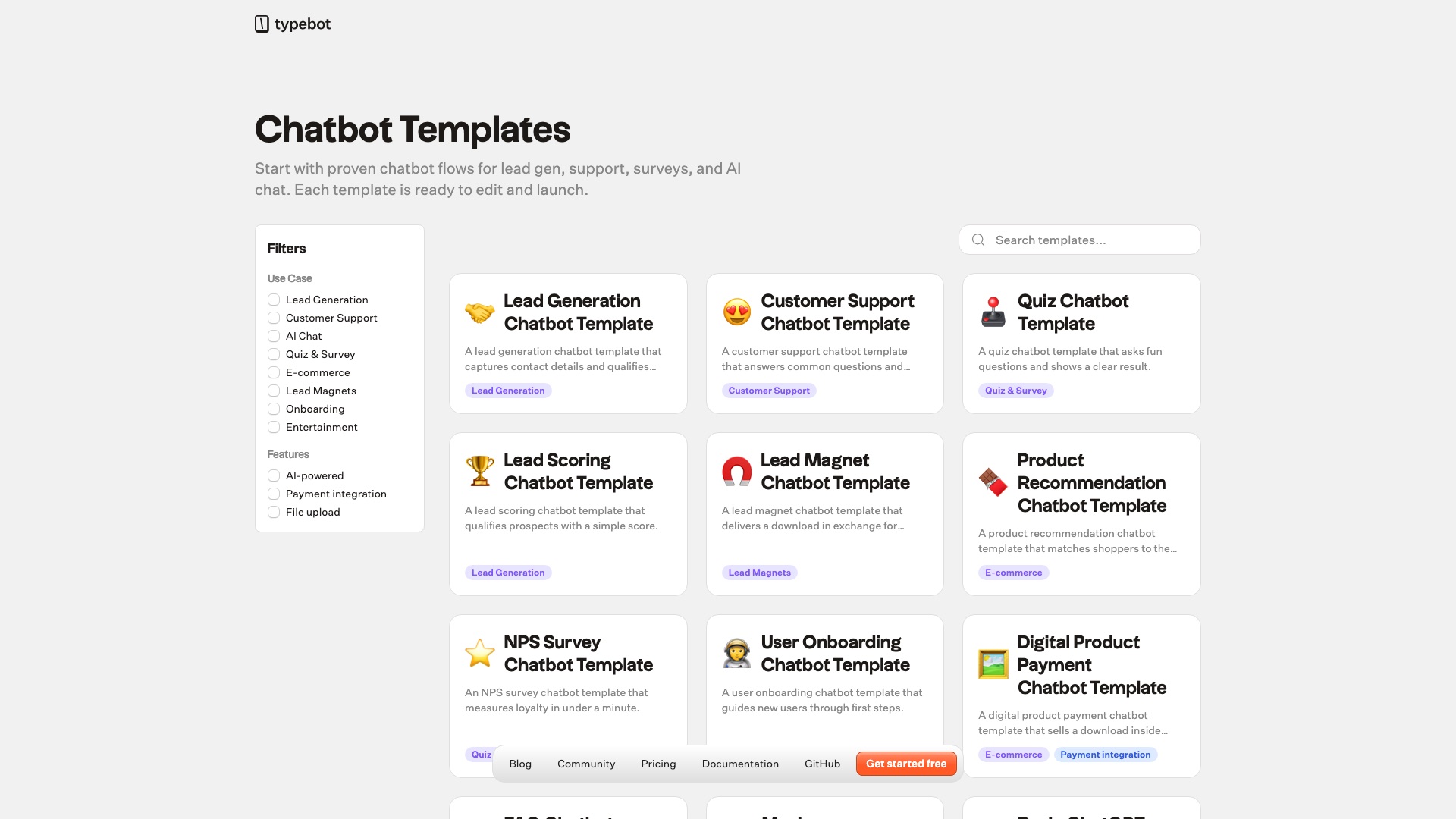
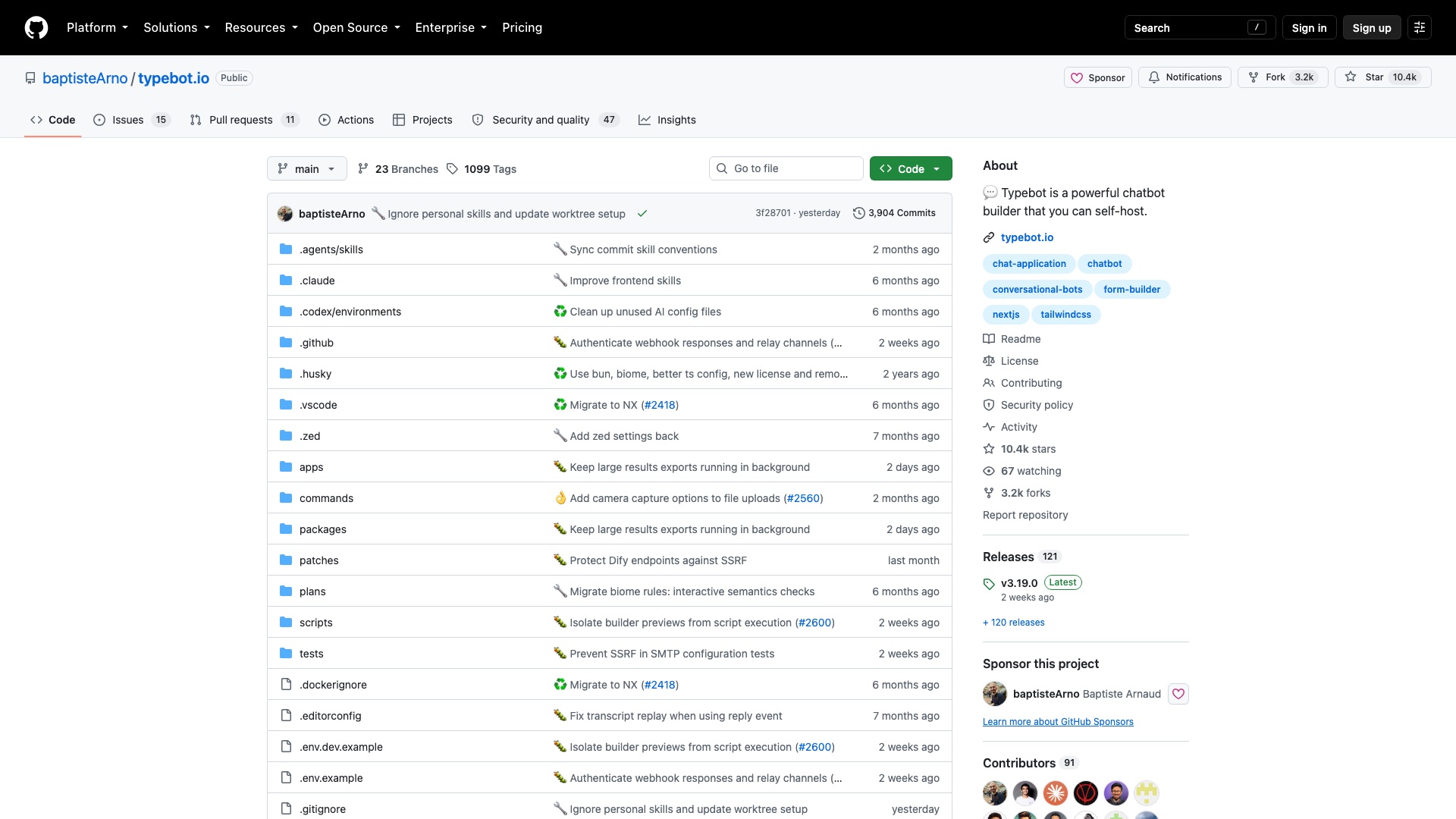
Then a solo developer in France built the open source chatbot builder.
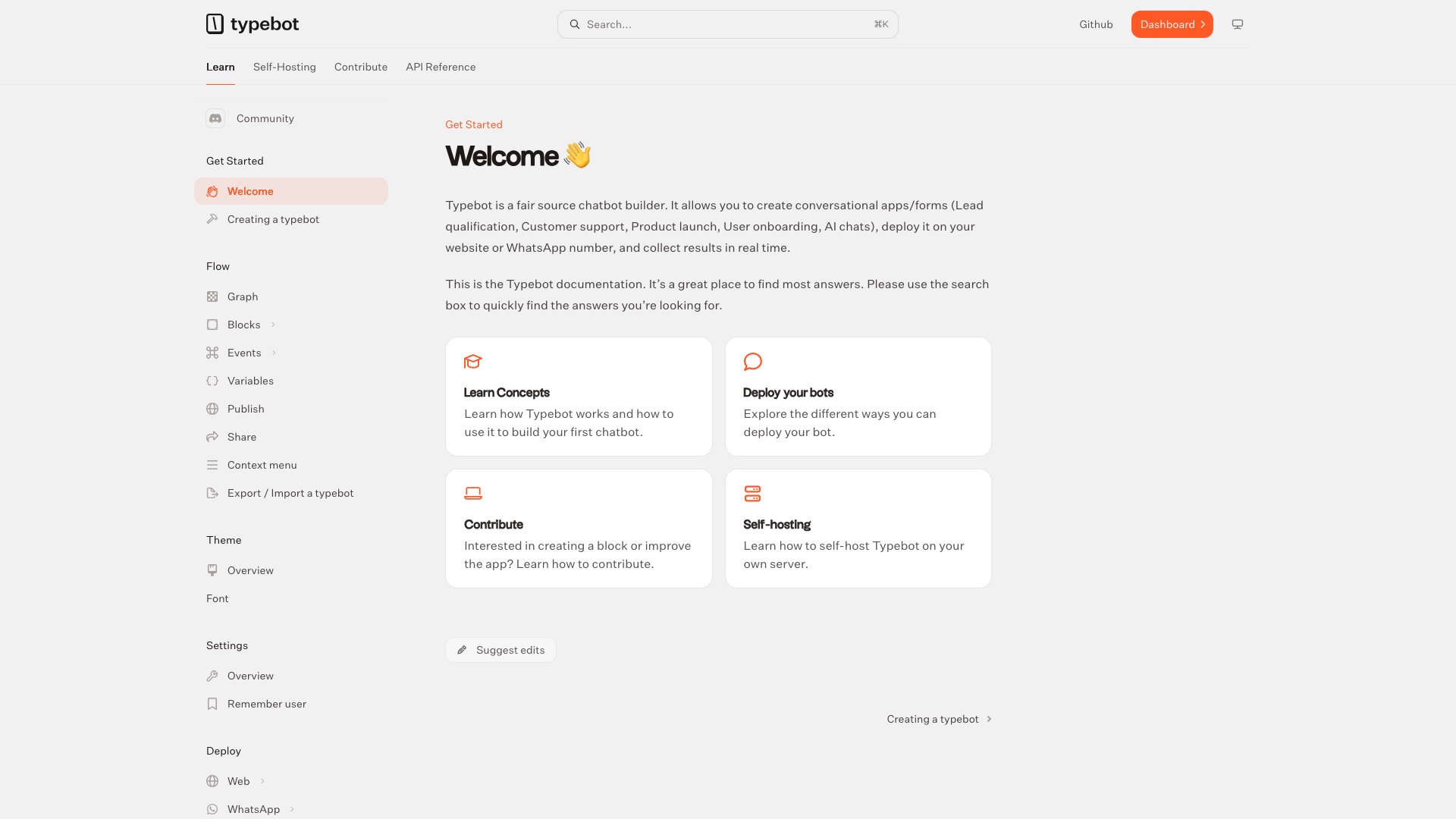
Typebot is the open source form and chatbot builder you can host yourself.
06 / 10TypeformvsTypebot
Typebot
Now here is the part that actually matters. A Typebot is a Typeform that talks. One question at a time, like a chat. It branches on the answers. It takes payments. It files everything into Google Sheets or your own tools. And on your own server, there is no response meter. Typeform still wins on polish and its newer AI tools. Typebot wins on owning the whole thing.
06 / 10TypeformvsTypebot
Typebot
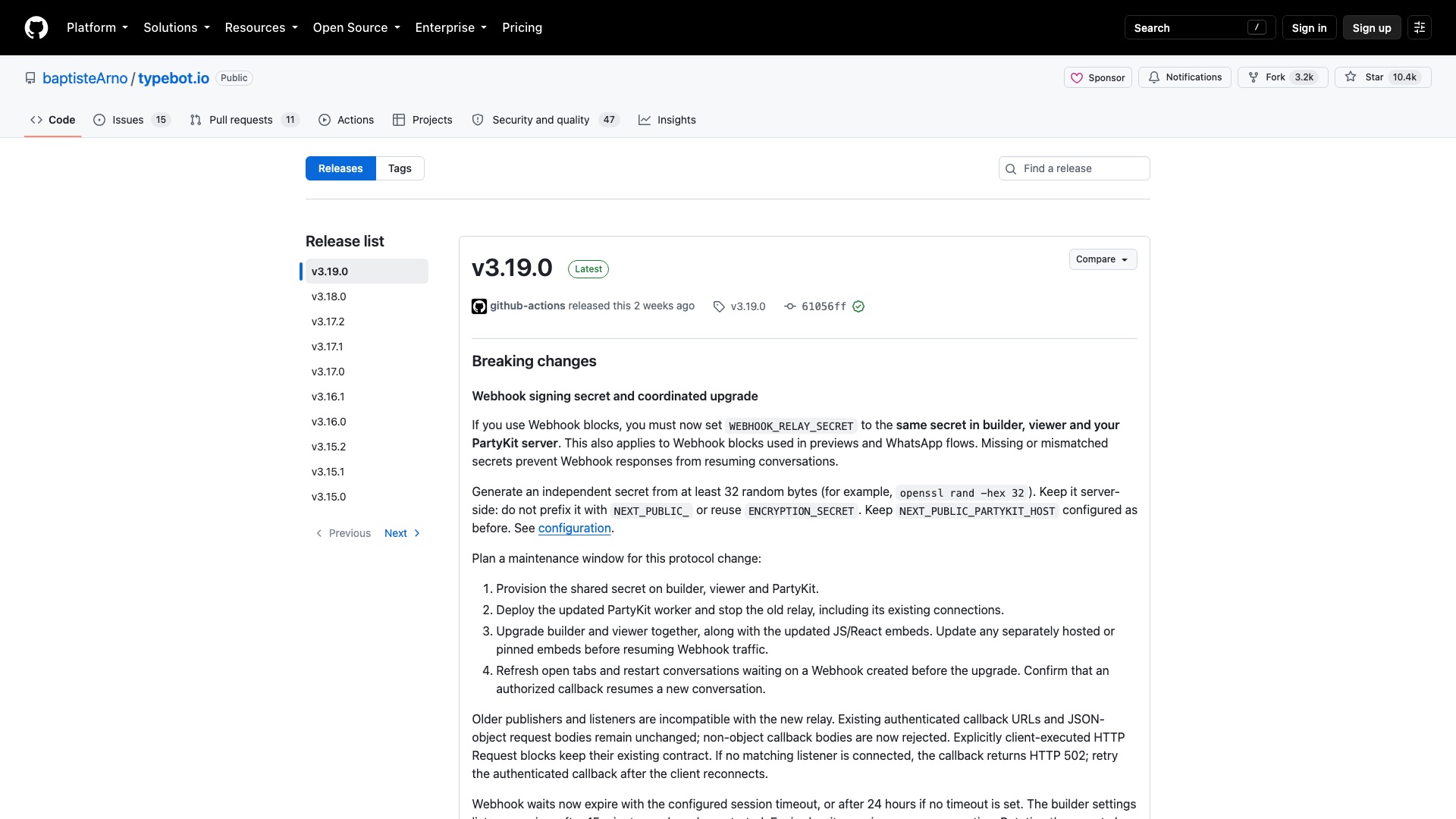
One honest note on the license. It is "fair source," not classic open source. You can use it for your own business and build bots for clients. You cannot sell Typebot hosting to other people. Each version turns fully open, Apache 2.0, two years after it ships.
06 / 10TypeformvsTypebot
Typebot
Here is what Typebot ships:
- A drag-and-drop builder with dozens of blocks: text, images, video, buttons, dates, file uploads
- Branching logic, so each person gets the questions that fit them
- Payments inside the chat, plus AI, Google Sheets, Zapier, Make, and webhooks
- Put it anywhere: a full page on your own domain, a popup, a chat bubble, or WhatsApp
- Results in real time, with drop-off rates and CSV export
06 / 10TypeformvsTypebot
Typebot
Worth Noticing:
Typebot is mostly one person's project. That is fast, but it is a small team to depend on. The license blocks you from reselling it as a hosted service for two years. Typebot also sells its own hosted cloud if you do not want to run a server, and that has a monthly bill.
Your forms. Your chats. Your answers. Your server.
06 / 10TypeformvsTypebot
Typebot
4 ways to make money with Typebot
01
Lead bots for realtors
Build a chat that qualifies home buyers and sellers (budget, timeline, pre-approval) and drops hot leads straight into the agent's inbox or CRM. Charge the brokerage something like $1,500 to build it and $150/month to tweak it and report on it, with the bot running on the brokerage's own Typebot account or server.
02
Typeform-to-Typebot migrations
Coaches and course creators often run dozens of Typeforms; you rebuild them as Typebots and install Typebot on the client's own server. A flat project fee (say $2,000 for up to ten forms) pays for the rebuild, the install, and one training call.
03
Niche template packs
Sell ready-made bot files people import into their own Typebot, like client-intake bots for law firms or new-patient bots for dental clinics. Price a pack at around $79, and name it after the niche, not the Typebot brand.
04
Your own lead-gen quote bot
Run a local site like "get a roof quote in two minutes" where a Typebot collects the homeowner's details and photos, then sell those leads to local roofers at a per-lead price you agree with each one. You are selling leads, not software, so it is plain use of the bot in your own business.
The license, in plain English: Typebot uses the Functional Source License: you can use it in your own business, put bots in front of your customers, and build and set up bots for clients, all for money. What you cannot do for two years after each version ships is sell hosted Typebot, logins, or a white-labeled builder to other people, because that competes with Typebot's own cloud; after two years that version becomes Apache 2.0 and the limit goes away.
7 of 10
Salesforce vs Frappe CRM
07 / 10SalesforcevsFrappe CRM
Salesforce
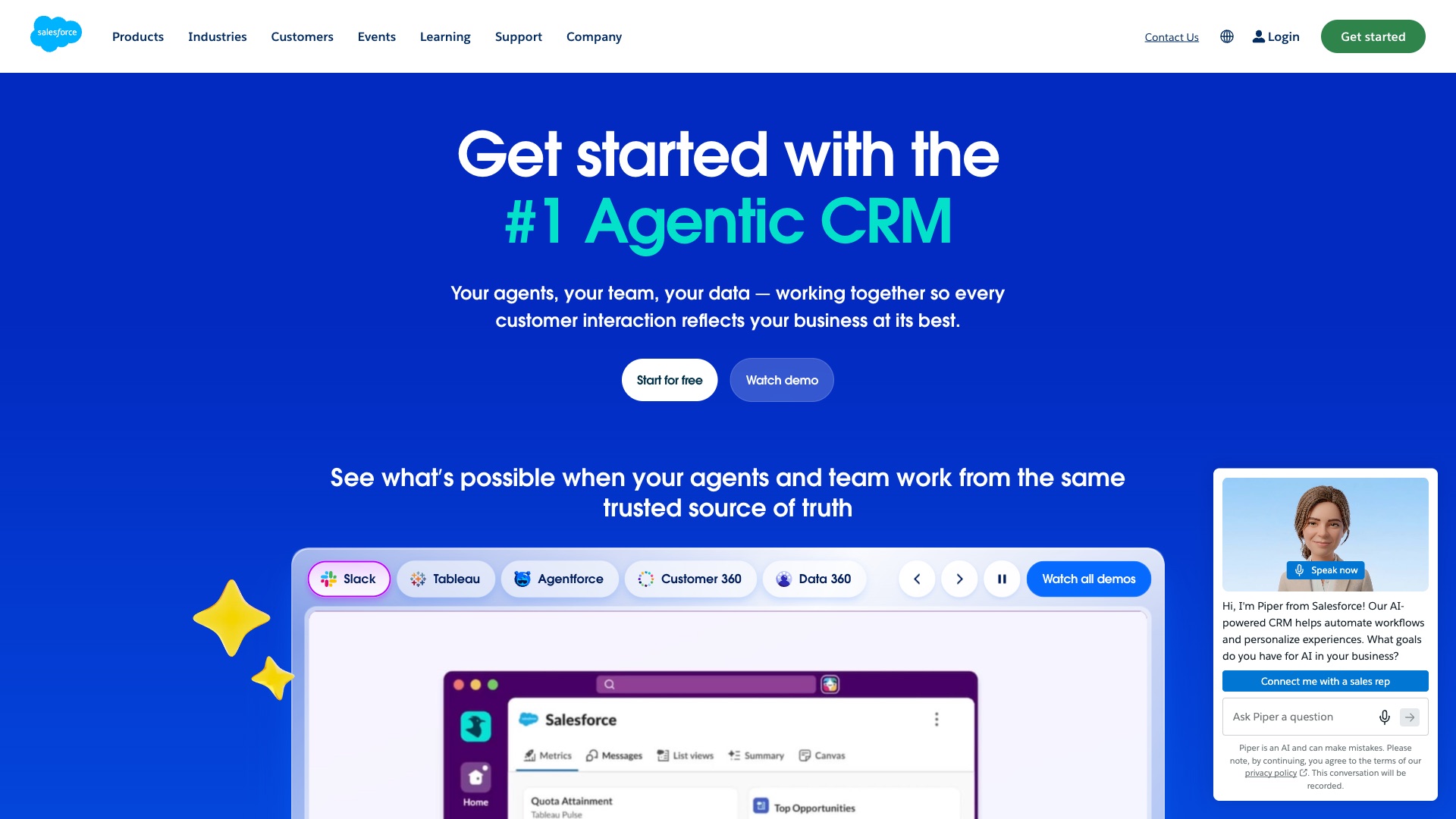
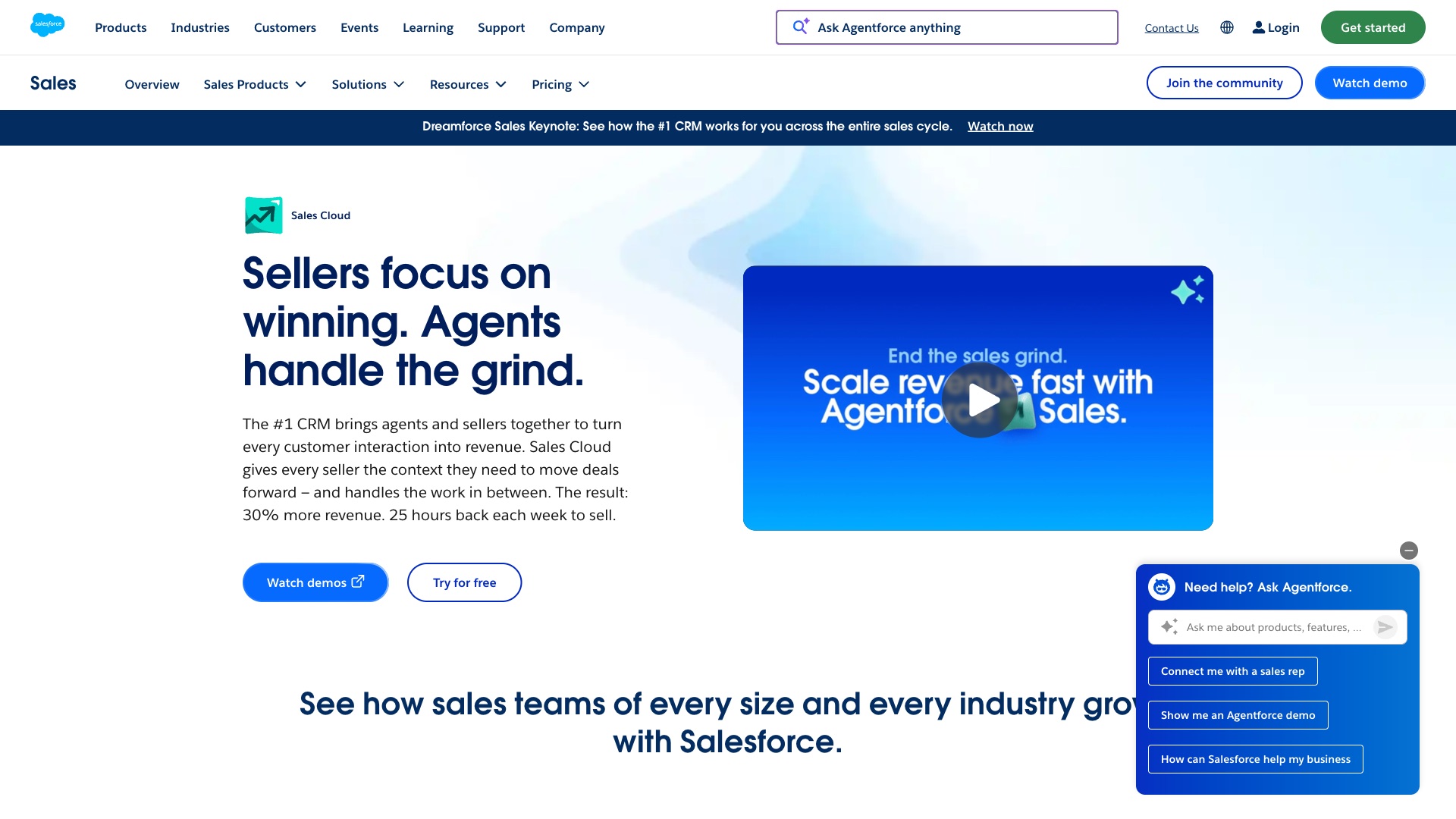
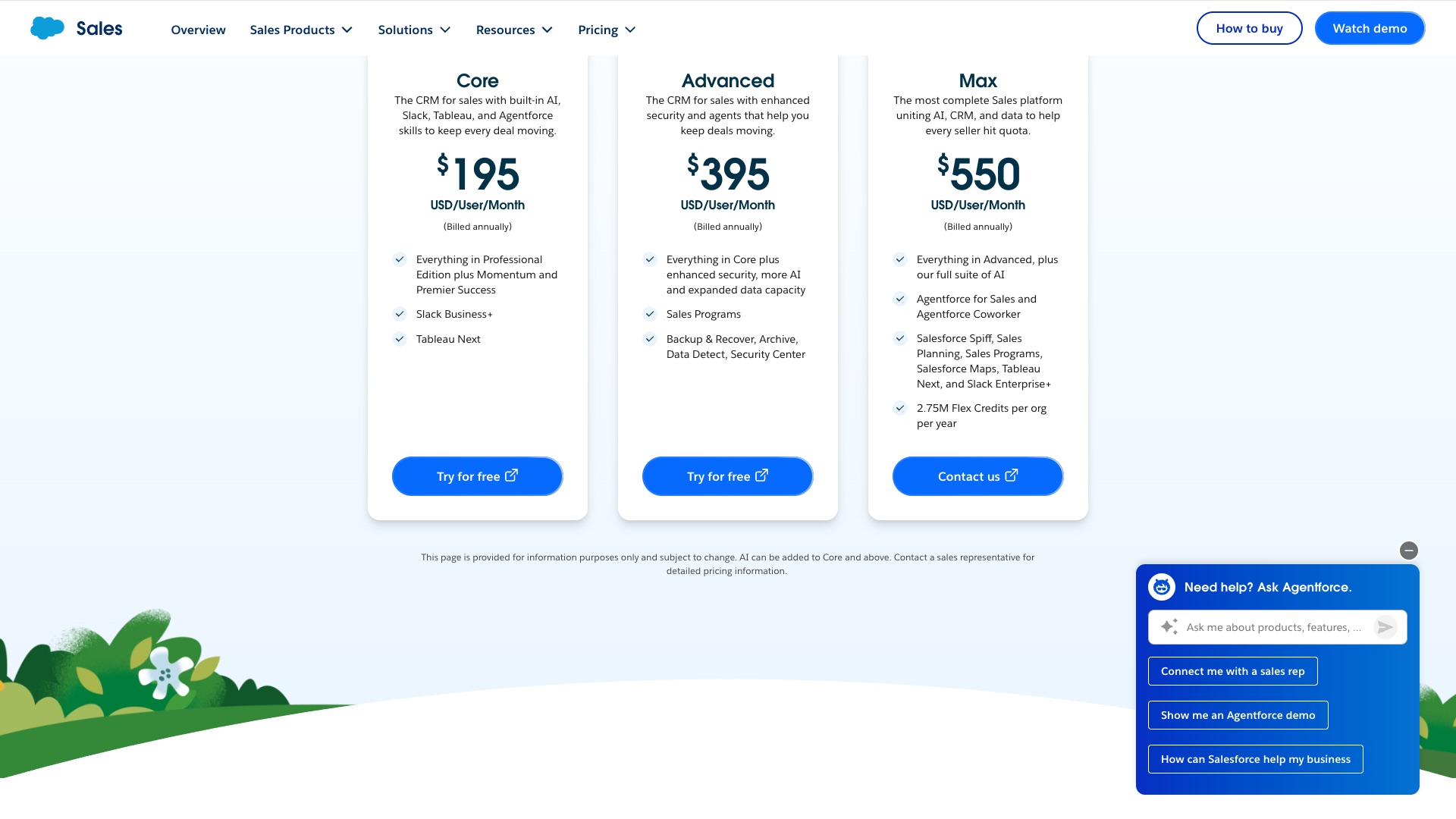
Salesforce is a hugely popular CRM. Its sales product is called Sales Cloud.
07 / 10SalesforcevsFrappe CRM
Salesforce
But:
Salesforce holds your pipeline. Every lead, every deal, every note your reps ever wrote.
Your sales team lives in it all day. Leaving means moving years of history.
And every person you hire is one more seat.
07 / 10SalesforcevsFrappe CRM
Salesforce
Salesforce Sales Cloud Max is $550 a user a month, billed annually.
07 / 10SalesforcevsFrappe CRM
Frappe CRM
Then a team built the open source CRM.
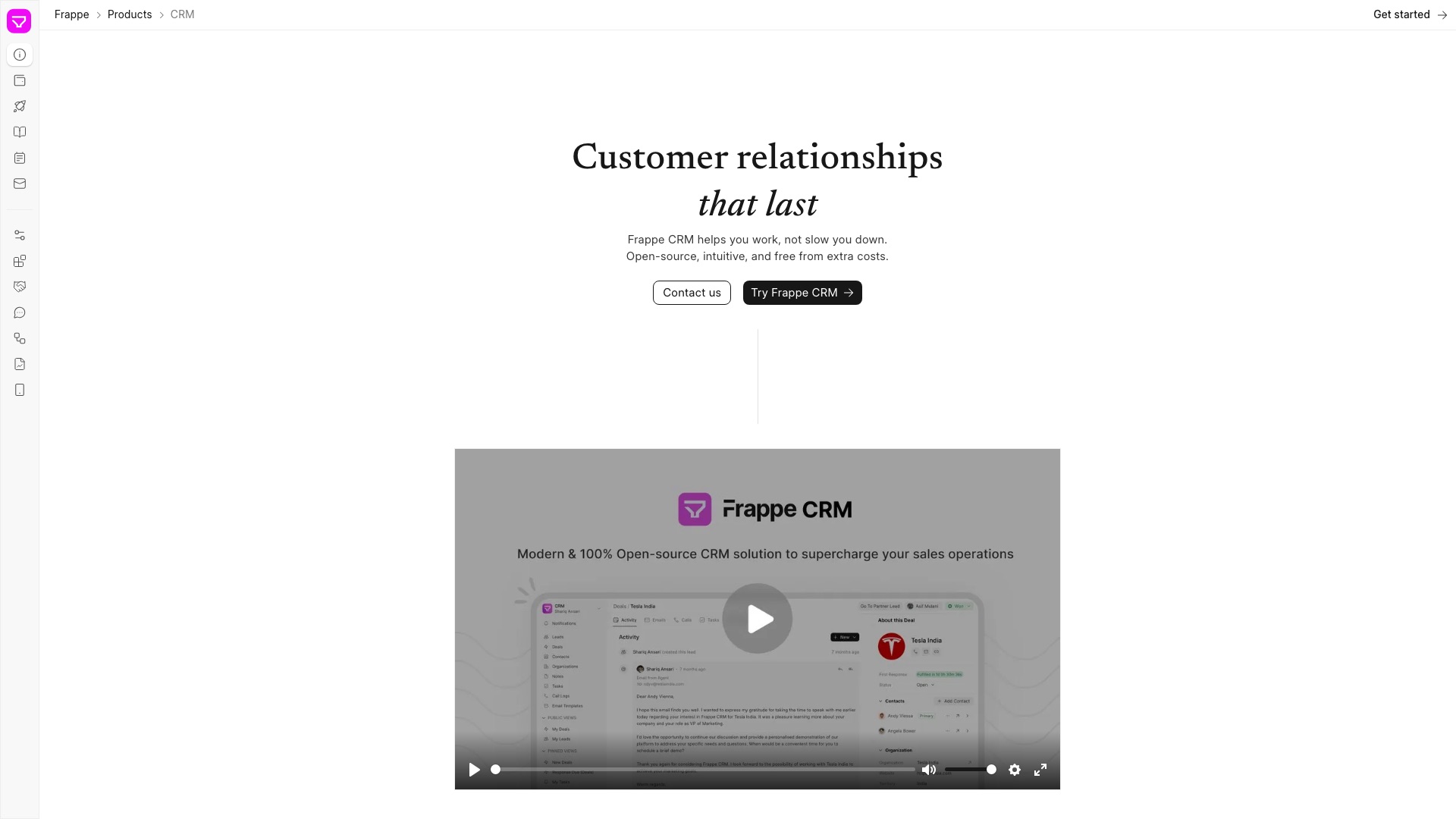
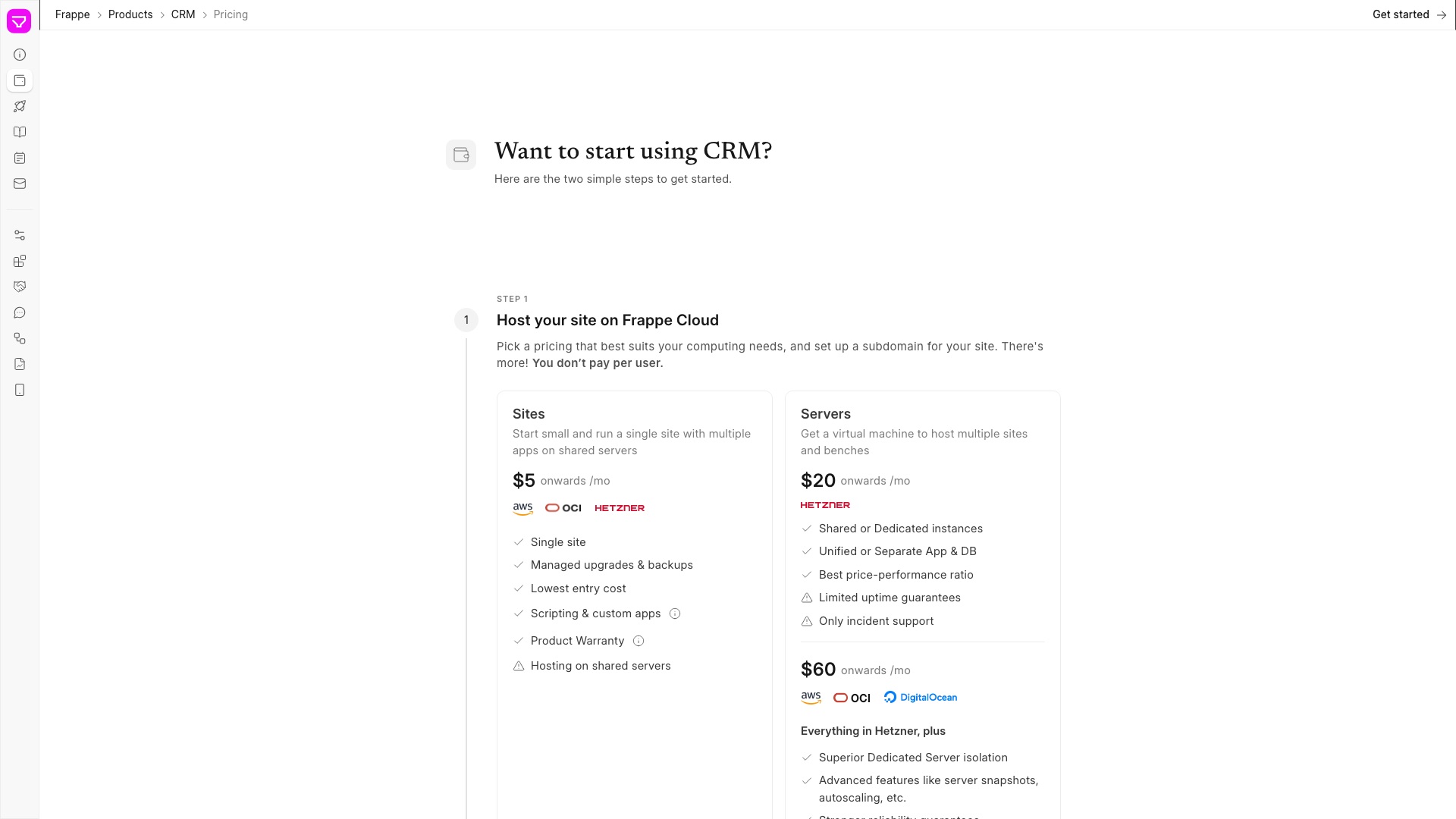
Frappe CRM is the open source sales CRM you can host yourself, with unlimited users.
07 / 10SalesforcevsFrappe CRM
Frappe CRM
Now here is the part that actually matters. There is no seat price. Add a salesperson and the bill does not move. Every deal gets one page. The emails, the calls, the notes, the tasks, all in one place. That is the Salesforce job most small teams actually need. Salesforce still wins on AI agents and its giant add-on marketplace. Frappe CRM does not win that fight.
07 / 10SalesforcevsFrappe CRM
Frappe CRM
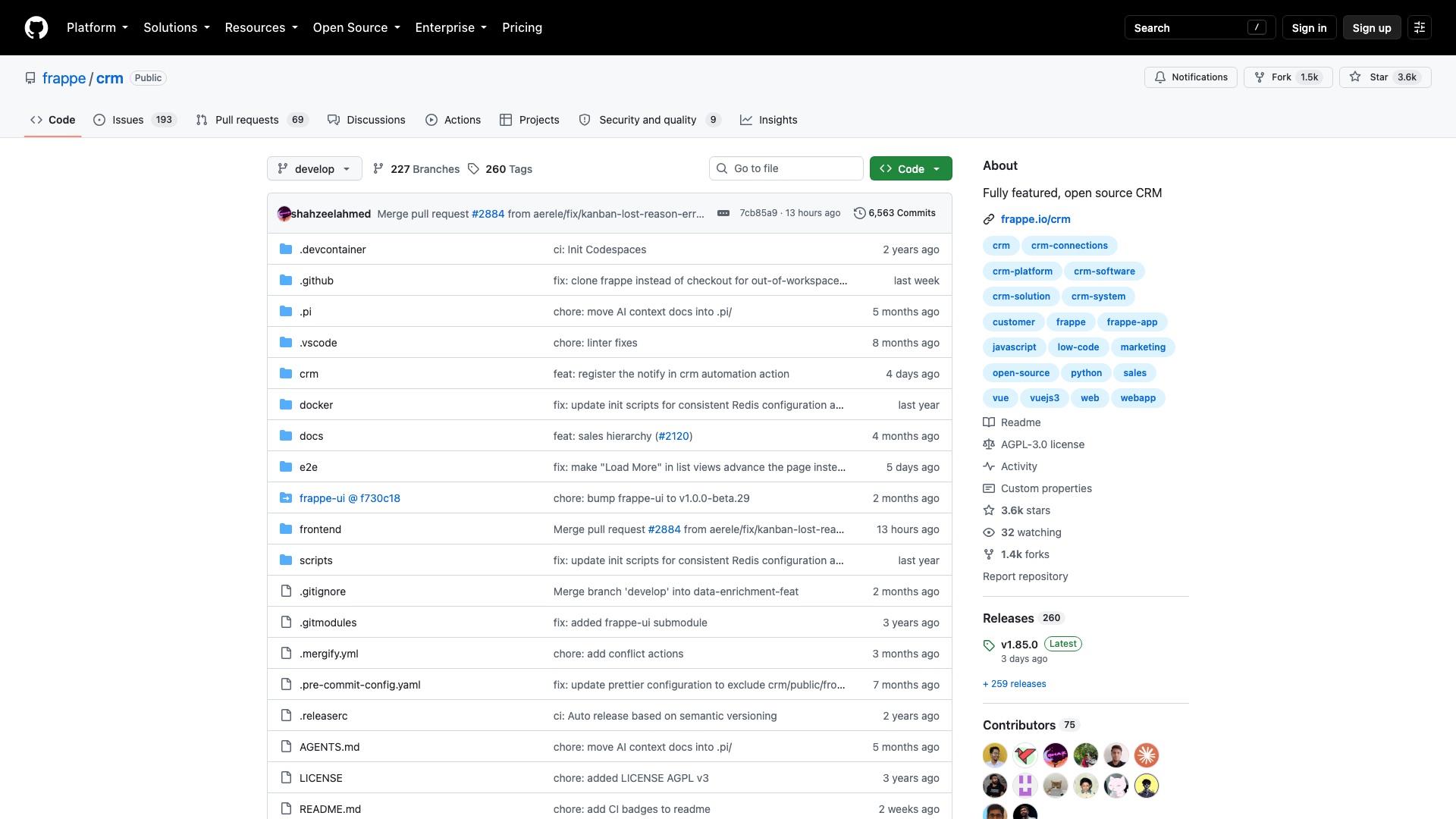
Frappe CRM is made by Frappe, a software company in India. They also sell a hosted cloud. It is priced by the server, not by the person. Self-hosting is free.
07 / 10SalesforcevsFrappe CRM
Frappe CRM
Here is what Frappe CRM ships:
- Leads and deals on a drag-and-drop board, stage by stage
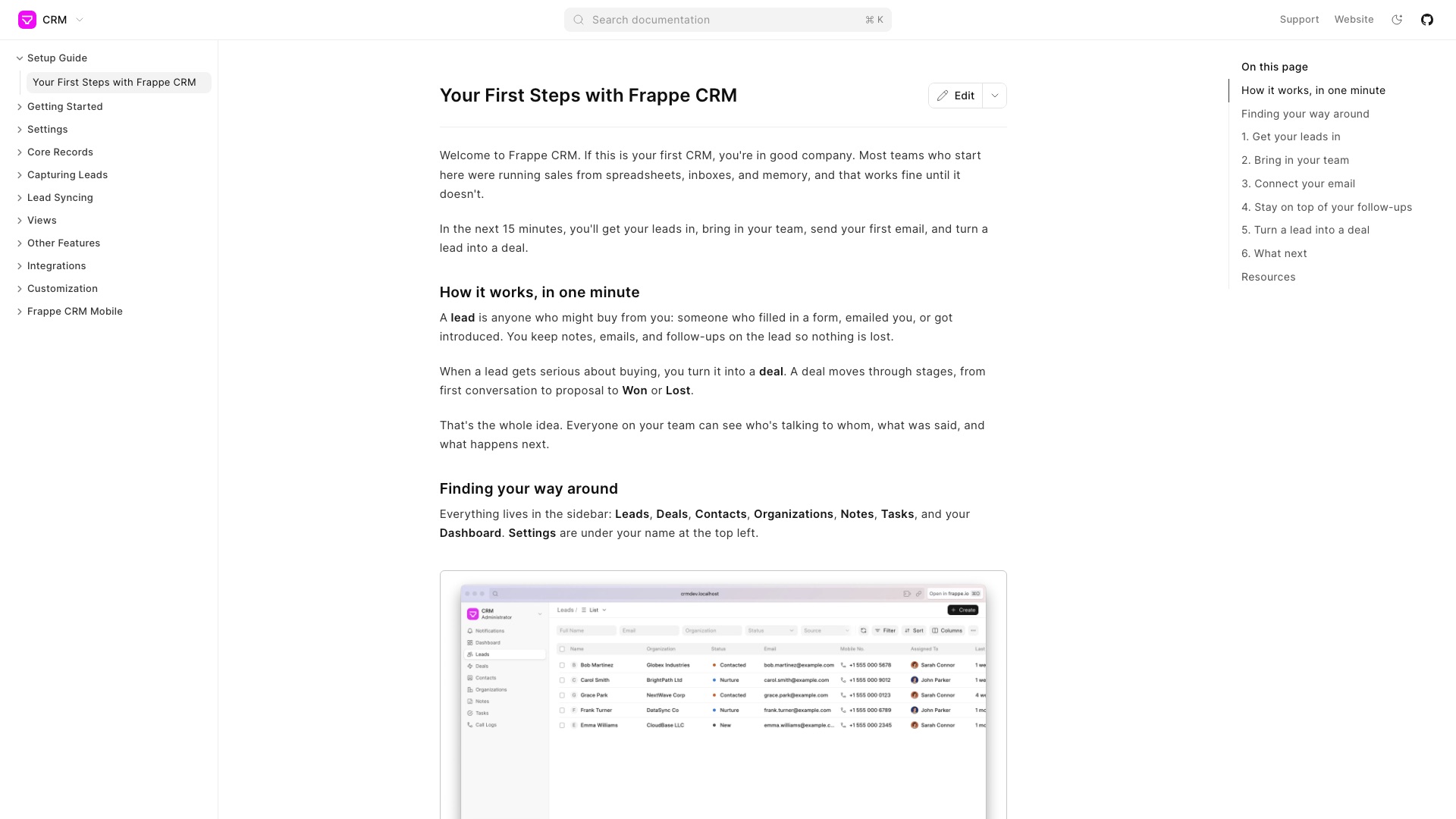
- One page per deal with every email, call, note, and task
- Make and record calls from inside the CRM, through Twilio or Exotel
- WhatsApp messages, plus leads pulled in from Facebook and Instagram
- Your own fields, views, and automations for follow-ups and assignments
07 / 10SalesforcevsFrappe CRM
Frappe CRM
Worth Noticing:
The license is AGPL. That means you can use it, change it, and even host it for paying clients. The catch: if you change it and let people use it over the web, you must share your changes. There is no locked enterprise folder. It is young, on GitHub since July 2023. And custom work means finding someone who knows Frappe.
Your leads. Your deals. Your team. Your server.
07 / 10SalesforcevsFrappe CRM
Frappe CRM
4 ways to make money with Frappe CRM
01
Real estate lead desk
Set it up for small real-estate brokerages so Facebook and Instagram leads land straight in the CRM and agents follow up by WhatsApp and phone. Charge the broker for setup and monthly upkeep, e.g. $2,000 setup + $250/month.
02
Hosted CRM for insurance agencies
Run a managed, private copy for independent insurance agencies: you host it, back it up, and update it, and the whole office pays one flat fee. A price like $149/month per agency works because there is no per-seat cost underneath you.
03
Salesforce exit migrations
Move small sales teams off Salesforce: export their leads, deals, contacts, and history, rebuild their stages, and train the reps. Sell it as a fixed-price project, e.g. $3,000–$8,000 depending on how much data and custom fields they have.
04
Solar installer starter pack
Build a ready-made setup for solar installers: site-survey fields, quote-to-install stages, email templates, and web forms for inbound leads. Sell the pack plus install as a product, e.g. $499 one-time with optional paid support; the code stays AGPL, so you are selling the work and the updates, not a locked license.
The license, in plain English: Frappe CRM is AGPL-3.0: you can use it, change it, charge clients for it, and even host it for them as a service. The one thing to watch: if you modify it and people use your version over the web, you must offer them your changed source code, and you cannot put "Frappe" in your own product's name without Frappe's written permission.
8 of 10
GoHighLevel vs Mautic
08 / 10GoHighLevelvsMautic
GoHighLevel
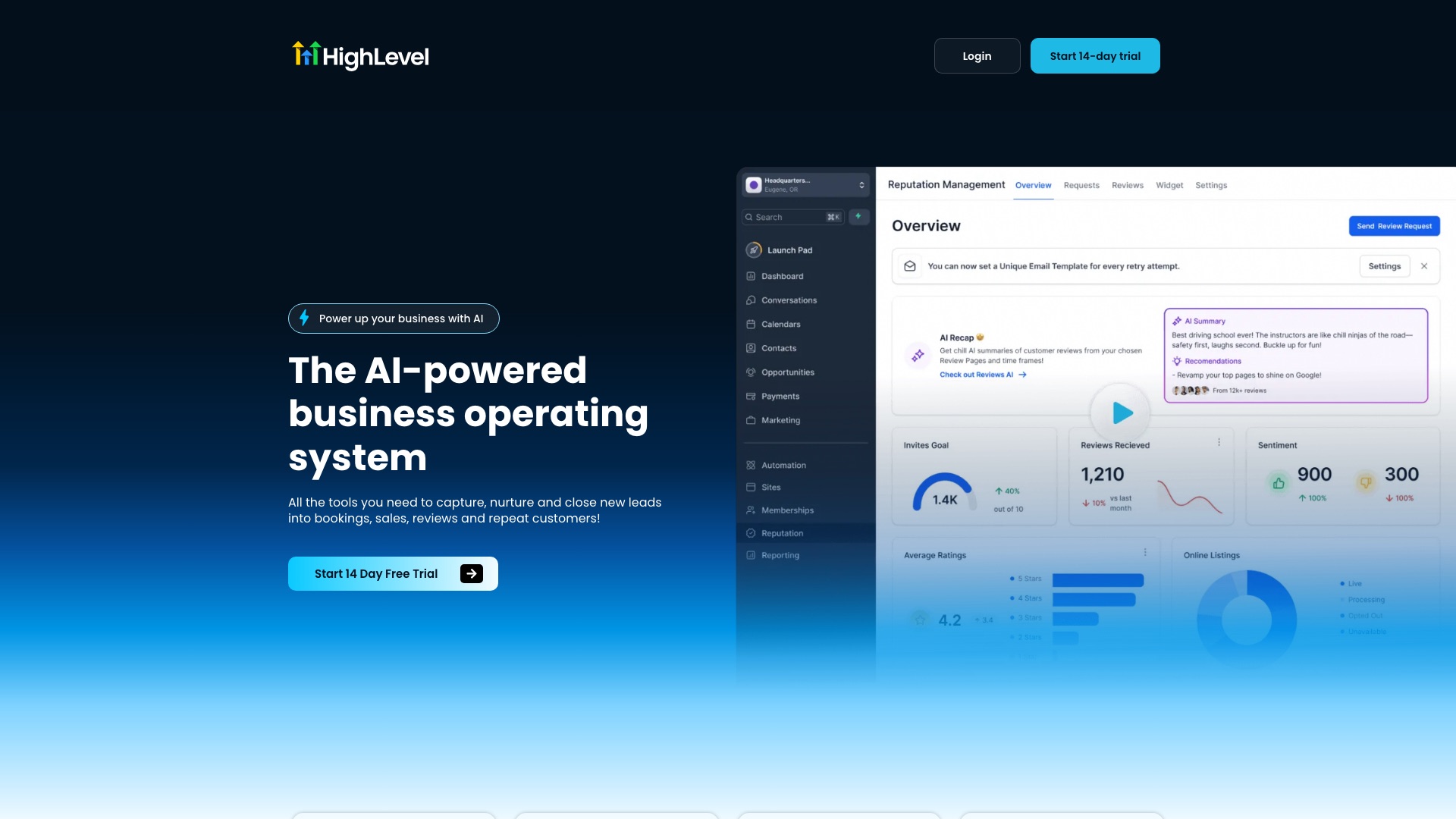
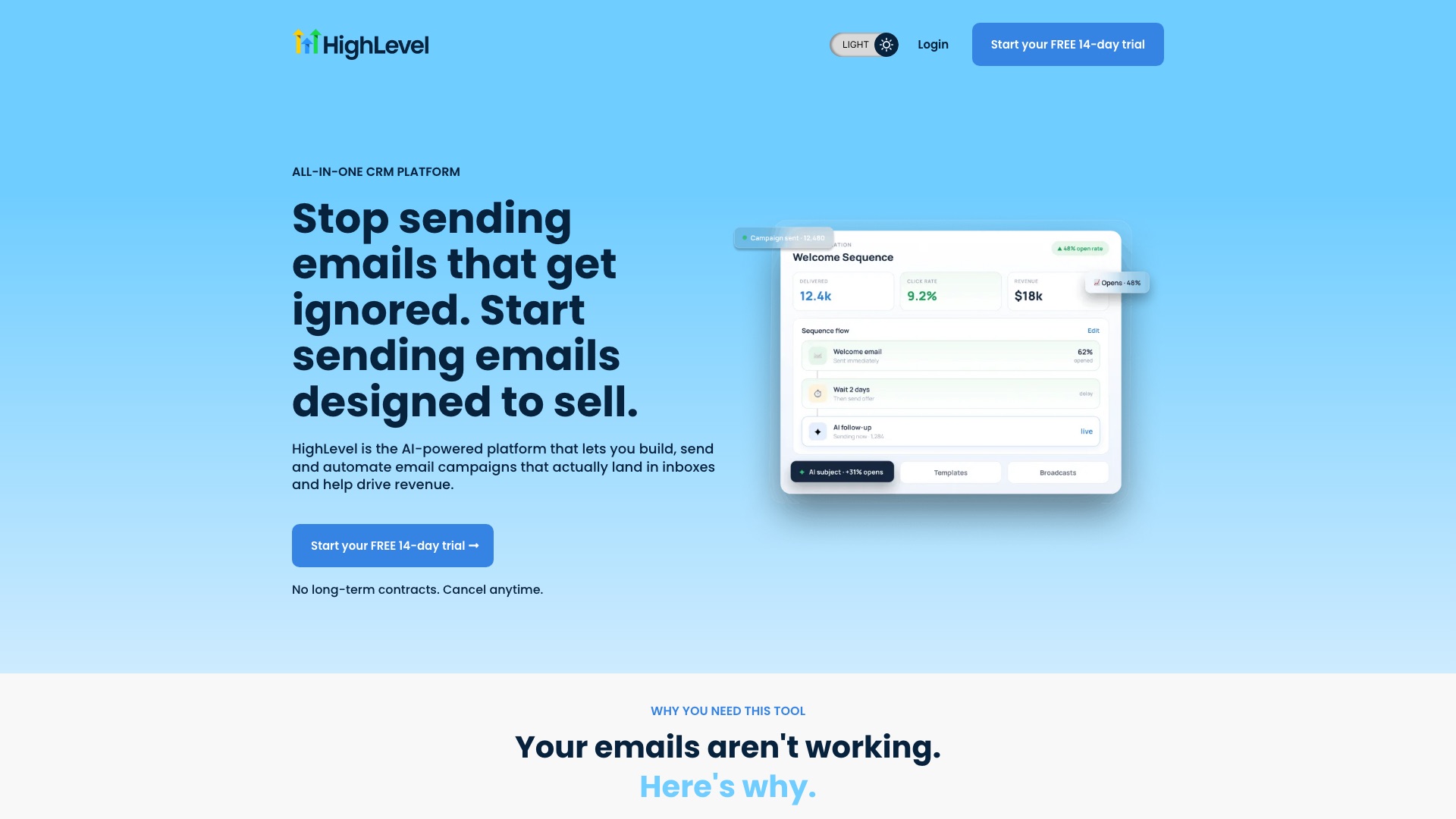
GoHighLevel is a hugely popular all-in-one marketing platform for agencies. It sells a CRM, funnels, email, texting, phone, and reviews in one login.
08 / 10GoHighLevelvsMautic
GoHighLevel
But:
Your contact list lives in their database. So do your automations.
If you are an agency, it is worse. Every client account you sell sits inside GoHighLevel. Your whole business is a rebrand of theirs.
08 / 10GoHighLevelvsMautic
GoHighLevel
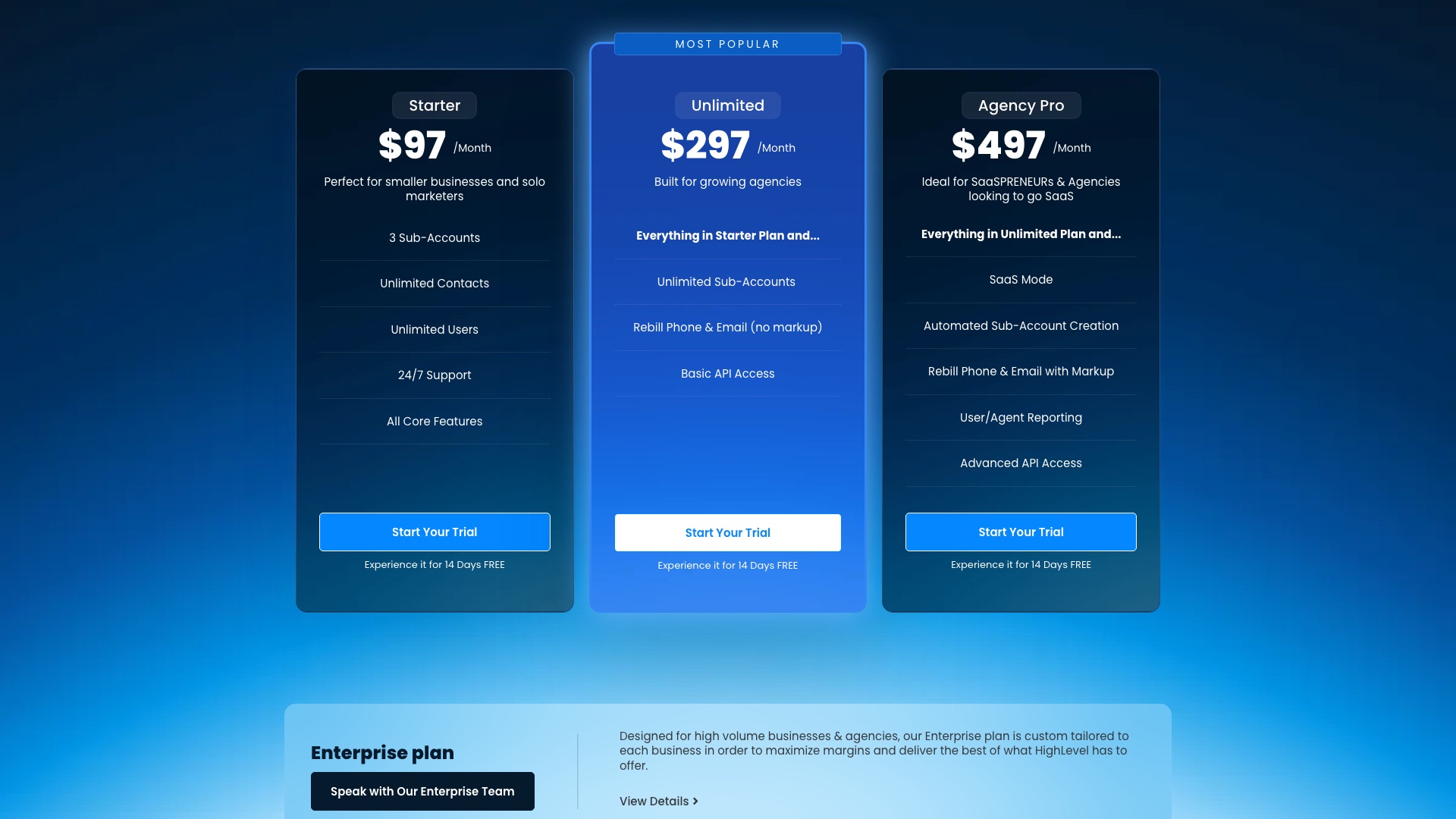
GoHighLevel's Agency Pro plan is $497 a month.
08 / 10GoHighLevelvsMautic
Mautic
Then a team built the open source marketing automation engine.
Mautic is the open source marketing automation platform you can host yourself.
08 / 10GoHighLevelvsMautic
Mautic
Now here is the part that actually matters. The piece most people use GoHighLevel for is the follow-up. The email sequences. The "they clicked, so send this next" logic. That is exactly what Mautic does, with unlimited contacts and no per-contact bill. But GoHighLevel bundles a lot more. Sales pipelines. Funnel builder. Phone calls. Review requests. A branded SaaS mode that bills your clients for you. Mautic does not ship those. It is the email and automation core, not the whole building.
08 / 10GoHighLevelvsMautic
Mautic
One more honest thing. Mautic does not send the email itself. You plug in a sending service, like Amazon SES or SendGrid, and you pay for that. And for an agency, each client usually gets their own copy of Mautic. There is no one-click sub-account button.
08 / 10GoHighLevelvsMautic
Mautic
Here is what Mautic ships:
- Drag-and-drop email builder, with A/B tests
- A visual campaign builder: if they open, wait two days, then send the next one
- Landing pages, forms, and pop-ups that grow your list
- Lead scoring and segments that update themselves based on what people do
- SMS, web notifications, and a tracker that shows which pages each contact visited
08 / 10GoHighLevelvsMautic
Mautic
Worth Noticing:
The license is GPL version 3. That means you can use it, change it, rebrand it, and sell services on it. If you hand someone a copy of the software, you must hand them the source code too. The name Mautic is a trademark, so you cannot put it in your company or product name without permission. GoHighLevel still wins on everything-in-one-box.
Your contacts. Your campaigns. Your clients. Your server.
08 / 10GoHighLevelvsMautic
Mautic
4 ways to make money with Mautic
01
Follow-up agency for clinics
Dental and physio clinics pay you to set up and run their appointment reminders, recall emails, and review nudges on a Mautic you host for them. A reasonable anchor is $1,500 setup plus $300 a month for management.
02
Your own branded platform
Host a separate, rebranded Mautic for each client in one niche, say real estate brokerages, and sell it as your own email-automation product. Something like $149 a month per office, undercutting a $497 GoHighLevel agency plan once you have a few clients.
03
Sell plugins and templates
Build add-ons Mautic users want, like a booking-tool integration or an industry pack of ready-made campaigns and email templates, and sell them with support. Price it like a product, $99 to $299 each, and remember GPL buyers are allowed to share the code, so you are really selling updates and support.
04
Migration and deliverability consulting
Companies tired of per-contact bills pay you a fixed fee to move their lists, forms, and sequences off HubSpot, ActiveCampaign, or GoHighLevel email, and set up their sending domain so mail lands in the inbox. A fixed-price project of $3,000 to $5,000 is a realistic anchor.
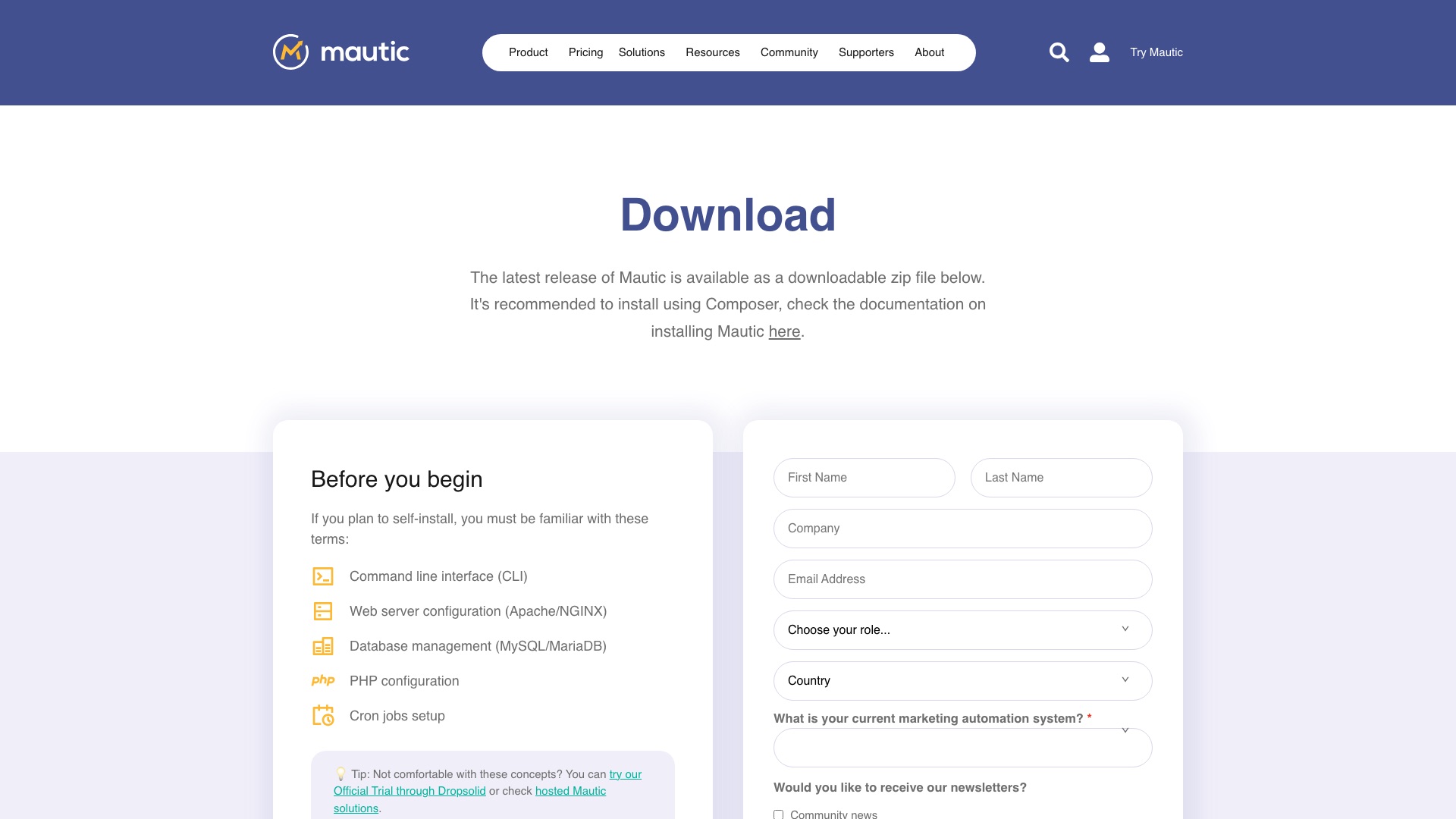
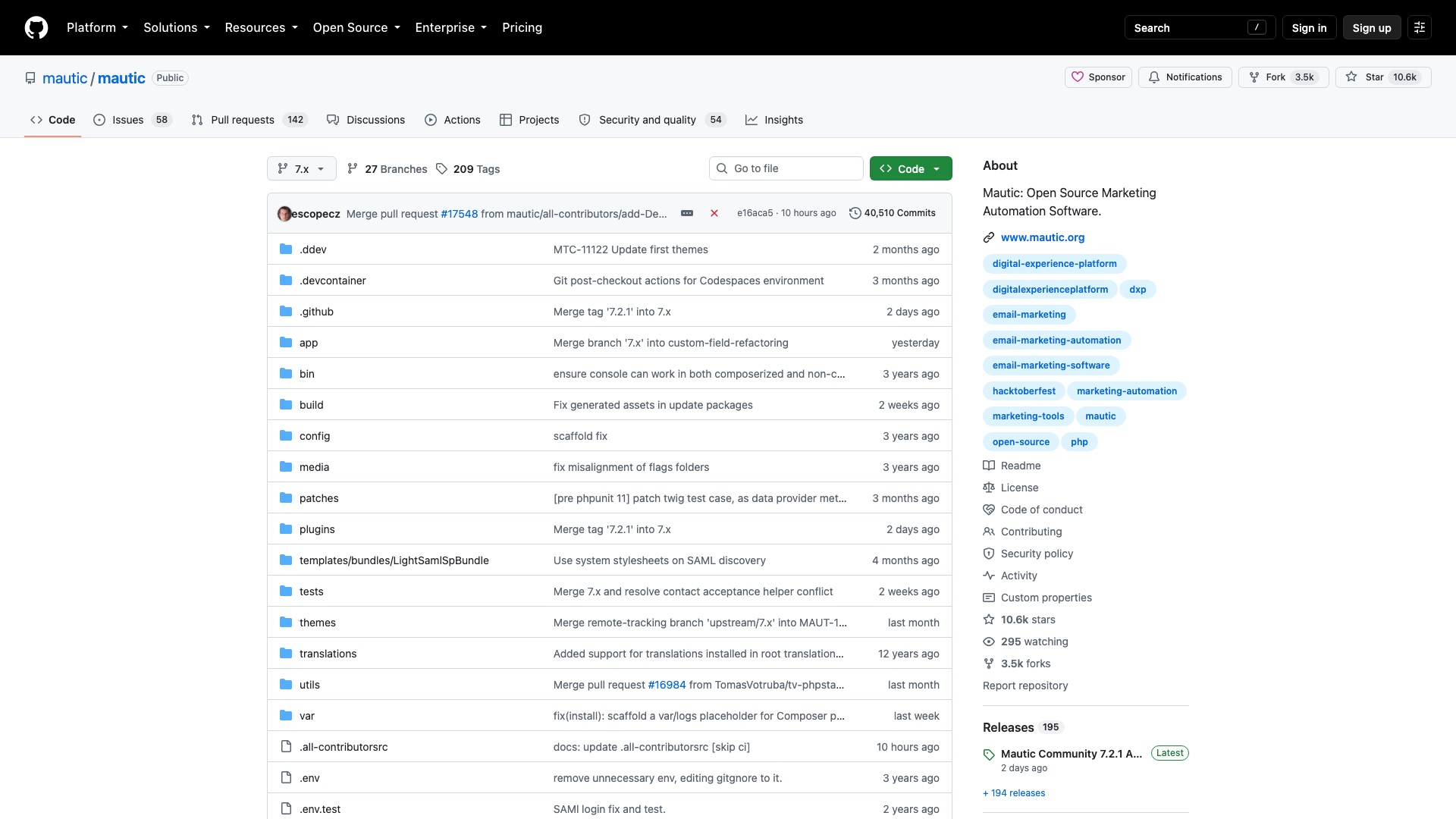
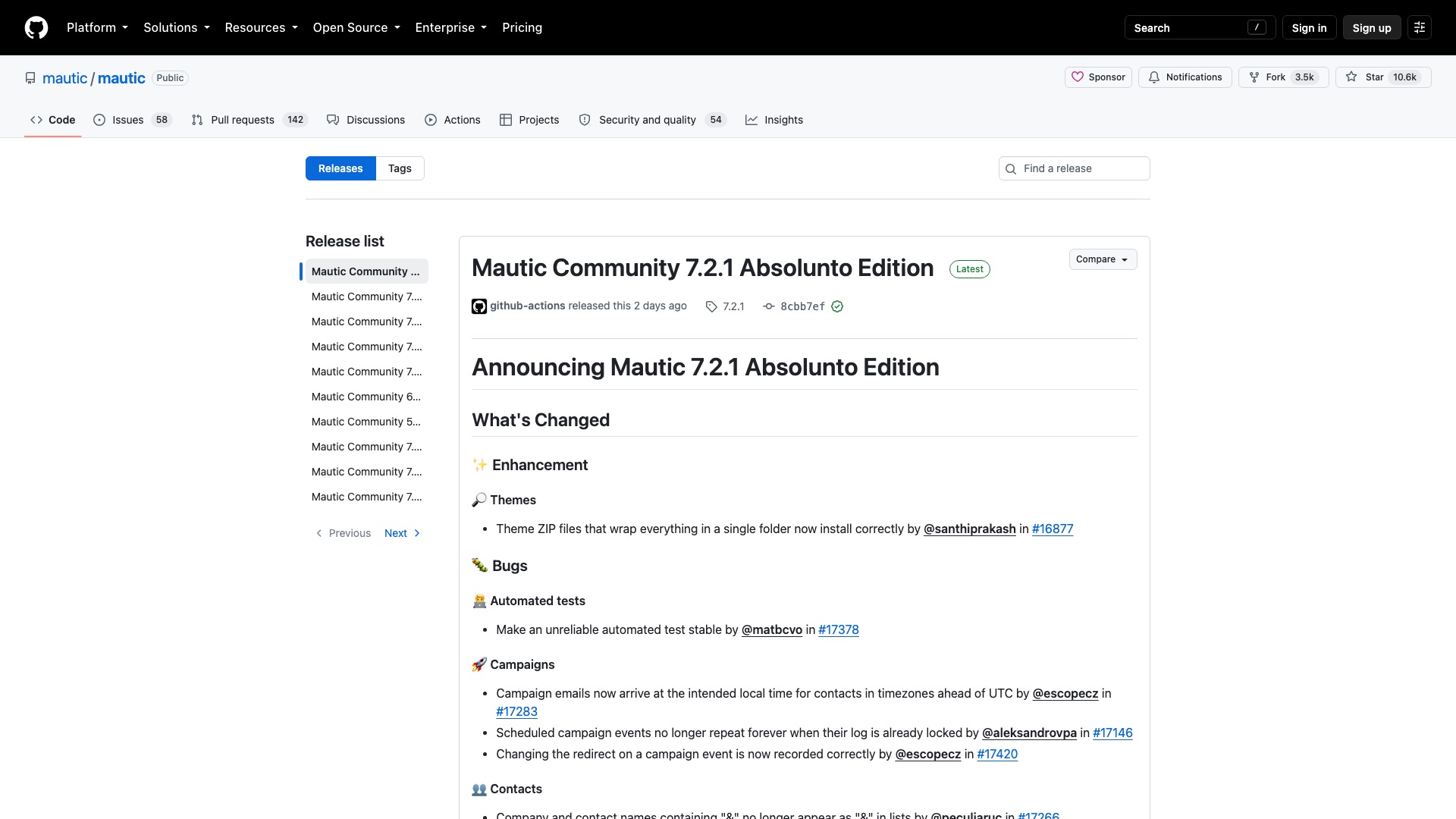
The license, in plain English: Mautic is GPL version 3: you can use it commercially, modify it, rebrand it, host it for clients, and charge whatever you like (keep the original copyright notices), and running it as a hosted service does not force you to publish your changes. Two things to watch: if you give someone a copy of the software (or a plugin) you must also give them the source under GPL, and "Mautic" is a trademark, so it cannot go in your company or product name without a license from the project.
9 of 10
Intercom vs Chatwoot
09 / 10IntercomvsChatwoot
Intercom
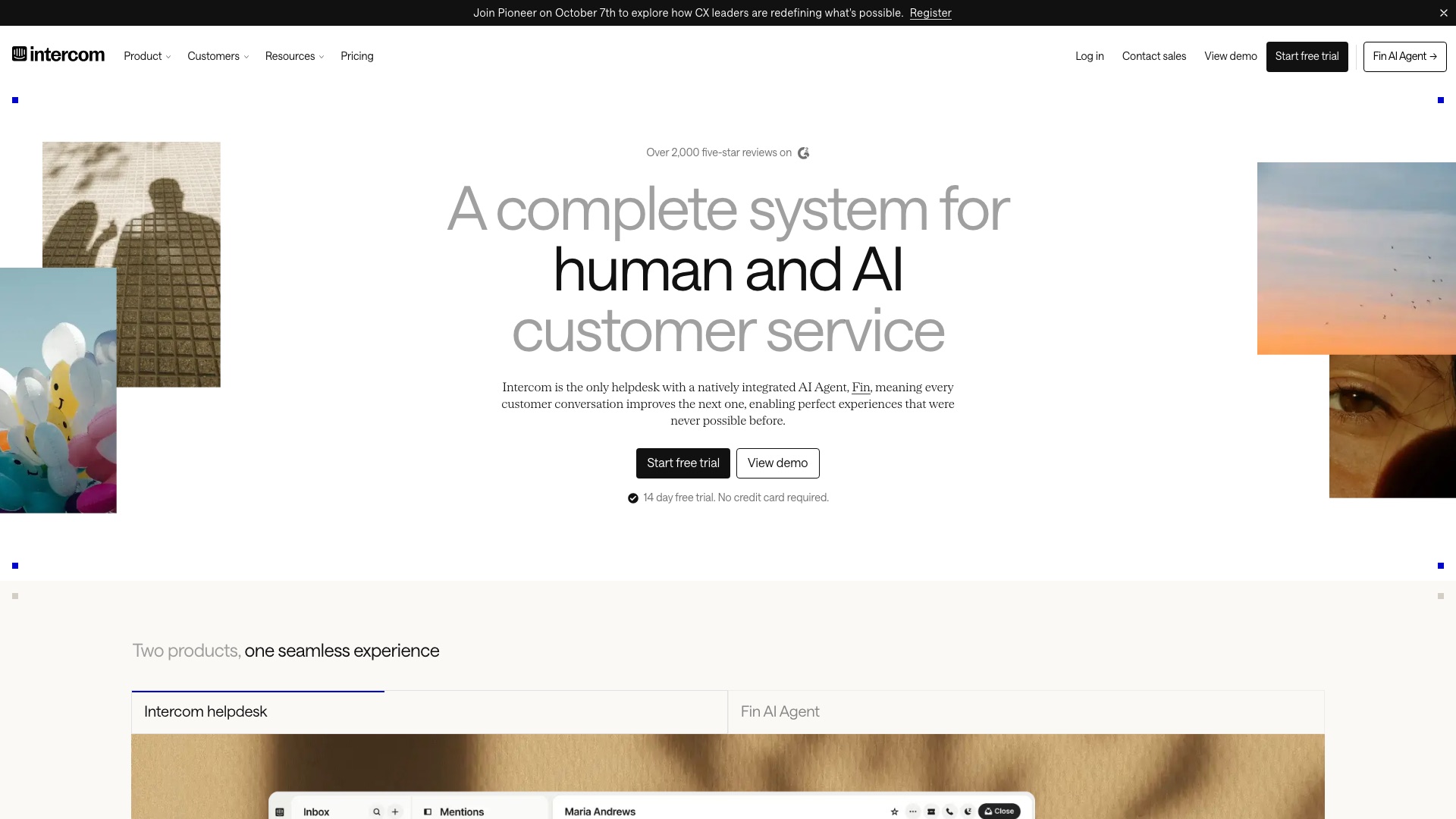
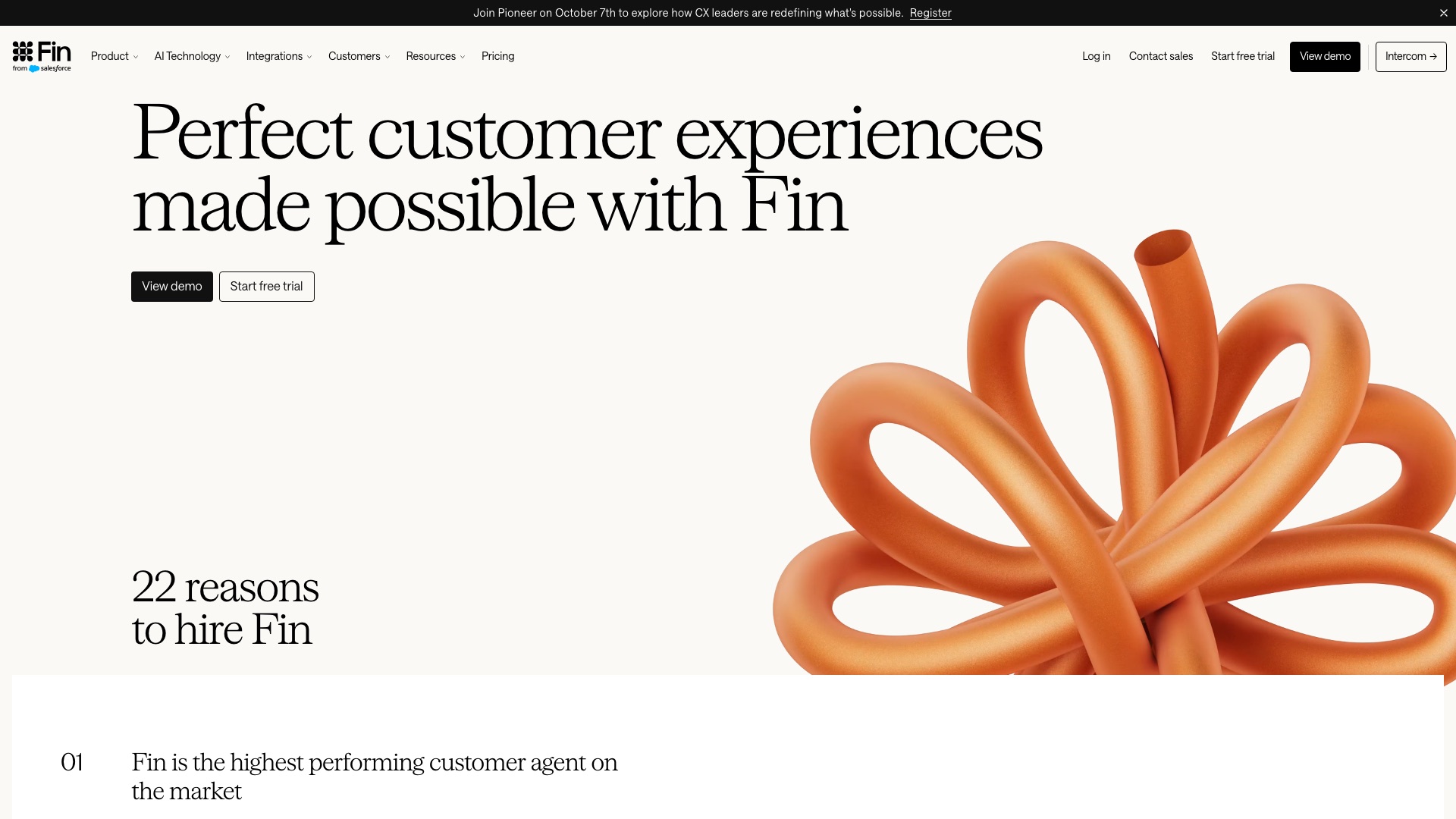
Intercom is a hugely popular customer support inbox. On September 10th, Salesforce finished buying it. The company now calls itself Fin, after its AI agent.
09 / 10IntercomvsChatwoot
Intercom
But:
Fin is the AI that answers your customers before any human does.
It learns from your help docs, your old conversations, your policies.
That front door, trained on your knowledge and talking in your name, now belongs to Salesforce.
09 / 10IntercomvsChatwoot
Intercom
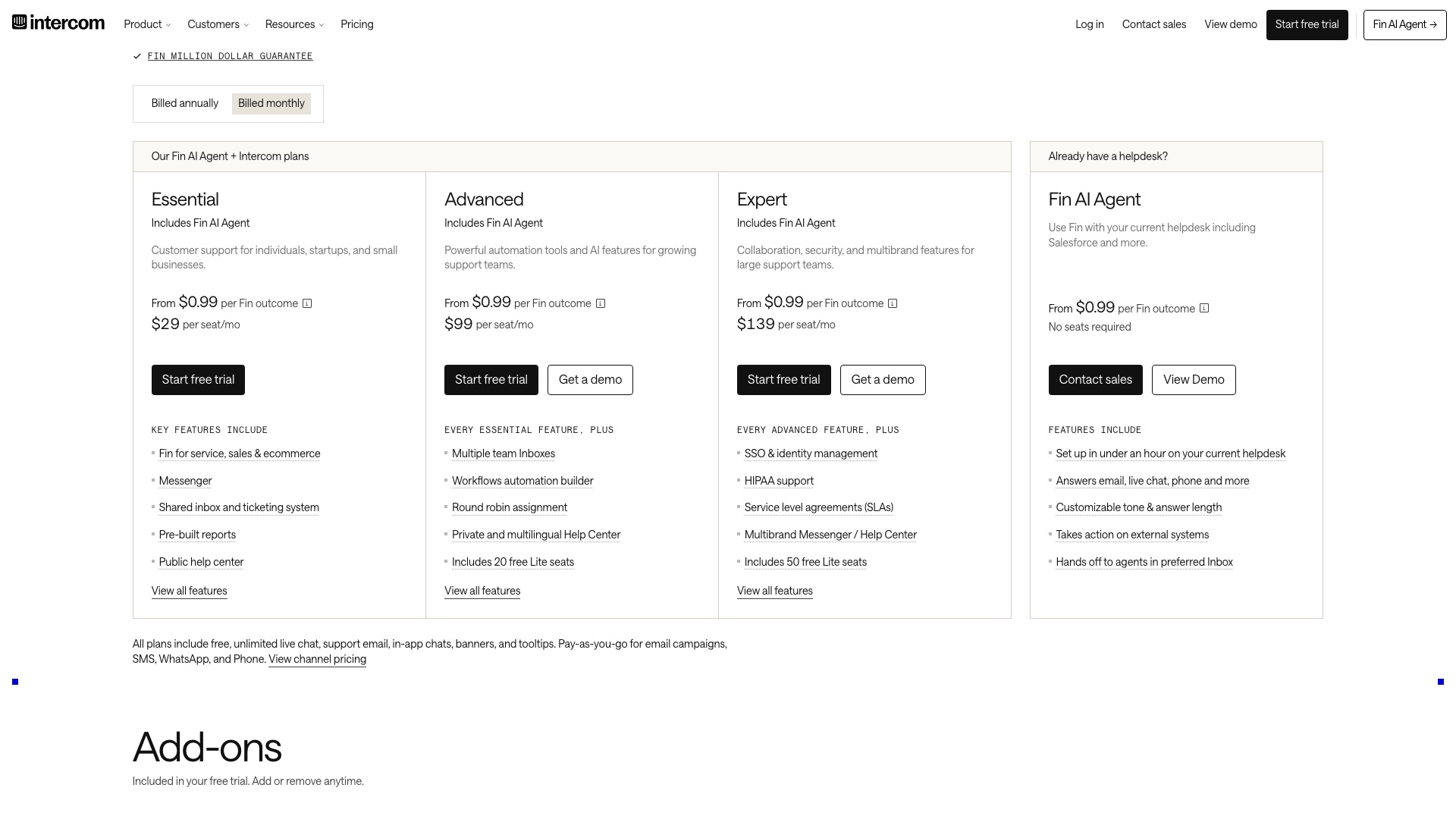
Intercom Expert is $132 a seat a month billed annually, plus 99 cents and up for every conversation Fin resolves.
09 / 10IntercomvsChatwoot
Chatwoot
Then a team built the open source support inbox, with its own AI agent.
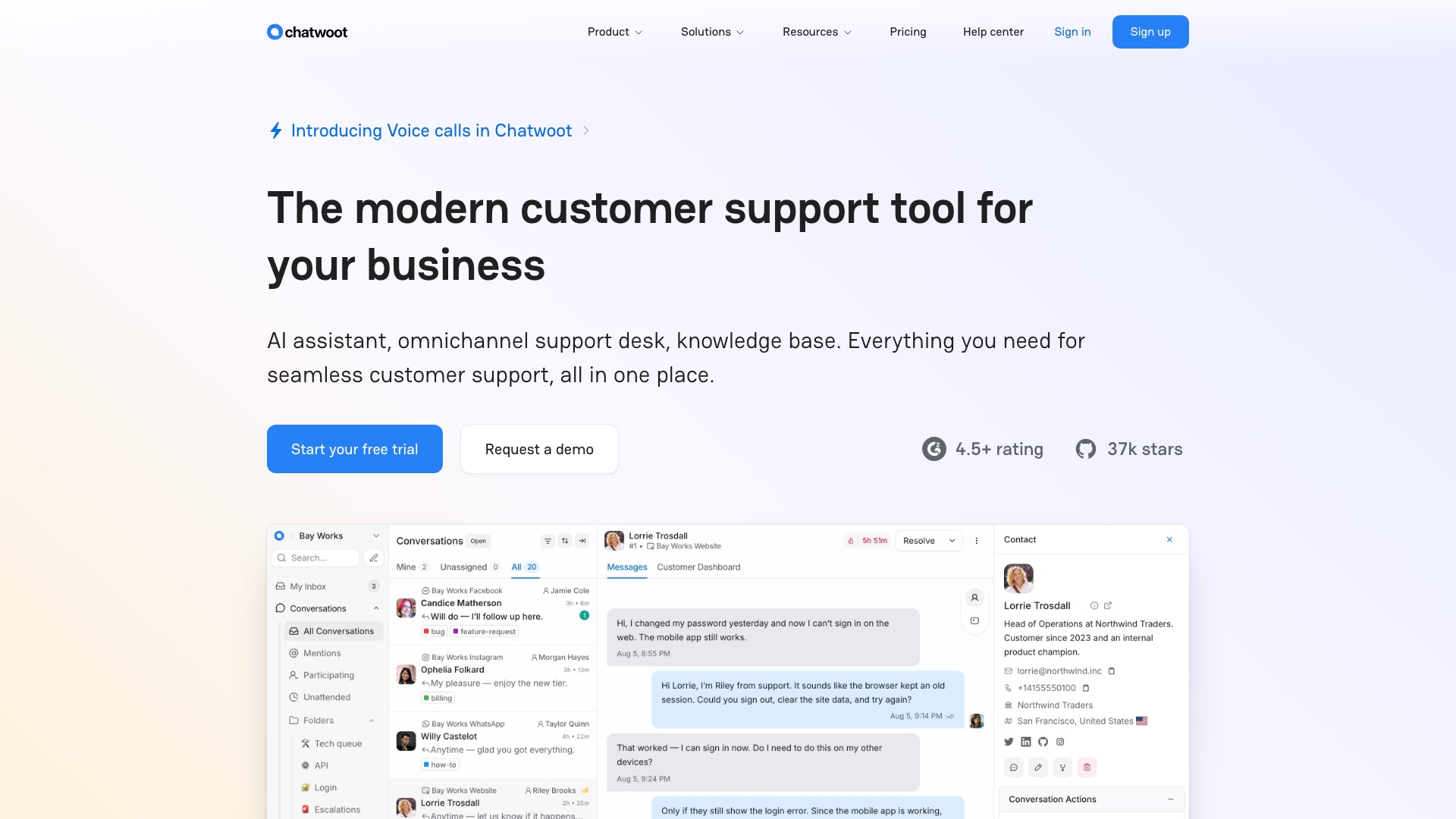
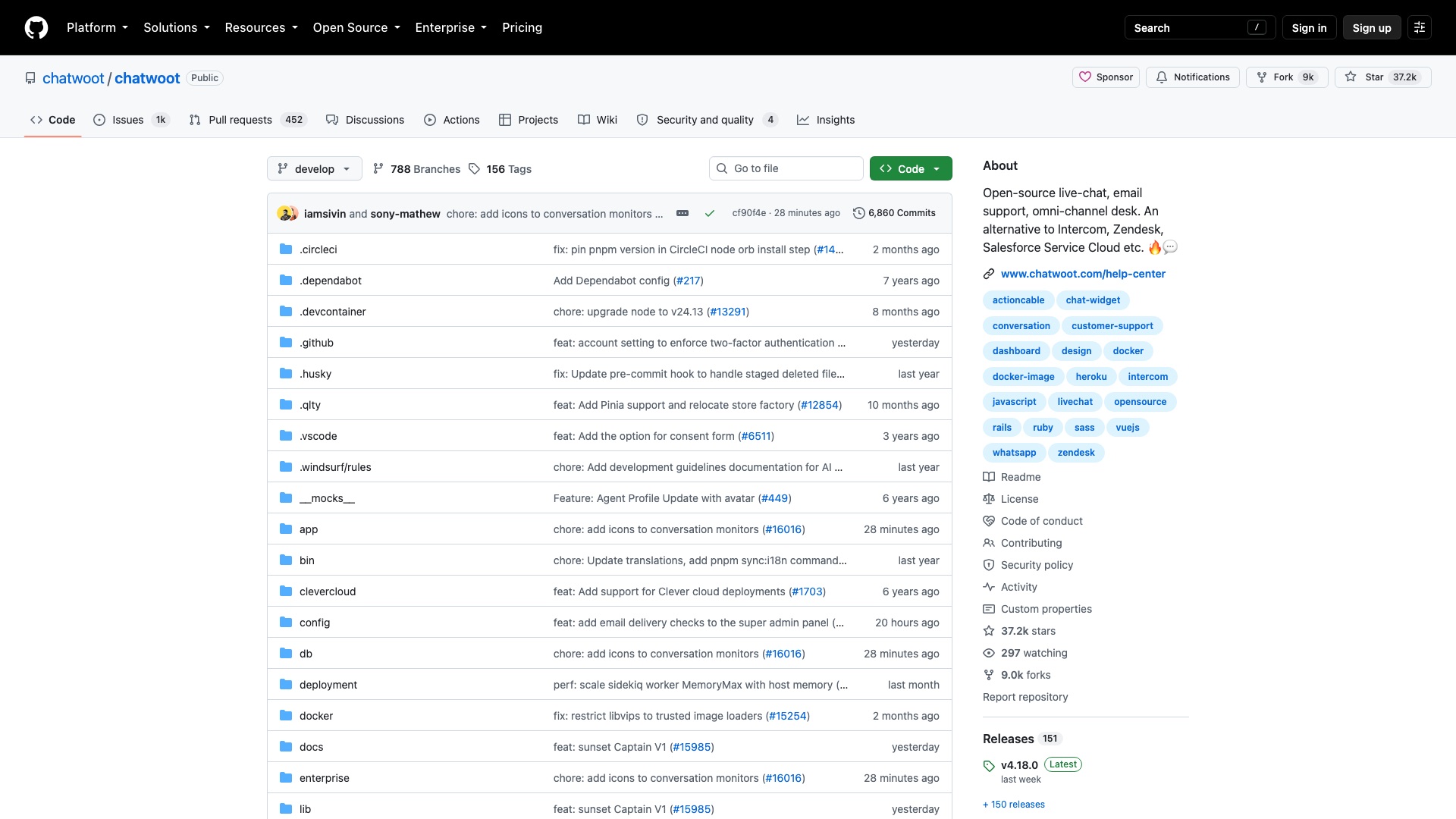
Chatwoot is the open source Intercom alternative you can host yourself.
09 / 10IntercomvsChatwoot
Chatwoot
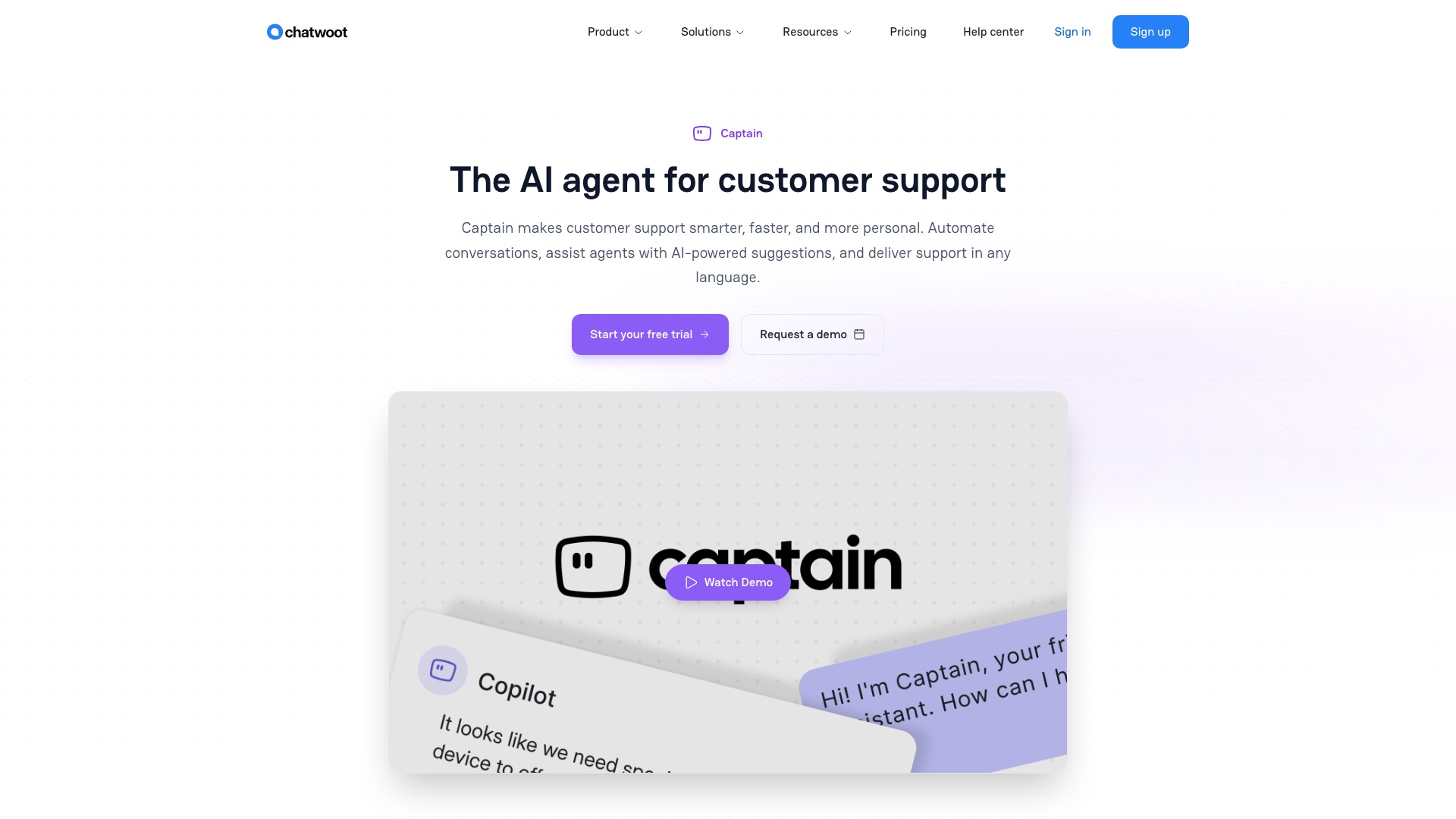
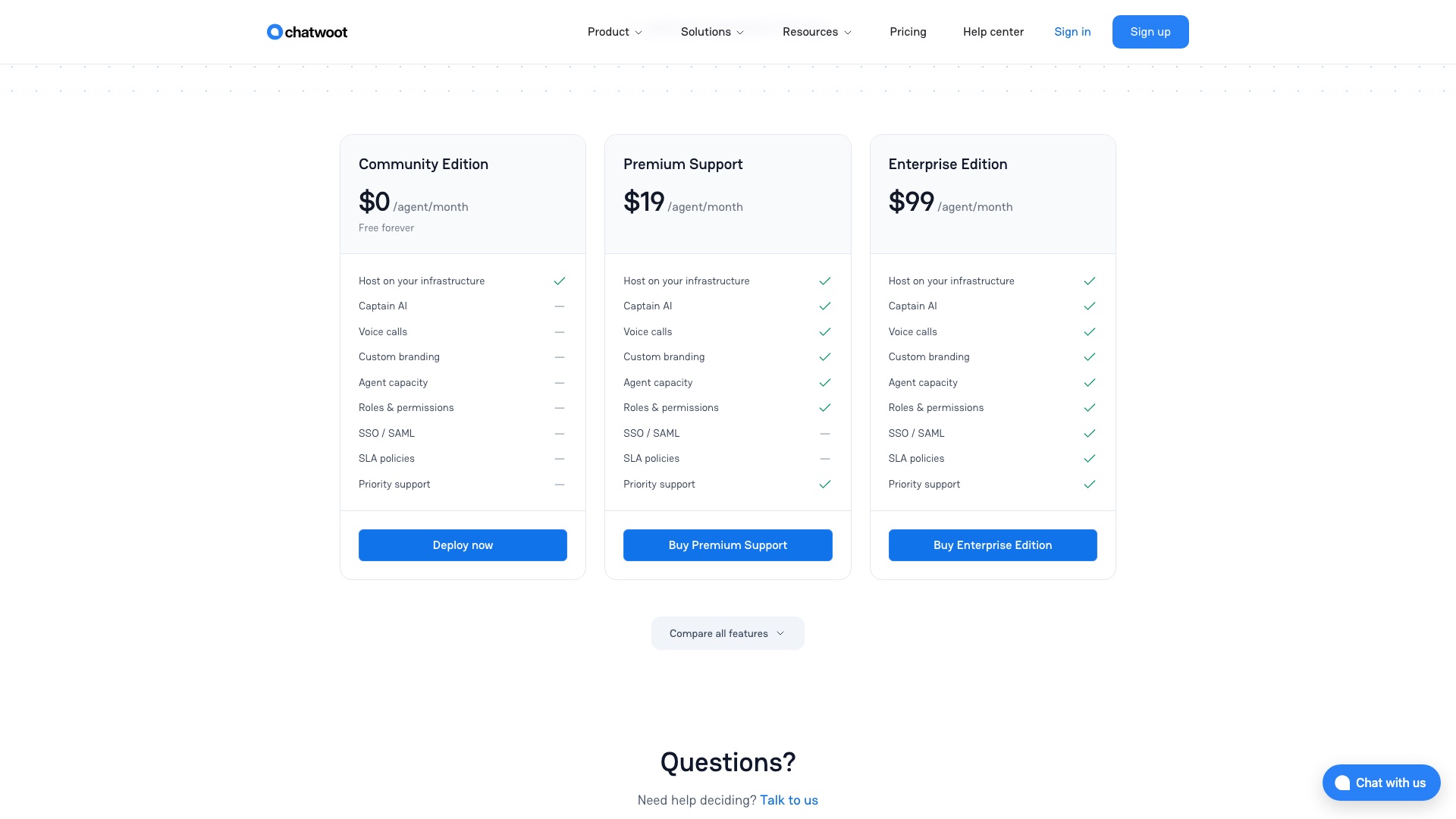
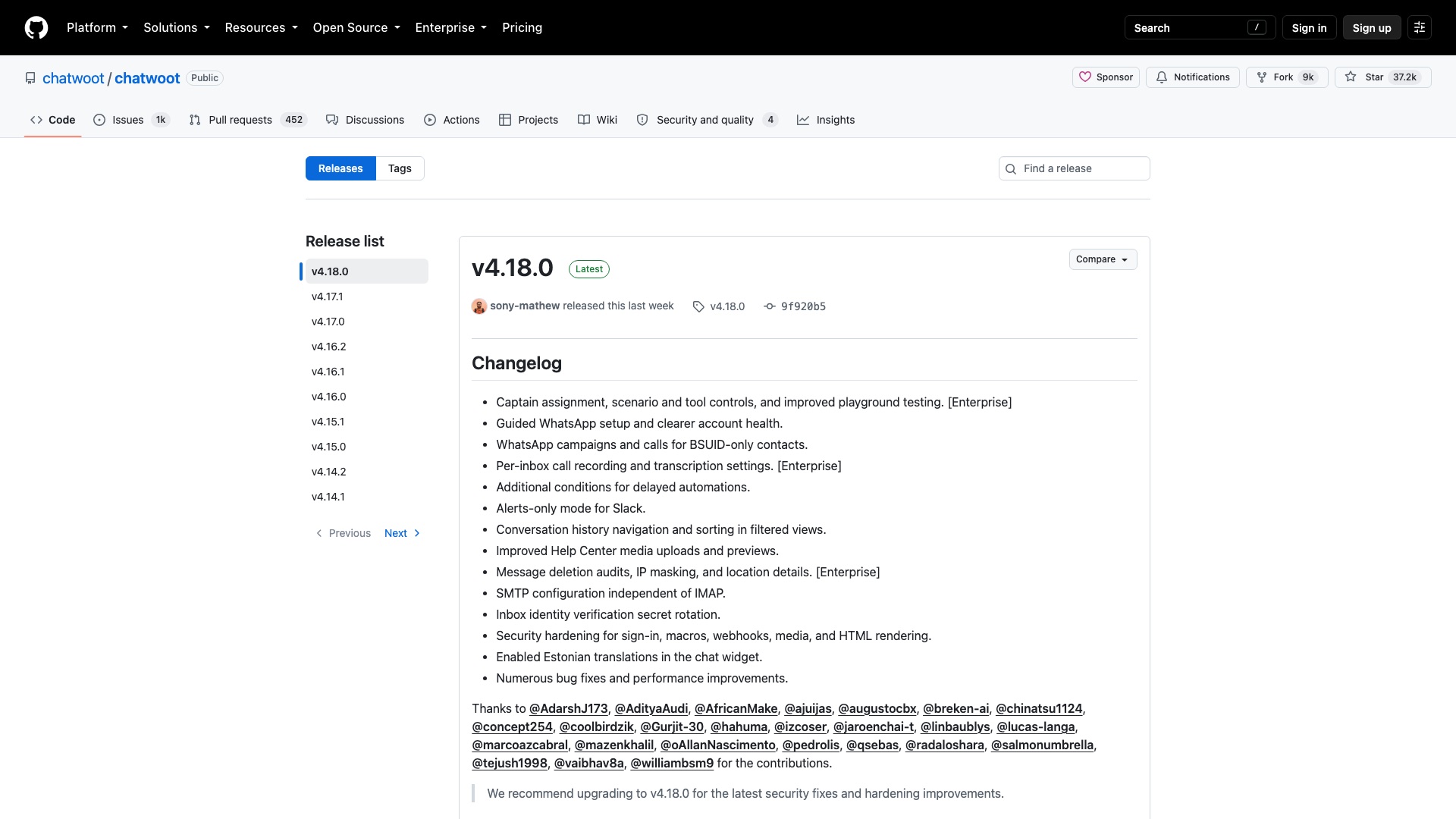
Now here is the part that actually matters. Chatwoot's AI agent is called Captain. You point it at your help center, your website, your PDFs. Link it to an inbox and it talks to customers. When it gets stuck, it hands off to a person. It can even check things in your own systems, like a warranty or an order. But Captain is not in the free part. It lives in Chatwoot's enterprise folder, not the MIT part. MIT is the license that lets you do anything, including sell it. The enterprise folder needs a paid Chatwoot plan.
09 / 10IntercomvsChatwoot
Chatwoot
So if you self-host and want Captain, you pay Chatwoot and bring your own OpenAI key. If you stay on the free core, you still get small AI helpers. Rewrite a reply. Summarize a thread. Suggest an answer. And there is a door to plug in any bot you build yourself.
09 / 10IntercomvsChatwoot
Chatwoot
Here is what Chatwoot ships:
- One inbox for website chat, email, WhatsApp, Instagram, Telegram, SMS, and more
- Captain, an AI agent that answers from your docs and hands off to a human
- A copilot that drafts replies, translates, and summarizes for your team
- A help center customers can search on their own
- Reports on conversations, agents, and customer satisfaction
09 / 10IntercomvsChatwoot
Chatwoot
Worth Noticing:
Fin is still the stronger AI. Fin says it resolves 76% of questions on average, across more than 12,000 customers. Chatwoot publishes no number like that. And Captain sits in the enterprise folder. Delete that folder and you have the free MIT product, minus the AI agent.
Your inbox. Your AI. Your knowledge. Your server.
09 / 10IntercomvsChatwoot
Chatwoot
4 ways to make money with Chatwoot
01
WhatsApp front desk for clinics
Set up Chatwoot plus Captain for dental or physio clinics so patients get instant answers on WhatsApp and the website, and staff take over for bookings. Charge a setup fee plus a monthly retainer (for example $1,500 setup + $200/month), with the clinic paying Chatwoot for its Captain plan directly.
02
Hosted inbox for property managers
Run the free MIT core on your own server as a managed, branded support inbox for small property management firms: tenant chat, email, and SMS in one place. Charge a flat monthly fee per firm (for example $99/month) that covers hosting, updates, and backups.
03
Your own AI bot add-on
Build an AI answer bot that plugs into Chatwoot's built-in bot connection, tuned for one niche like Shopify stores (order status, returns, sizing). Sell it as a monthly add-on to anyone running Chatwoot, with no Chatwoot enterprise code inside it.
04
Intercom-to-Chatwoot migrations
Help companies rethinking Intercom now that Salesforce owns it: move help articles, set up channels, and train the team. Sell it as a fixed-price project (for example $3,000 to $5,000 per company).
The license, in plain English: Everything outside the enterprise folder is MIT, which means you can host it, change it, rebrand it, and sell it. The enterprise folder, which includes the Captain AI agent, is not MIT: it needs a paid Chatwoot license for each agent seat, and you may not resell or redistribute it, so ideas 2 and 3 must run without it and idea 1 needs your client on a paid Chatwoot plan.
10 of 10
Semrush vs OpenSEO
10 / 10SemrushvsOpenSEO
Semrush
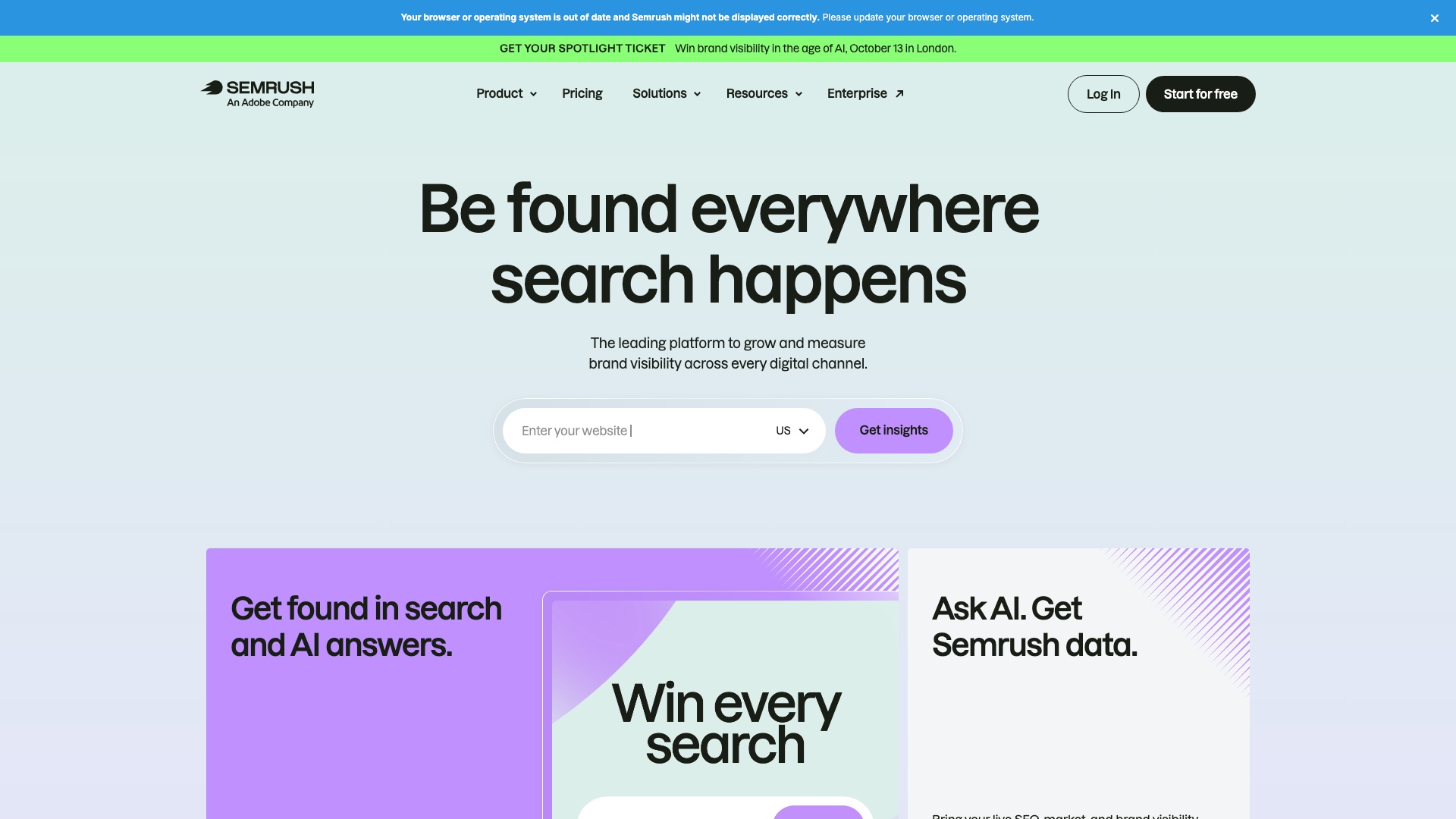
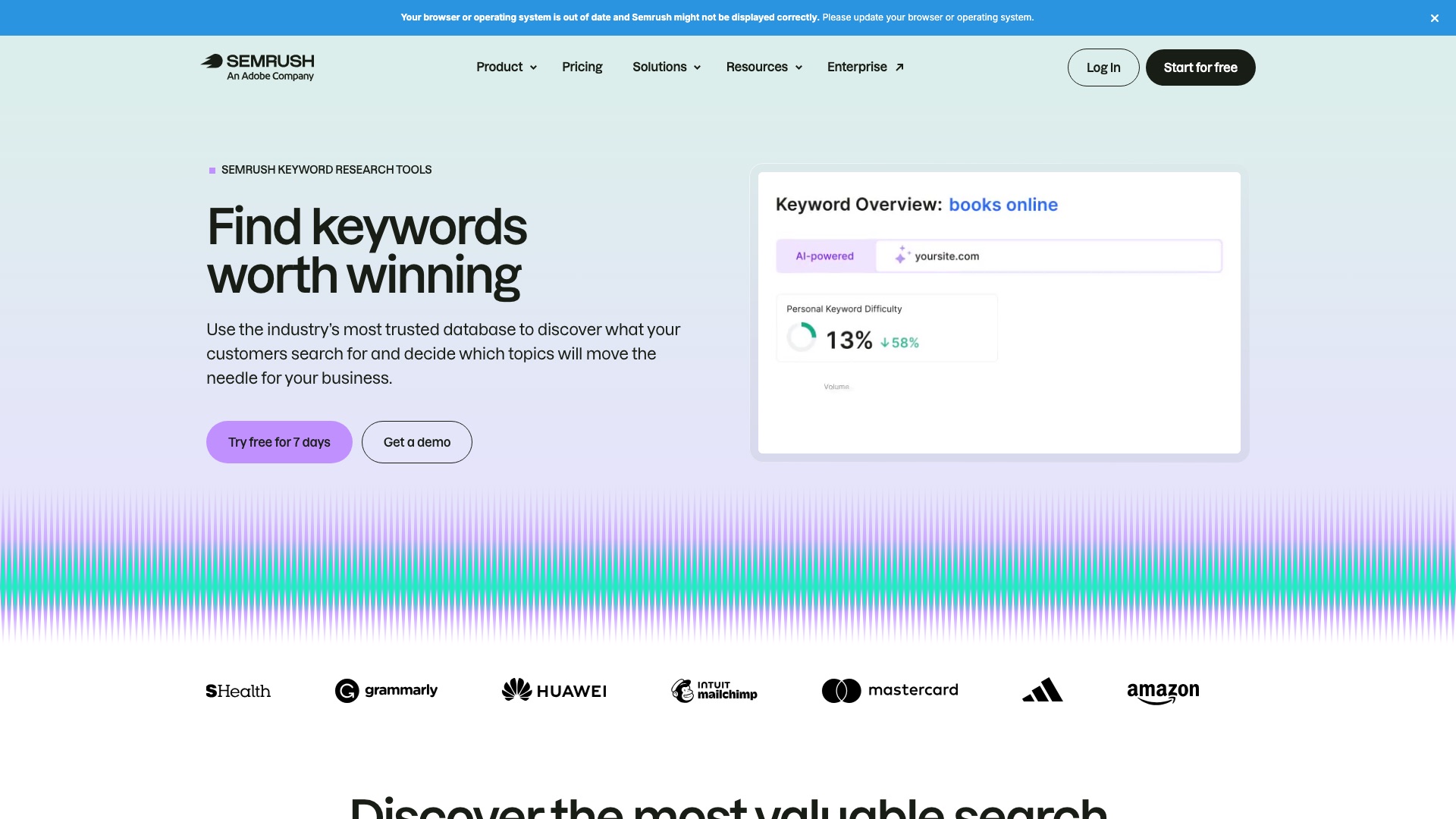
Semrush is a hugely popular SEO tool. It is now an Adobe company.
10 / 10SemrushvsOpenSEO
Semrush
But:
Semrush holds your keyword lists, your rank history, and your site audits.
Your agency reports live inside its dashboard. Stop paying, and you lose the dashboard.
Want to track more websites or more keywords? That means a bigger plan.
10 / 10SemrushvsOpenSEO
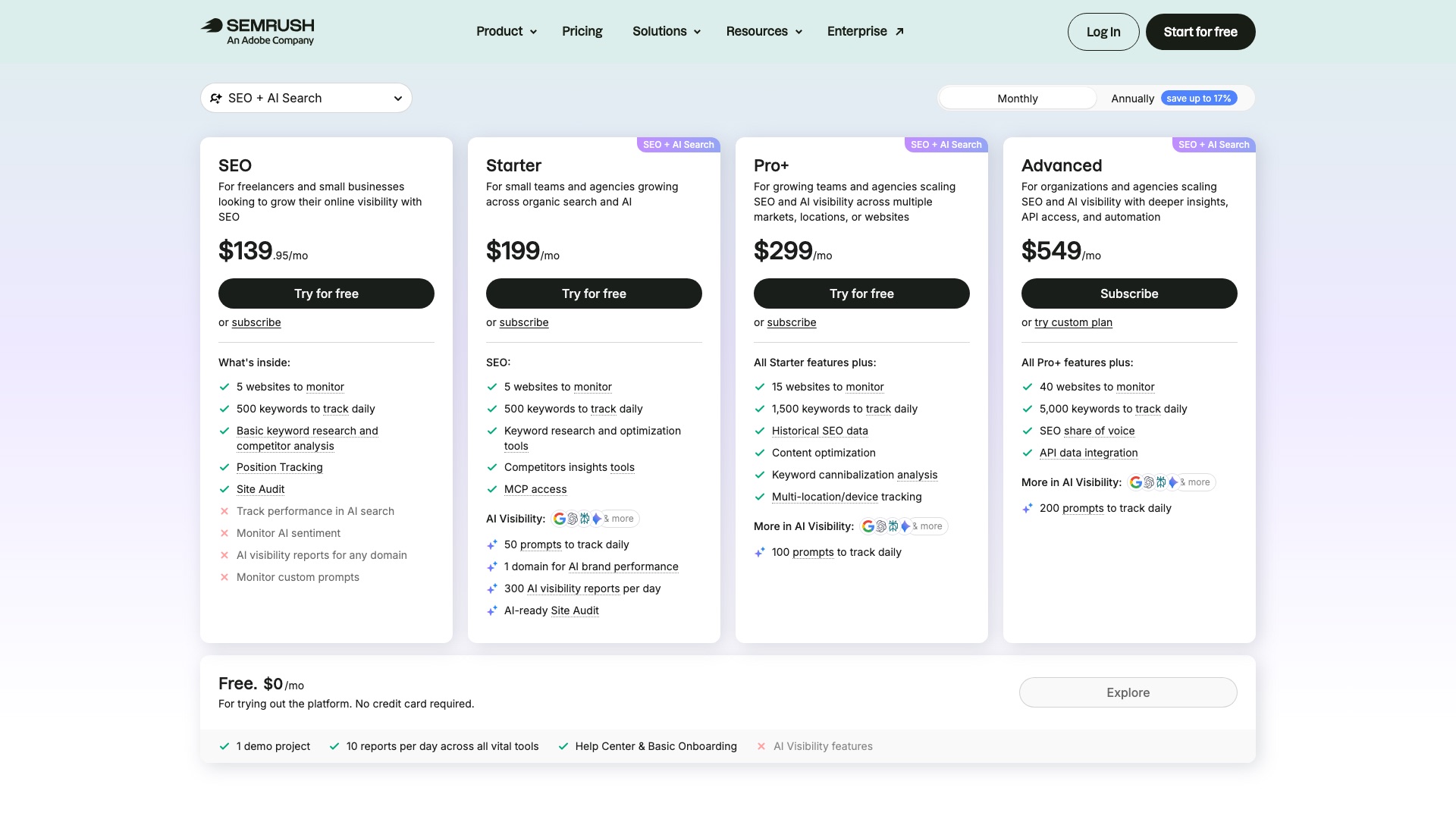
Semrush
Semrush Advanced is $549 a month, or $455.67 a month billed annually.
10 / 10SemrushvsOpenSEO
OpenSEO
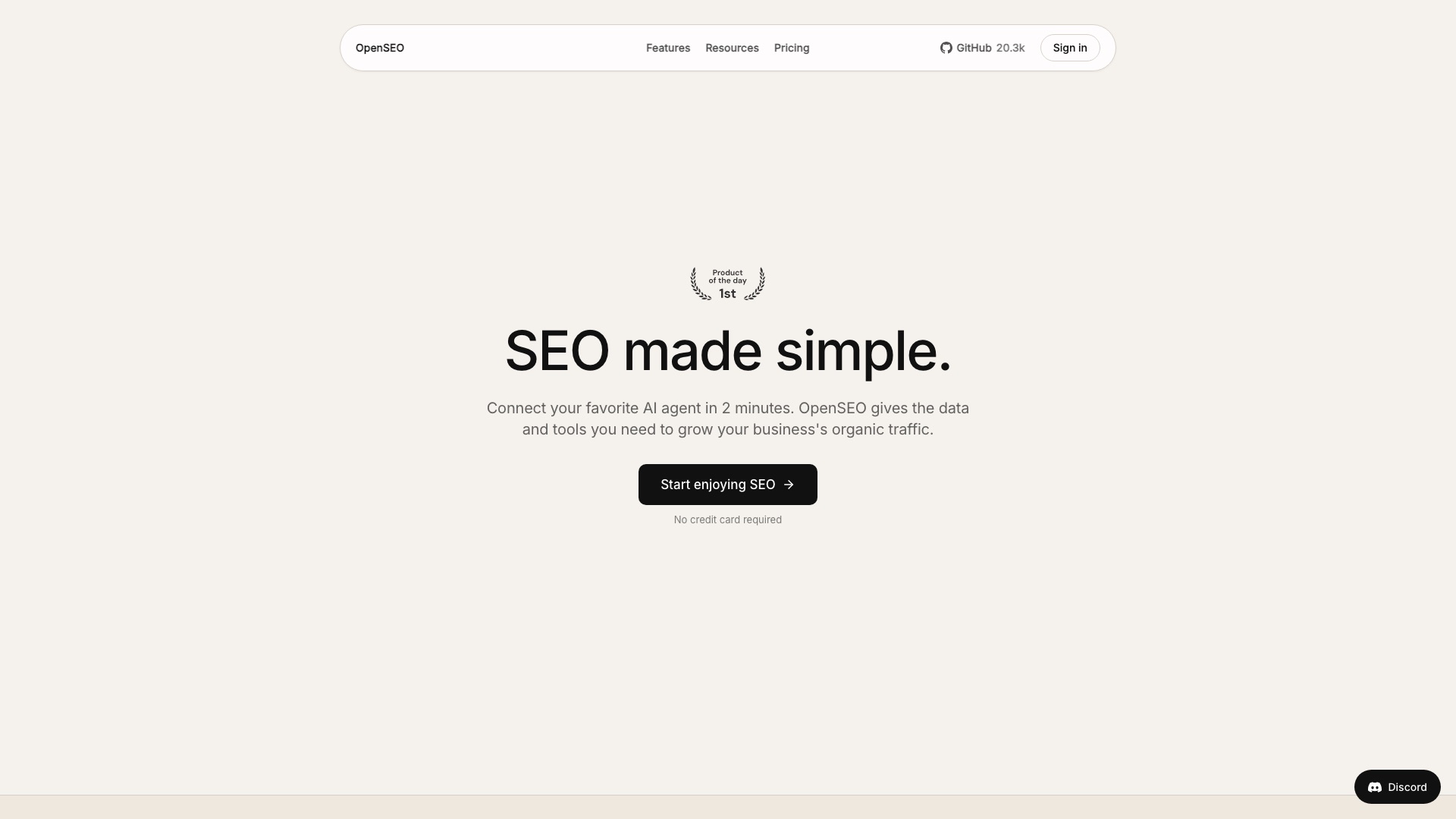
Then a small team built the open source SEO tool.
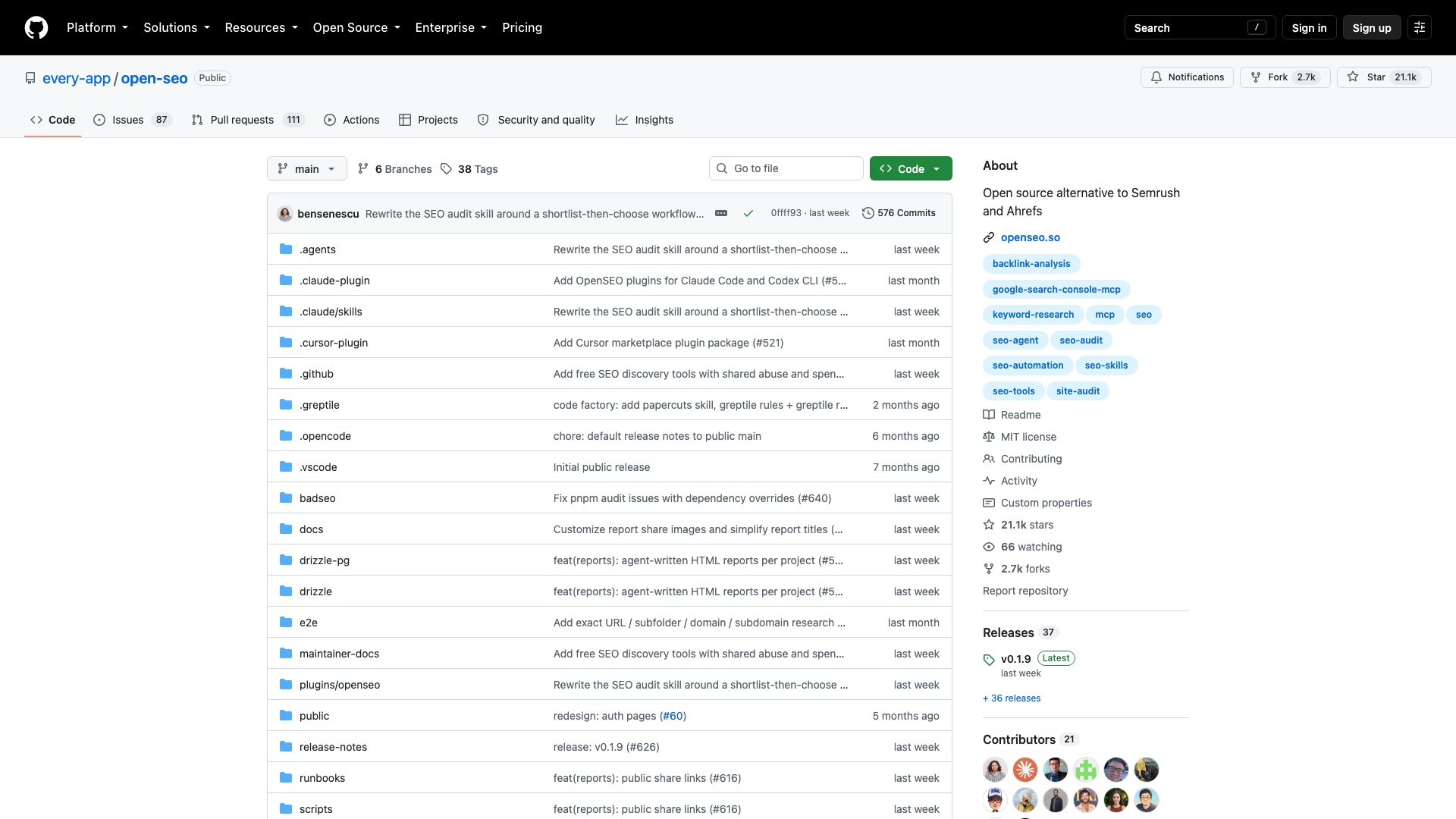
OpenSEO is the open source alternative to Semrush and Ahrefs that you can run yourself.
10 / 10SemrushvsOpenSEO
OpenSEO
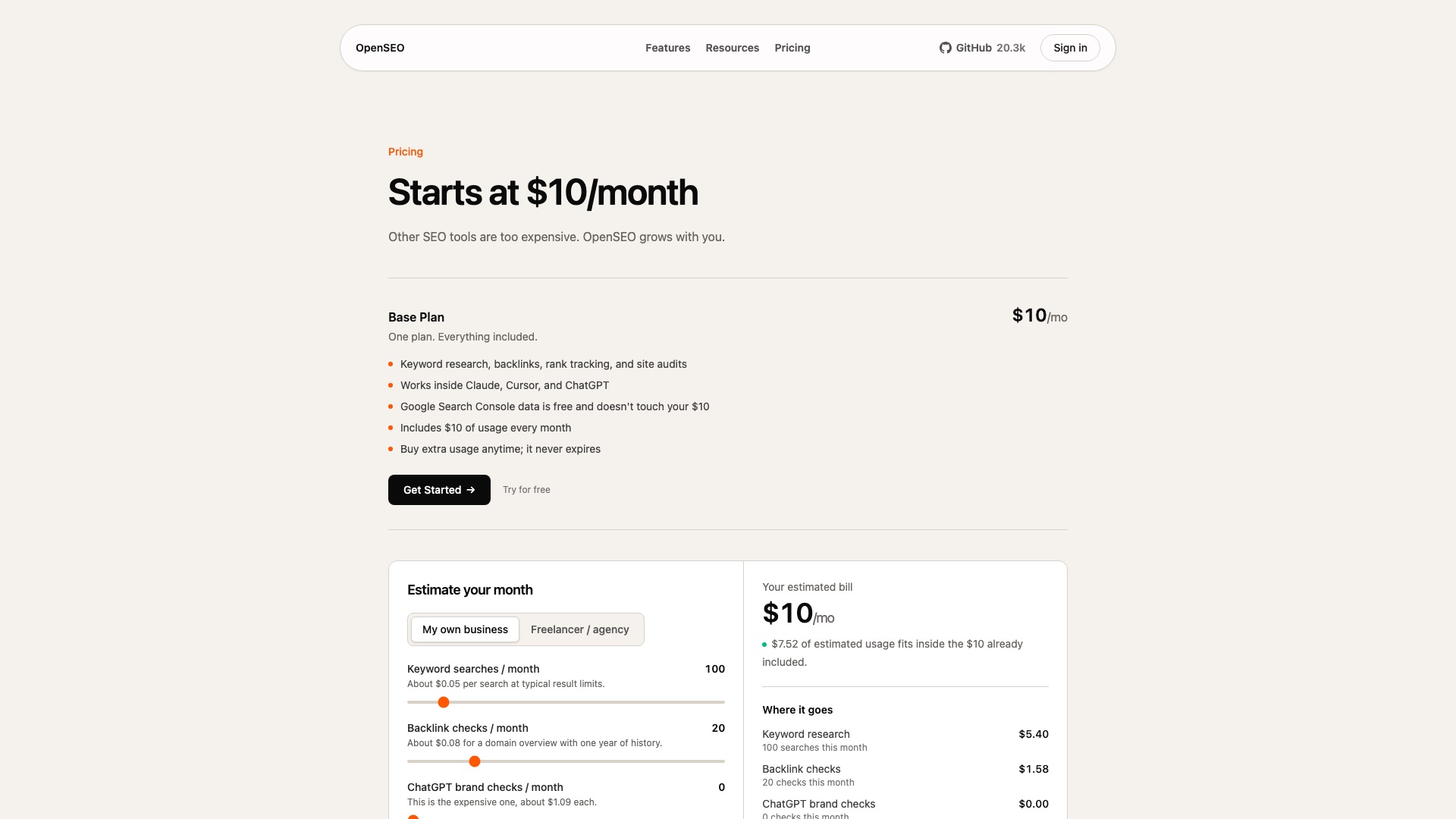
Now here is the part that actually matters. OpenSEO does not have its own map of the internet. The keyword numbers and backlink data come from DataForSEO, a paid data company. You bring your own DataForSEO key and pay them per search. The README gives examples: about five cents for a keyword search and about eight cents for a backlink check. Most small sites use a few dollars a month, not hundreds.
10 / 10SemrushvsOpenSEO
OpenSEO
If you do not want to set it up, the hosted version is $10 a month with $10 of usage included. That is how they make money: the README says they add 28% on top of every DataForSEO request. Self-host and you skip that markup. DataForSEO asks for a $50 minimum top-up.
10 / 10SemrushvsOpenSEO
OpenSEO
Here is what OpenSEO ships:
- Keyword research: what people search for and how hard it is to rank
- Rank tracking for the keywords you care about
- Backlinks and competitor insights: who links to them, and what they rank for
- Site audits that find what is broken on your site
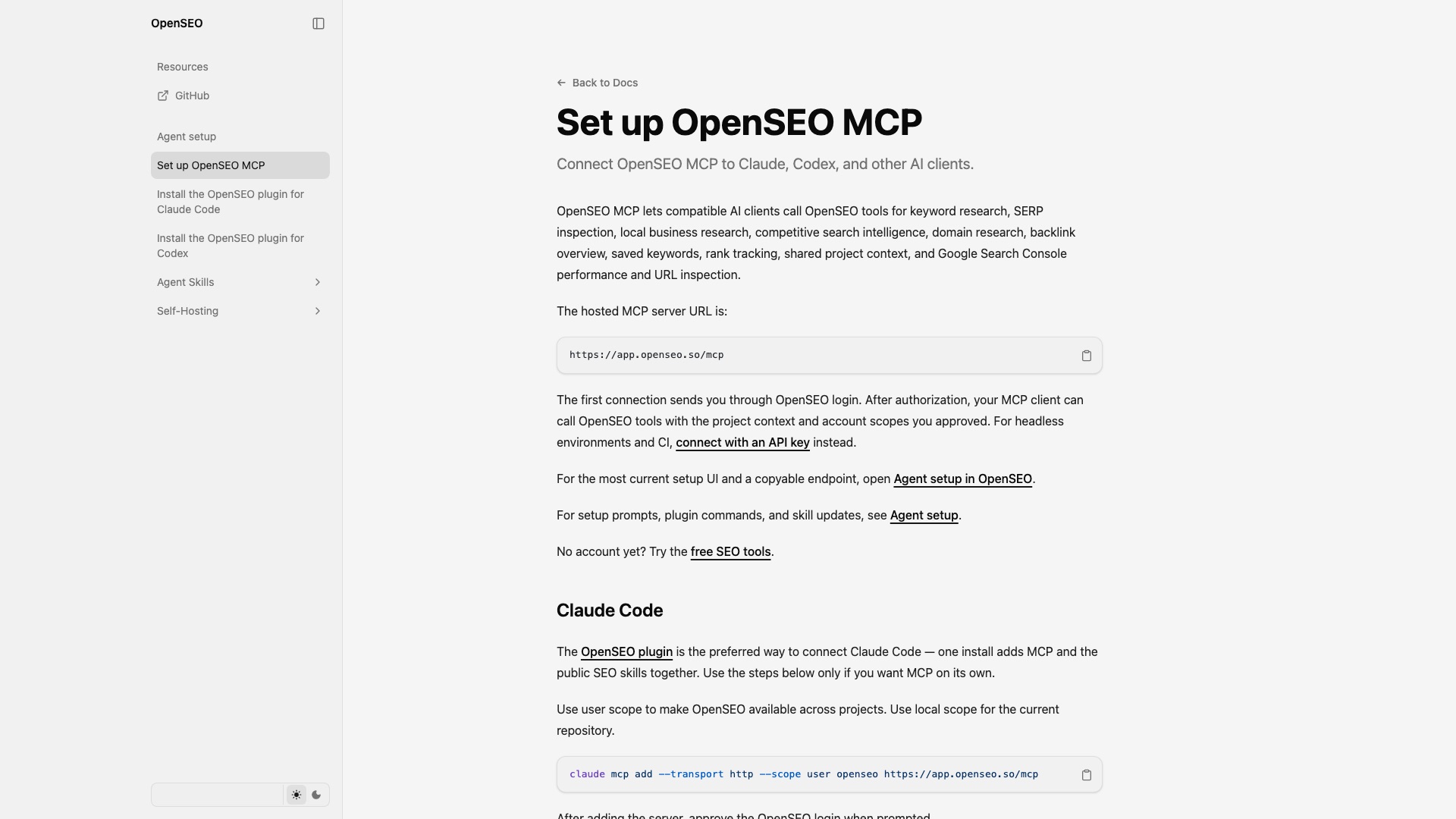
- Plug it into Claude or ChatGPT and ask your AI to do the SEO work for you
10 / 10SemrushvsOpenSEO
OpenSEO
Worth Noticing:
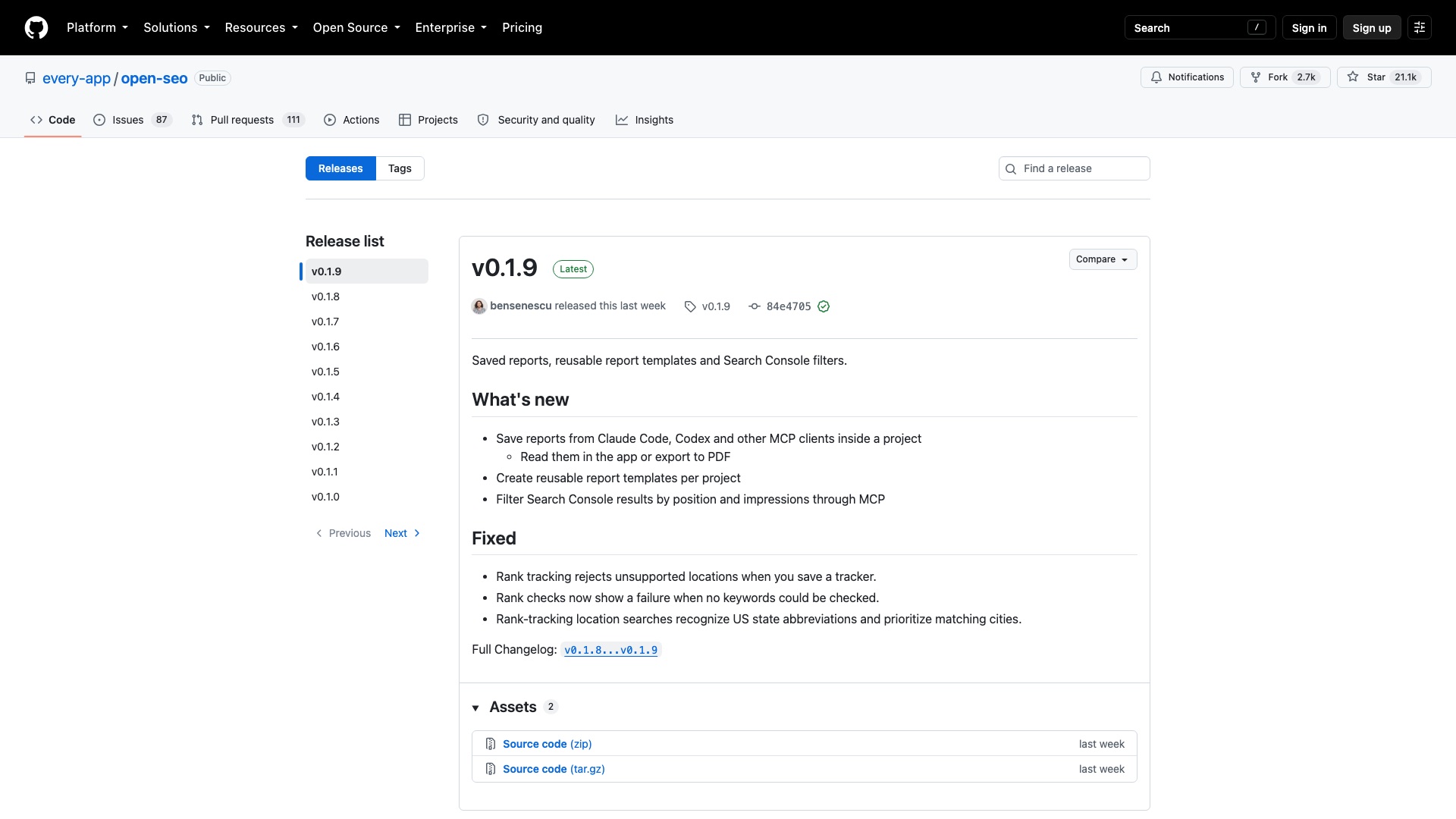
The software is free. The data is not. Every search runs through DataForSEO, and you pay them for it. Semrush still wins on its own giant database, years of history, and one tool that does everything. OpenSEO is young. It went public in February, and it is only at version 0.1.9.
Your keywords. Your rankings. Your reports. Your server.
10 / 10SemrushvsOpenSEO
OpenSEO
4 ways to make money with OpenSEO
01
Done-for-you local SEO
Sell monthly SEO to local businesses like dentists or roofers, running OpenSEO for rank tracking and audits. Your data bill is a few dollars a client, so a price like $300 to $500 a month is mostly your time.
02
White-label client dashboards
Host your own branded copy for small marketing agencies, so their clients log in to "their" SEO tool instead of a Semrush seat. Charge each agency a flat monthly fee, with the DataForSEO usage passed through at cost plus a margin.
03
AI SEO agent setup
Charge founders and marketing teams a one-time fee to wire OpenSEO into Claude or ChatGPT and build custom skills for their weekly SEO tasks. Think $1,000 to $2,000 per setup, plus an optional monthly check-in.
04
Niche SEO tool
Fork it into an SEO tool for one industry, like Shopify stores or real estate agents, with built-in keyword lists and audit checks for that market. Sell it as its own subscription; the MIT license allows it.
The license, in plain English: OpenSEO is MIT, which means you can use it, change it, rebrand it, and sell it, even as a hosted service. The one thing to watch: the data comes from DataForSEO, so any business you build on it pays DataForSEO for every search, and you have to follow their terms too.